Blog
Tips, guides og knowhow.
Praktiske råd til streaming, scoring og håndtering af kampdagens medier.
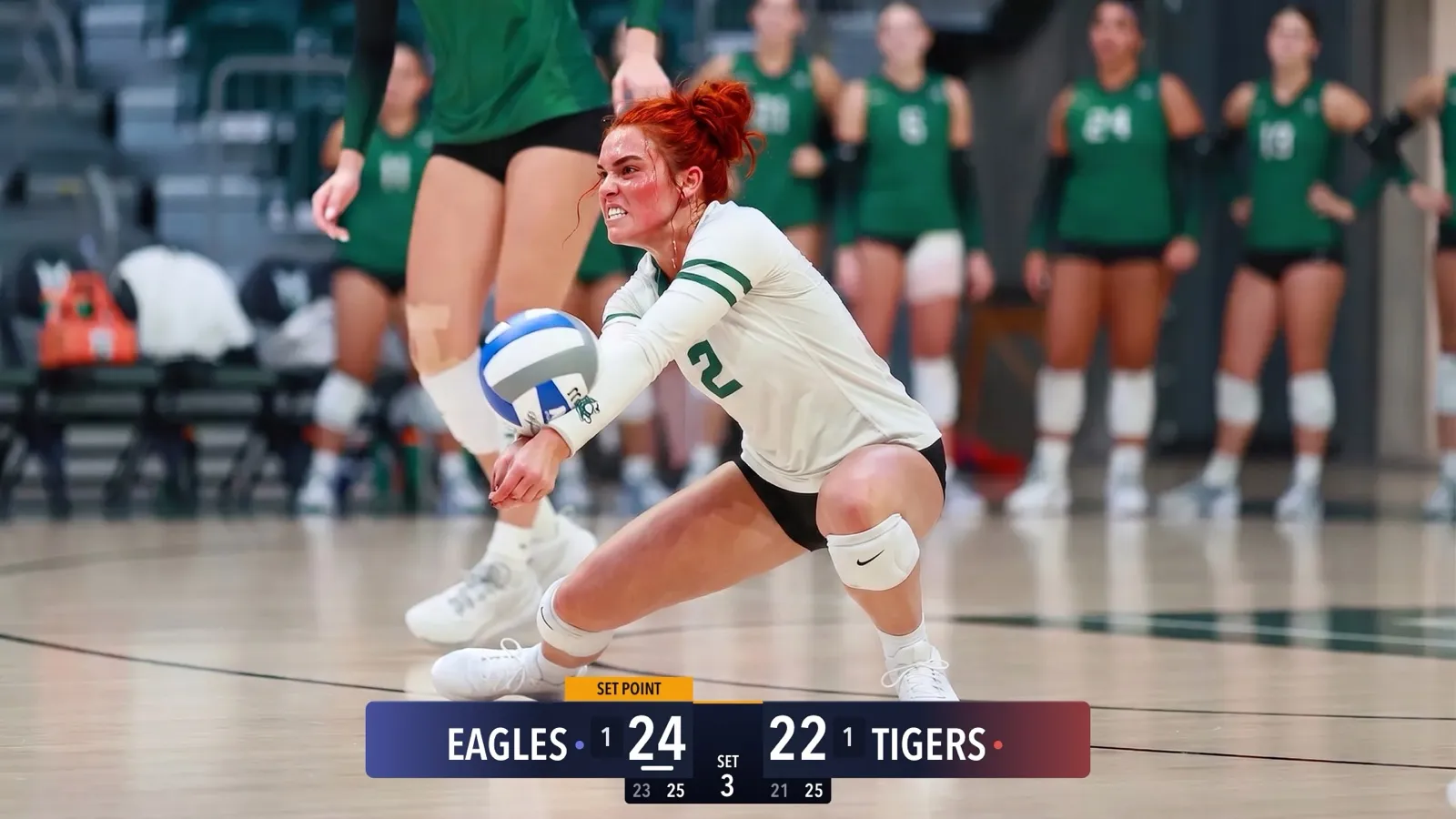
CineSportCam 2.5: Mød de nye resultattavler
Fire looks til resultattavlen, jeres holdfarver, Avanceret-tavler til sportsgrene med sæt, Lodret-tavler til hjørnet, beachvolley og en vælger, der viser hver tavle på et rigtigt kampfoto.
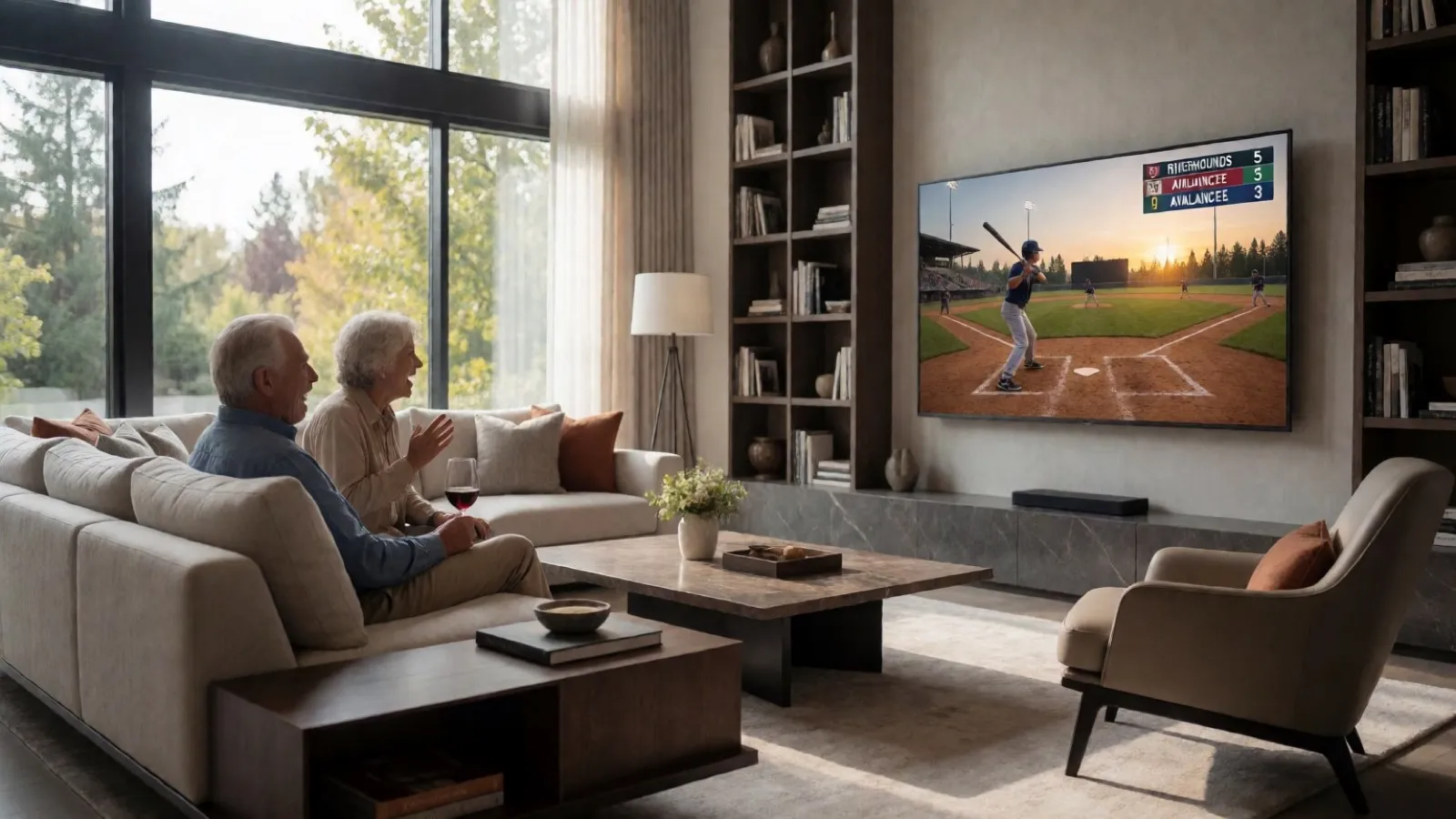
Running the iPad as Your Scoring Console
CineSportCam 2.0 runs on iPad as a full landscape broadcast and scoring console. Two ways to set it up at a game, and when each one makes sense.

Pickleball Scoring, Explained for Parents
Side-out or rally scoring, singles or doubles, games to 11, 15, or 21. How pickleball scoring works and how CineSportCam 2.0 keeps it straight for you.
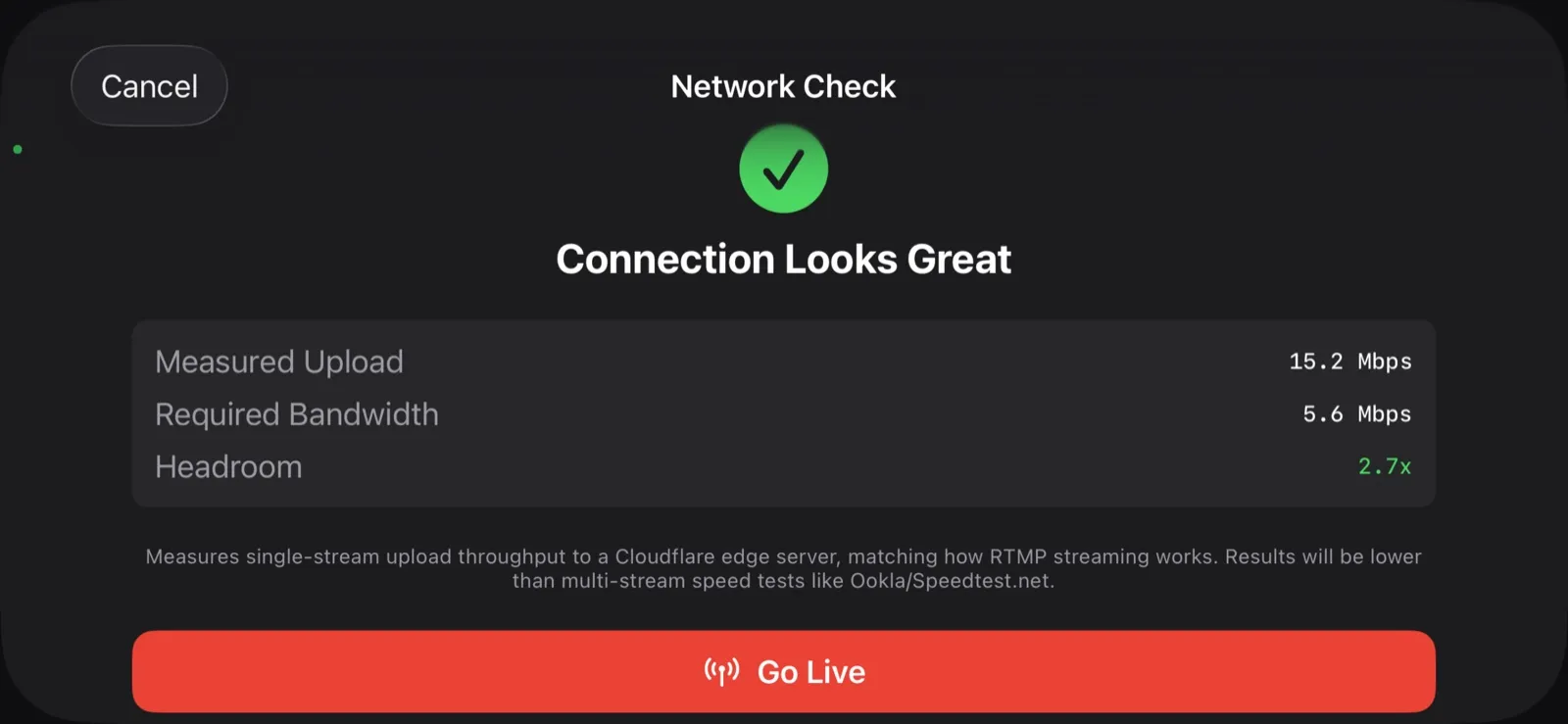
What Happens When the Wi-Fi Drops
Gym Wi-Fi fails. Cellular at the away tournament is worse. Here is exactly what CineSportCam does when the network goes away mid-game, and why your footage is safe.
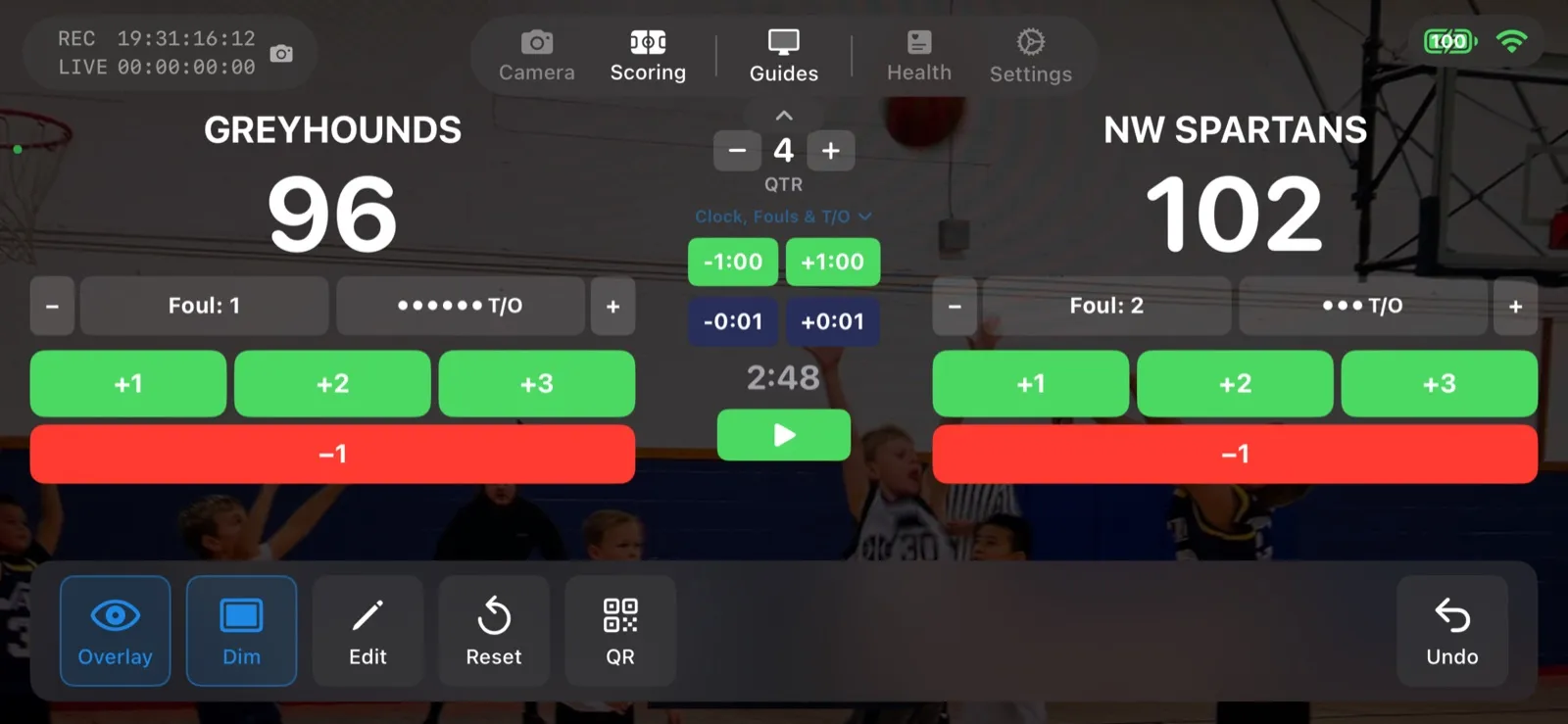
Scoring a Football Game with Down and Distance
How to run the American Football scoreboard in CineSportCam 2.0: quarters, possession, down and distance, the game clock, timeouts, and overtime.
CineSportCam 2.0: What Is New for Game Day
iPad support, four new sports, 13 languages, overtime that reads right, and a guided first launch. Everything that changed in our biggest update yet.
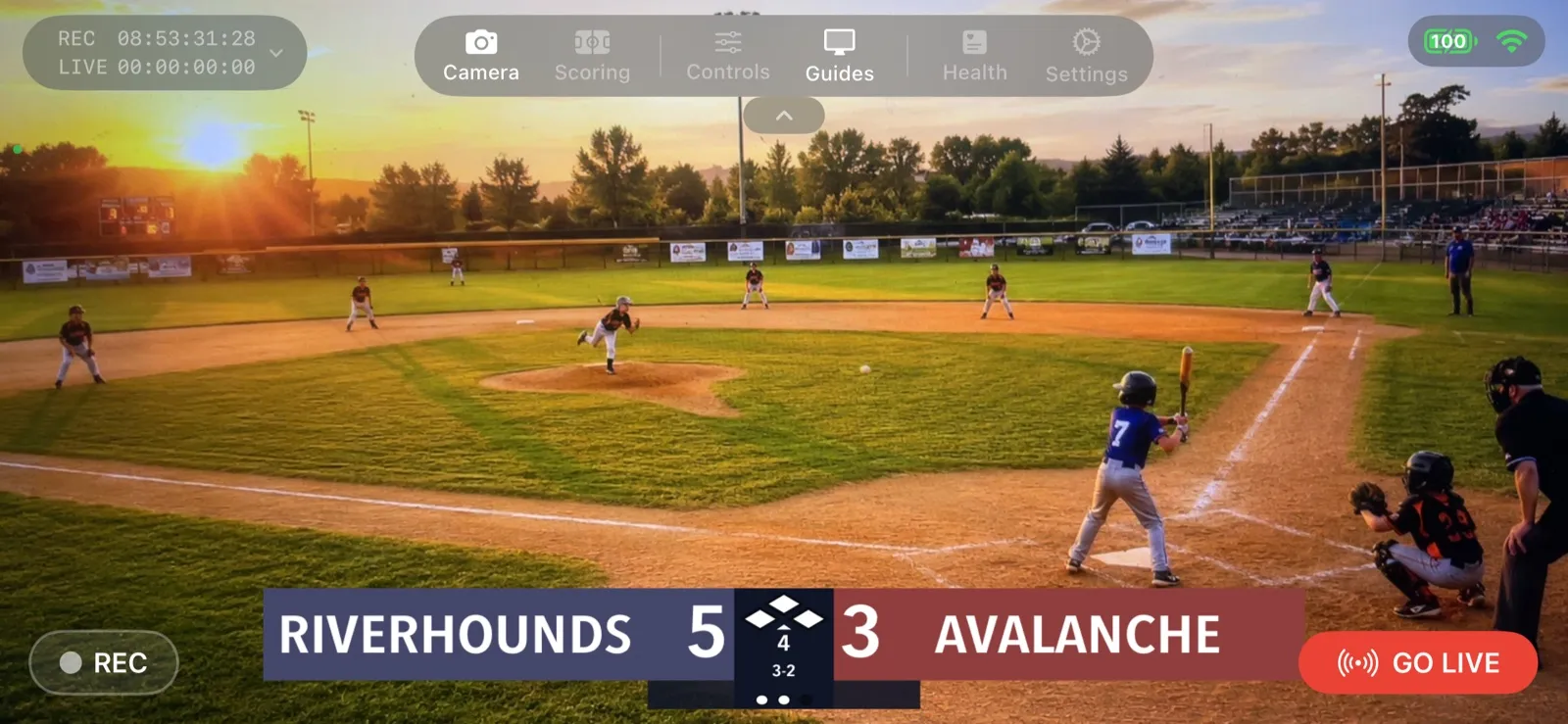
Your First Live Stream: A Step-by-Step Walkthrough
A screen-by-screen guide to going live with CineSportCam 2.0, from opening the app to sharing the link and stopping the stream.
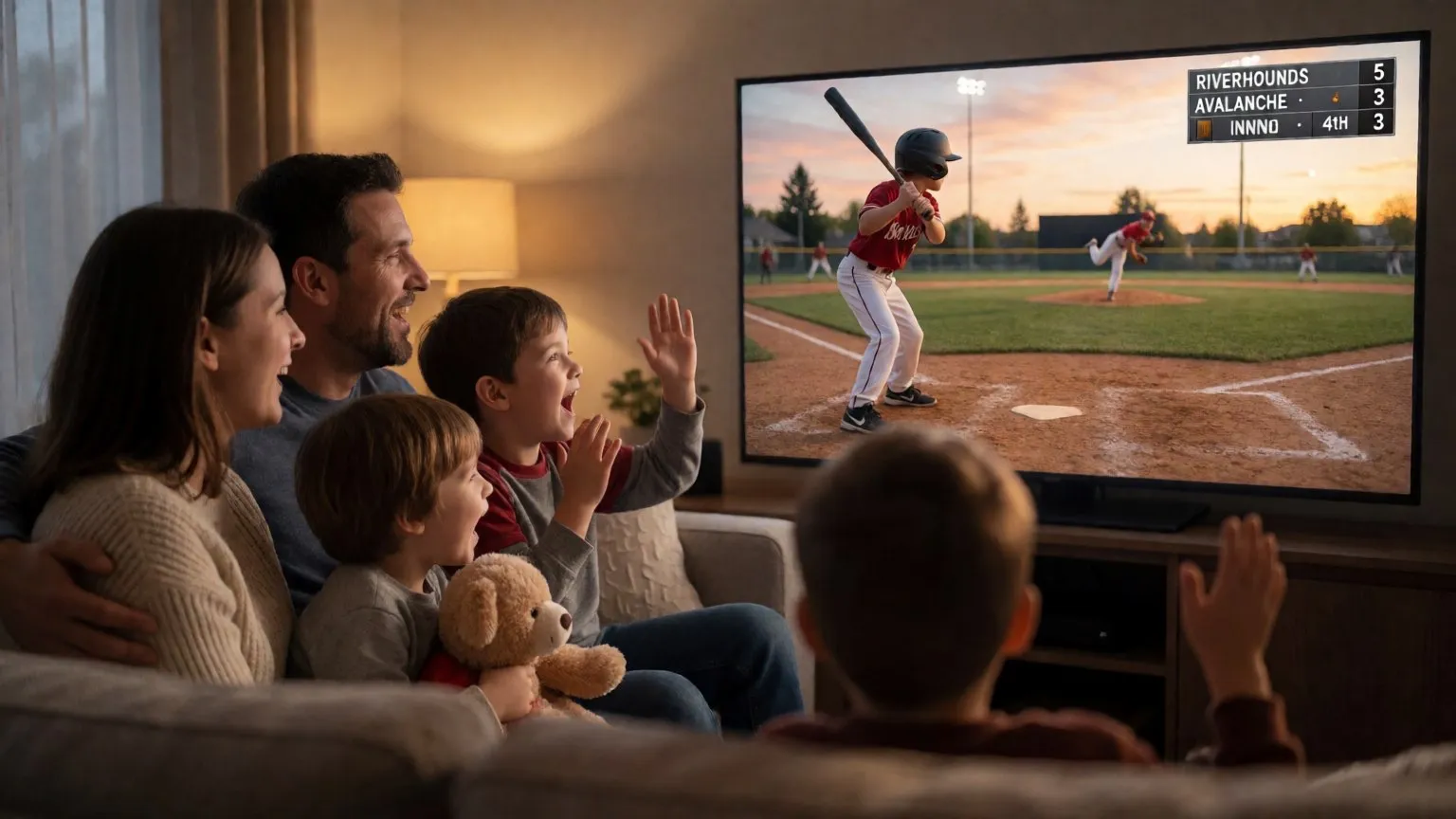
How to Livestream Your Kid's Game in 5 Minutes
The quick version: go live on YouTube, Facebook, or Twitch from the sideline with one iPhone. No extra gear, no logins for viewers.
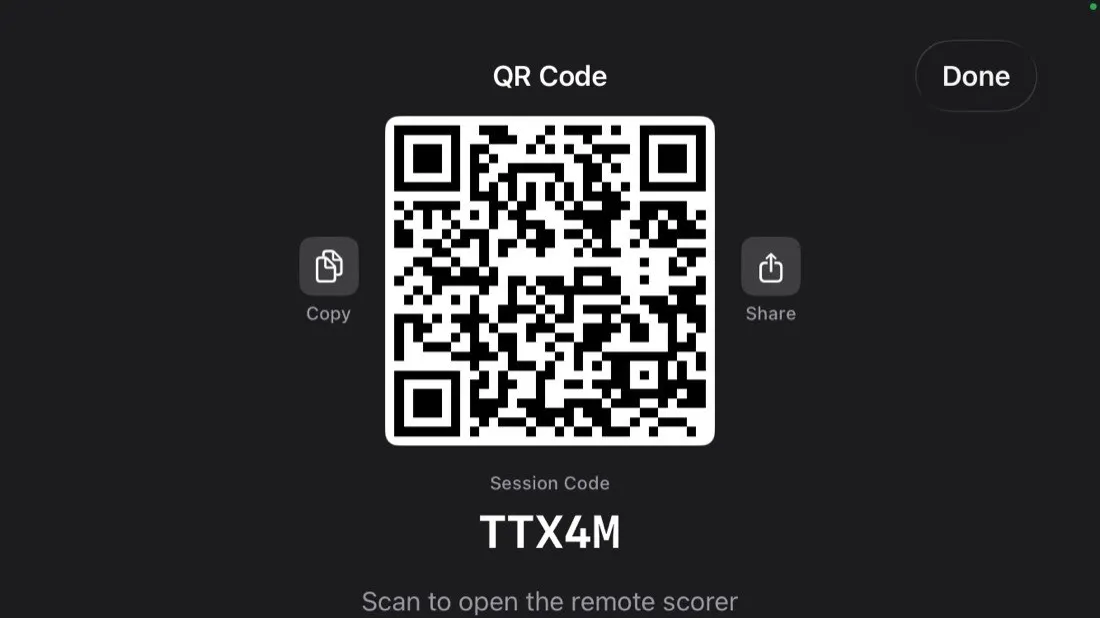
Remote Scoring: Let Someone in the Stands Keep Score
Anyone with a phone can update the scoreboard on your livestream by scanning a QR code. No app, no account. Here is how it works and how to set it up.