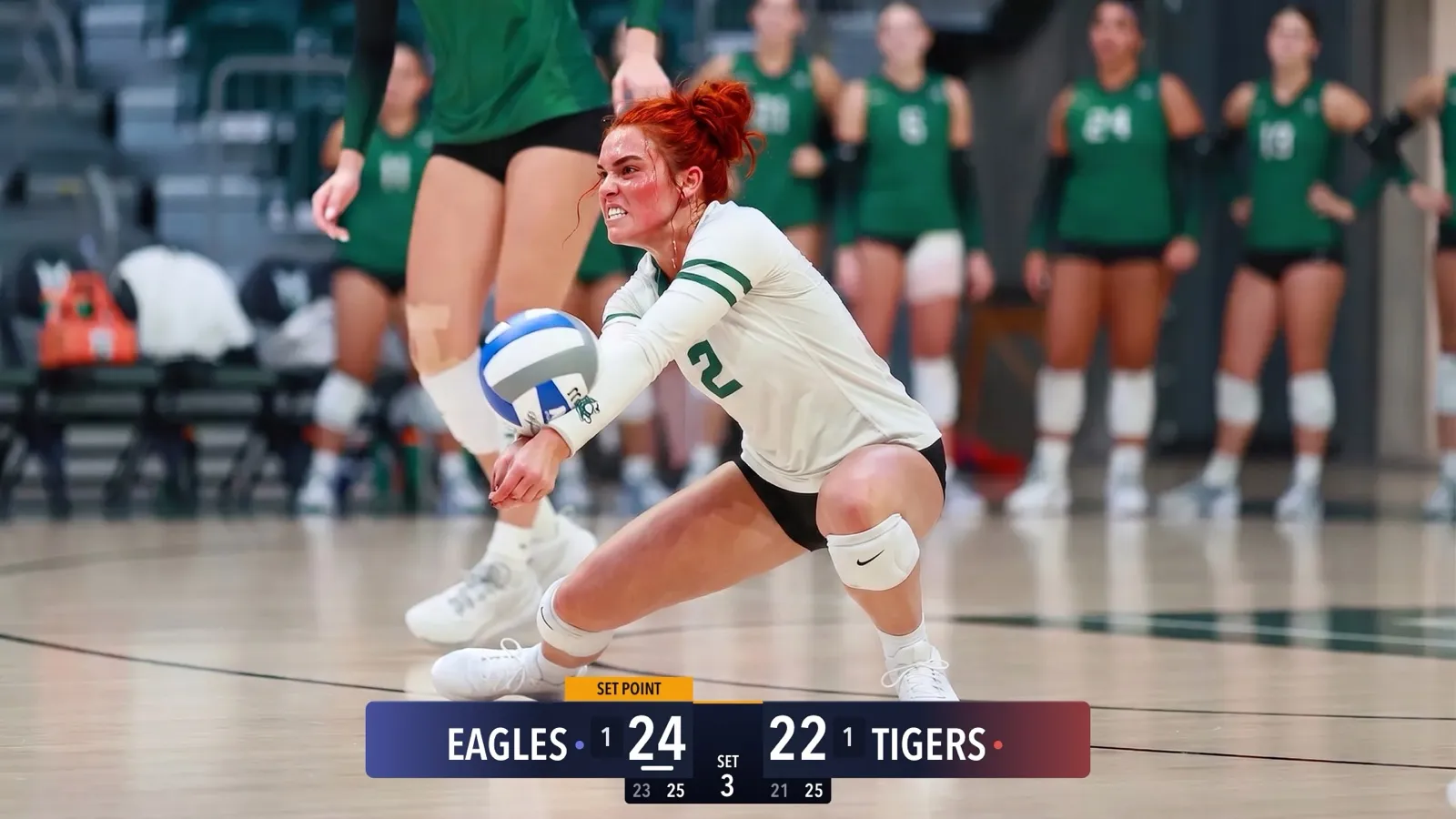
Remote Scoring: Let Someone in the Stands Keep Score
Anyone with a phone can update the scoreboard on your livestream by scanning a QR code. No app, no account. Here is how it works and how to set it up.
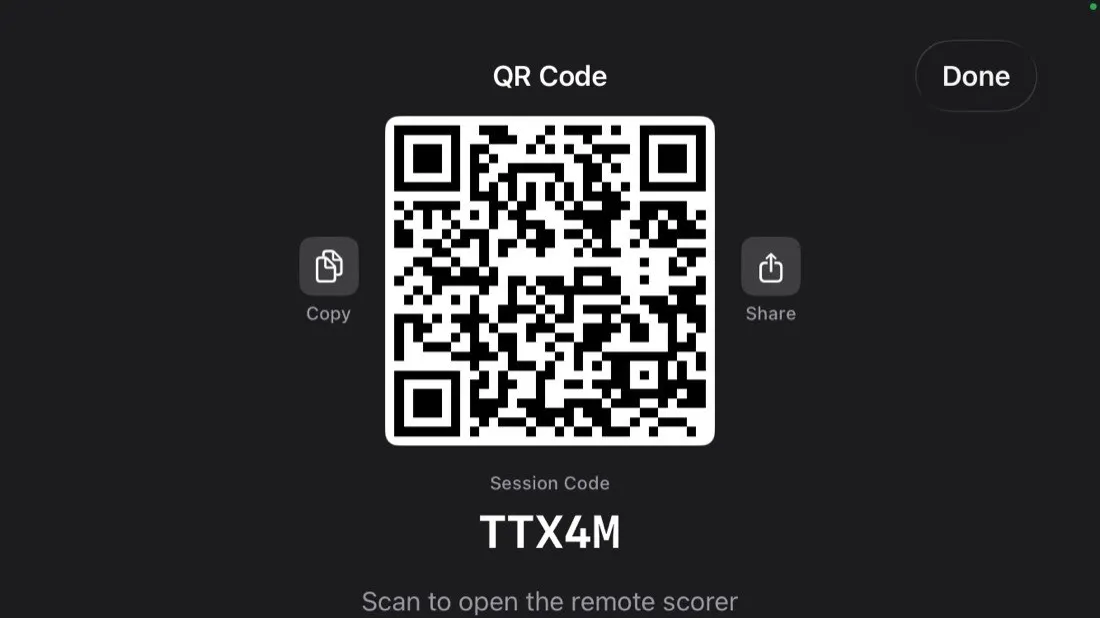
The hardest part of filming a youth game on your own is keeping the score current while you hold the camera. CineSportCam fixes that with remote scoring. Someone else keeps score from their own phone, and every tap shows up on the broadcast.
How it works, for parents
The camera phone is always the source of truth. The scorer sends taps; your phone decides the score and draws it on the broadcast. If the scorer’s phone loses signal for a moment, nothing on the stream breaks.
Setting it up
-
On the camera phone, open Scoring mode
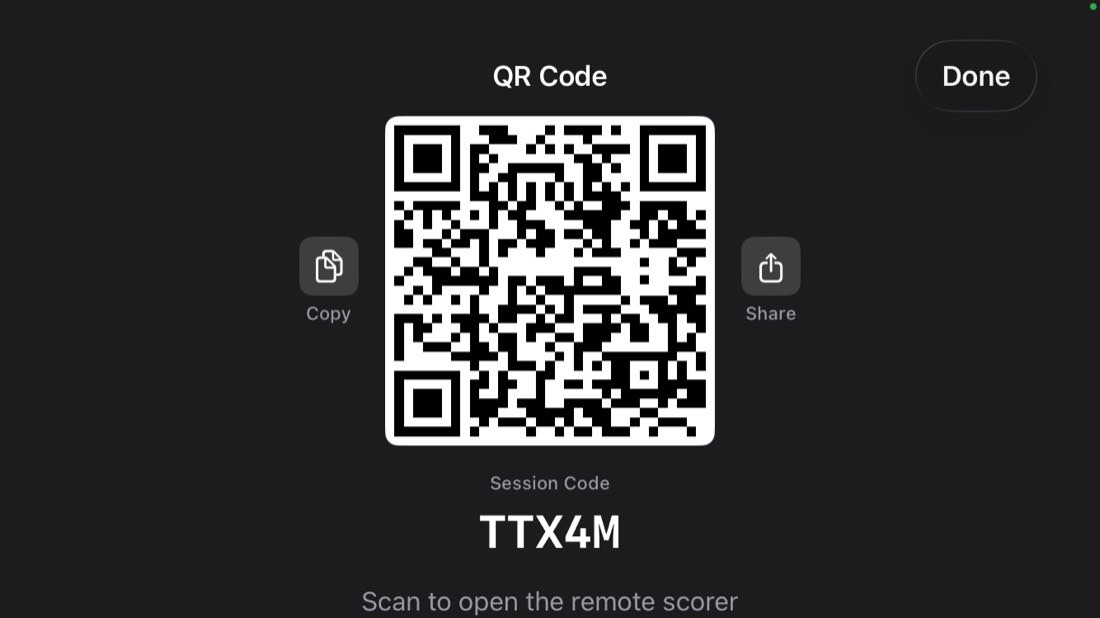
Tap Remote. A QR code appears with a five-character session code under it. Once a session exists, the button reads QR.
-
On the scorer's phone, scan the code
The normal camera app reads the QR and opens livecaster.cinecraft.io in the browser. If the QR is awkward to reach, they can type the five-character code instead.
-
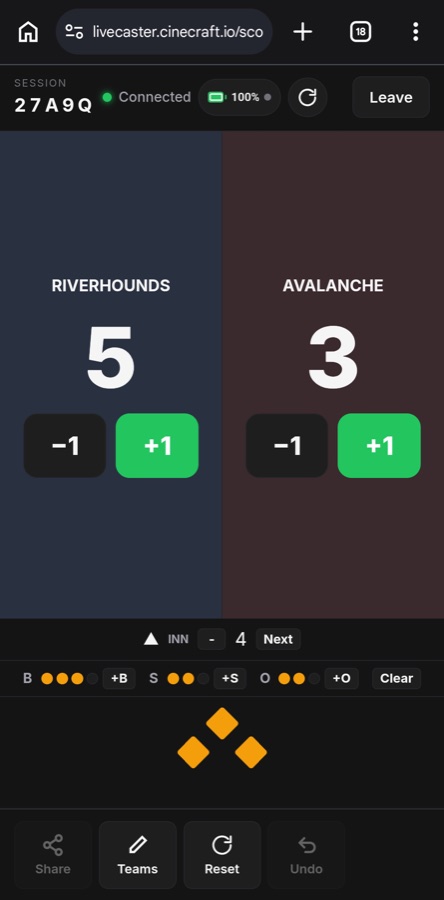
Start scoring
Big buttons, one per team. Tap +1 when a team scores. The scoreboard on the broadcast updates instantly. Sets, periods and the serve are handled for you, and the scorer sees your battery and stream health at the top.
Who should score?
Someone in the bleachers
- Sees the play before the stream does
- Can glance at the referee’s signal
- Best for fast sports like basketball and hockey
Someone at home
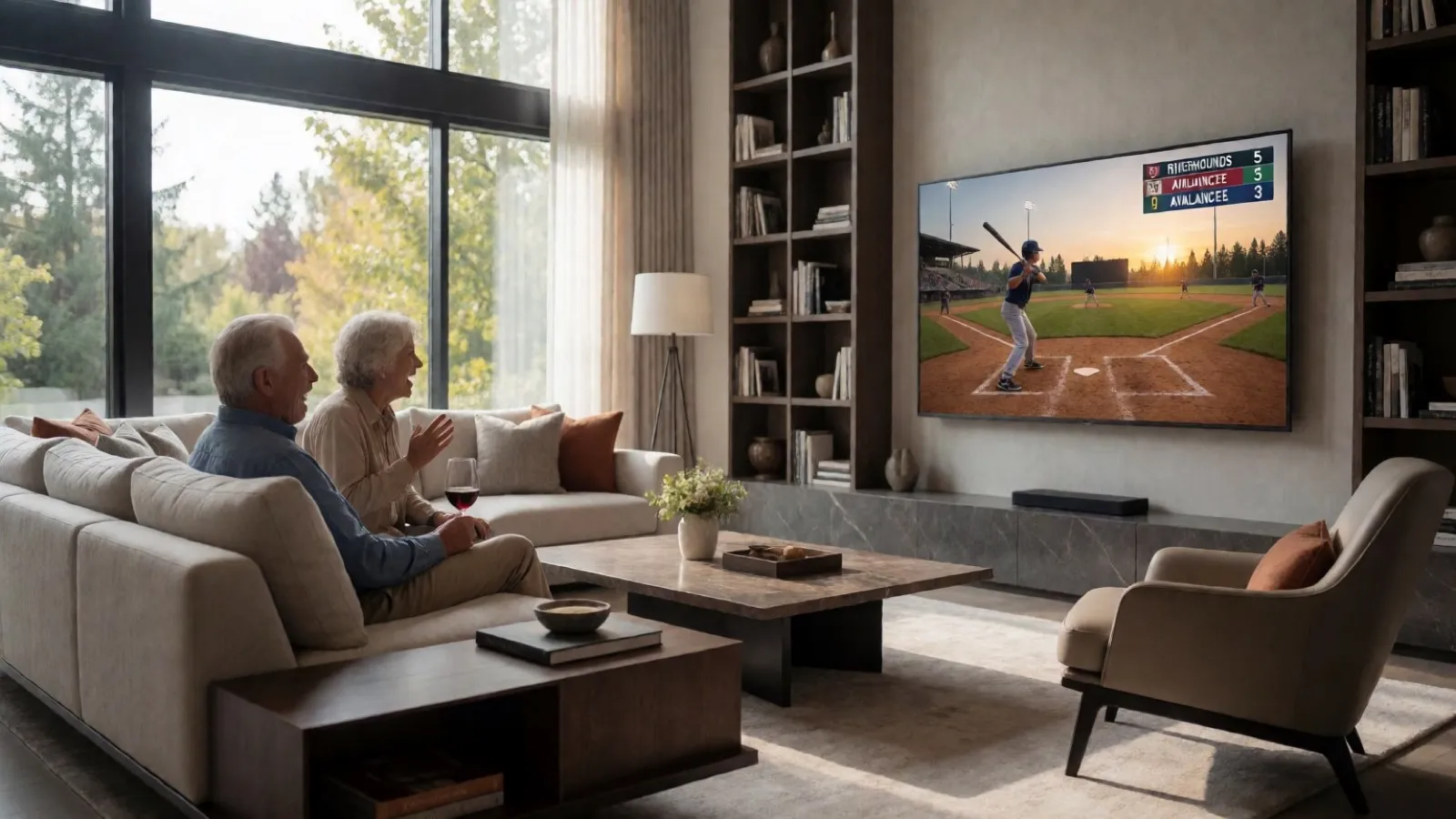
- Watches the stream and scores from the couch
- A few seconds behind live, which is fine for volleyball and baseball
- Great for a grandparent who wants a job
Tips for a smooth game
Do a dry run at home. Open remote scoring, scan it with a second phone, and tap a score. Watch it appear on the preview.
Pick someone who is already watching. The scorer should be paying attention to the game, not to the phone.
The scorer’s controls follow your board. If your board doesn’t show something, like the game clock or timeouts, those controls are greyed out on the scorer’s screen. Rules like the match format are set on your phone, and the scorer follows them. The scoreboard setup guide explains the boards.
For the curious
Remote scoring means the camera operator does one thing: keep the shot steady. The stream looks better, the score stays right, and nobody juggles two jobs.