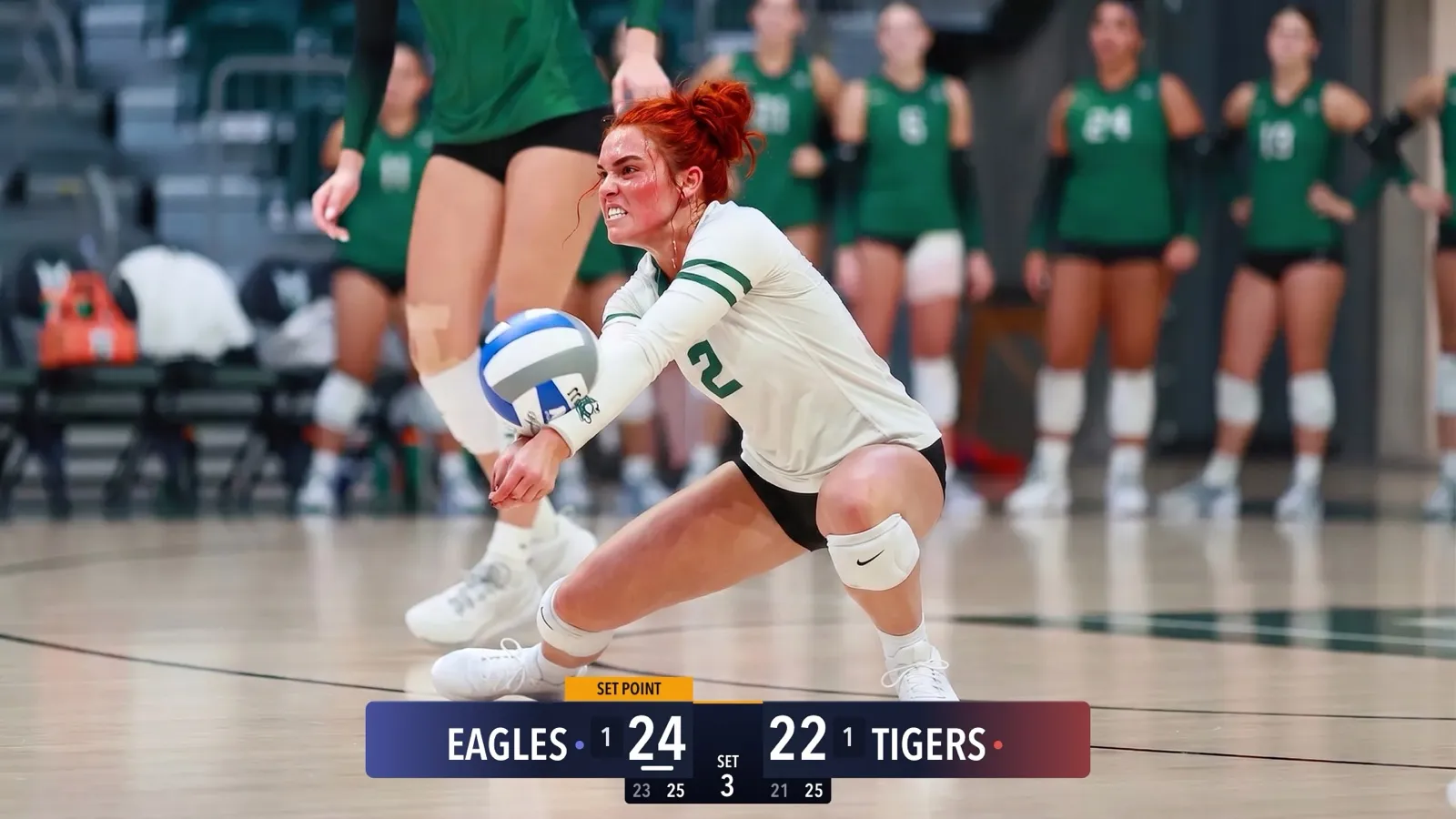
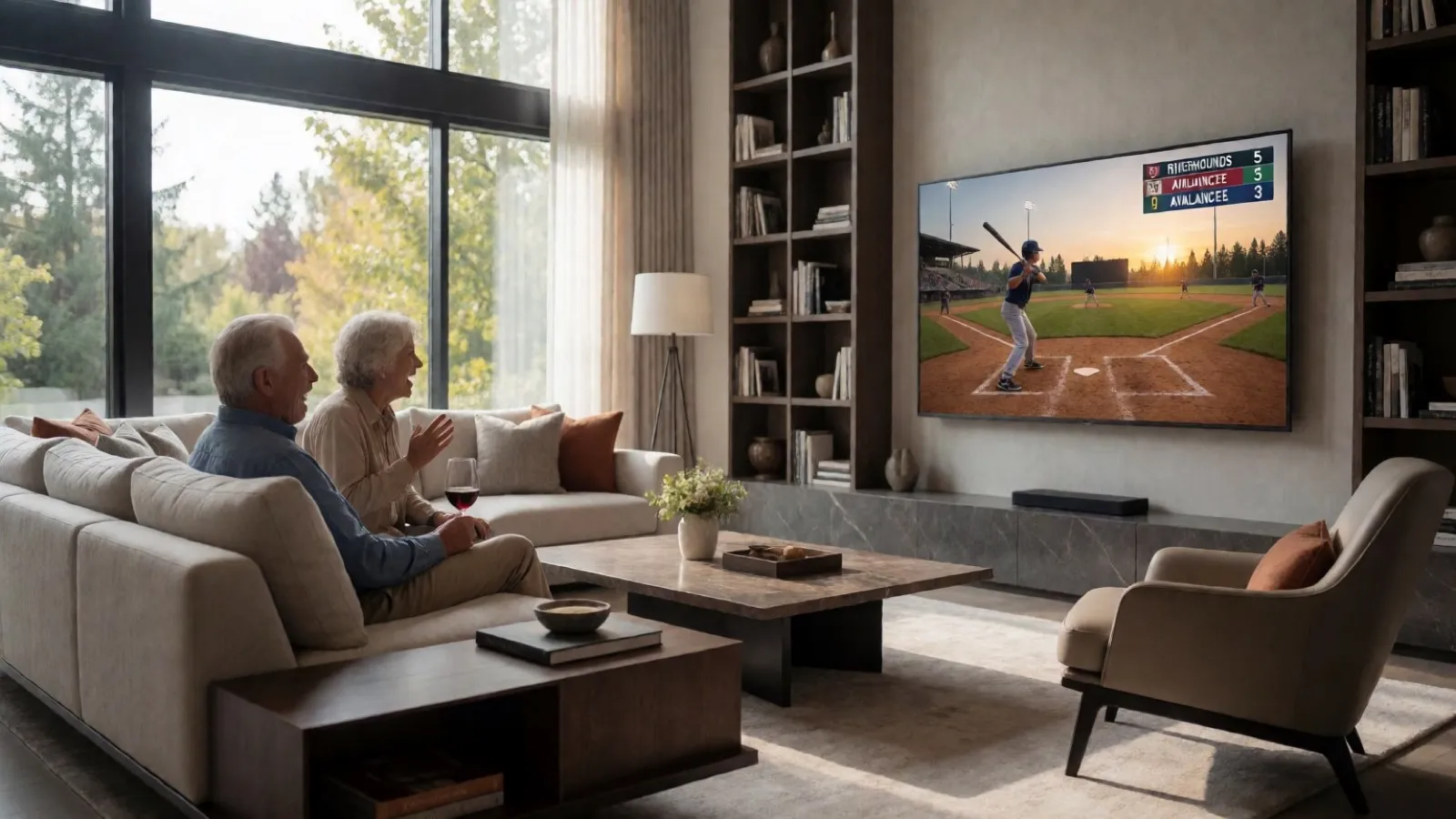
CineSportCam 2.0: What Is New for Game Day
iPad support, four new sports, 13 languages, overtime that reads right, and a guided first launch. Everything that changed in our biggest update yet.
CineSportCam 2.0 is on the App Store. It is the biggest update we have shipped, and almost all of it came from watching parents and volunteers run real games.
Now on iPad
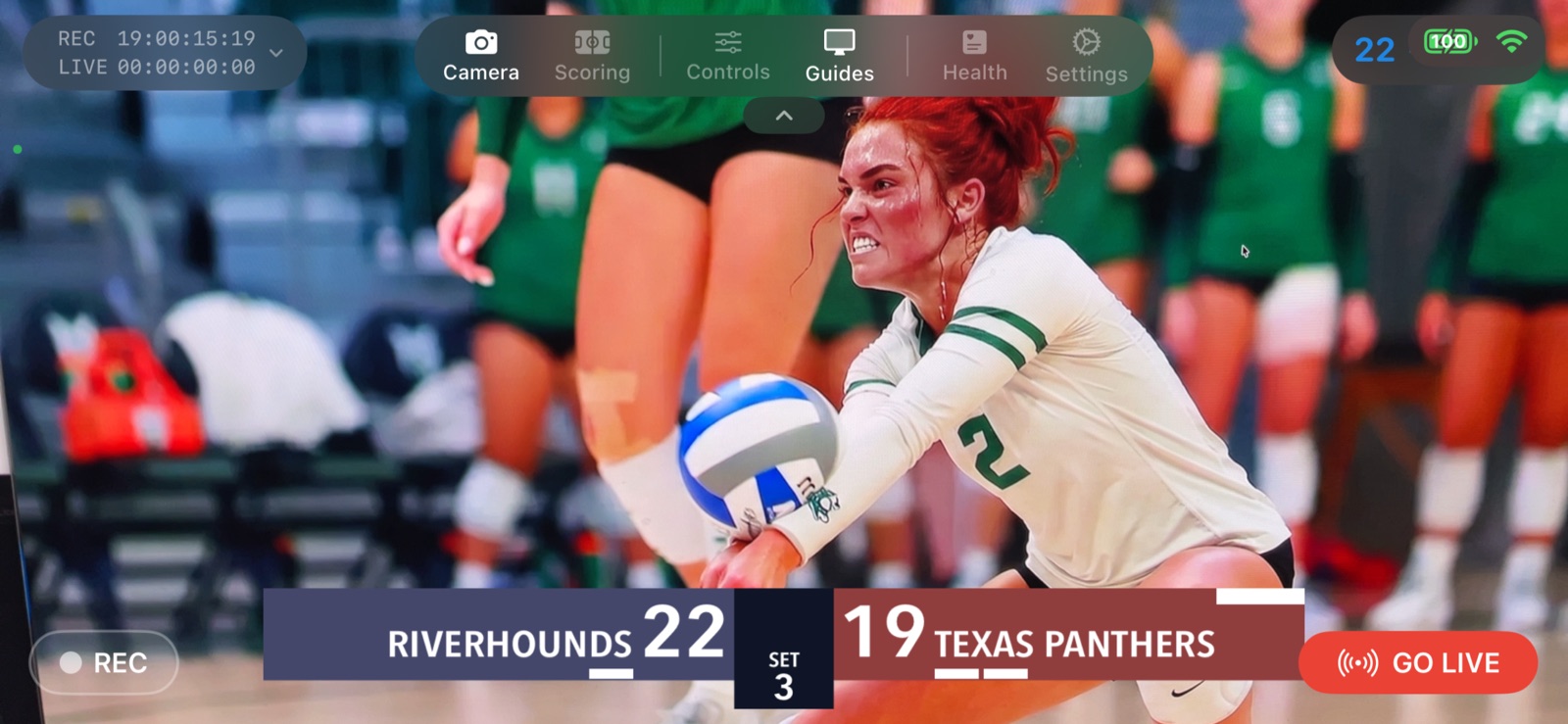
Run CineSportCam on an iPad as a full landscape broadcast and scoring console. It is ideal on a tripod, or in the hands of a dedicated scorer sitting next to the camera. One app, one download, both devices.
Four new sports, eleven in total
- Automatische sets. De app houdt sets of games voor je bij. Op de borden Geavanceerd en Verticaal begint de volgende vanzelf.
- Outs en innings automatisch. Drie outs wisselen de halve inning. Balls en strikes worden voor je gereset.
- Wedstrijdklok. Een wedstrijdklok die je vanaf het scorescherm start, pauzeert en instelt.
- Rally of side-out. Kies het telsysteem van jouw competitie, met een Side Out-knop op het scorescherm.
- Down en afstand. Down, afstand en balbezit op het scorebord, vanaf het scorescherm of de scorer op afstand.
- Compacte weergave. Een kleiner scorebord waar je midden in de wedstrijd naar overschakelt. Onderdeel van CineSportCam Pro.
- Geavanceerd. Meer van de wedstrijd in beeld: eerdere setstanden, fouten, time-outs of de klok, afhankelijk van de sport. Onderdeel van CineSportCam Pro.
- American Football: quarters, possession, down and distance. The Advanced scoreboard adds a game clock and timeouts.
- Ice Hockey and Lacrosse: periods with a running game clock and overtime.
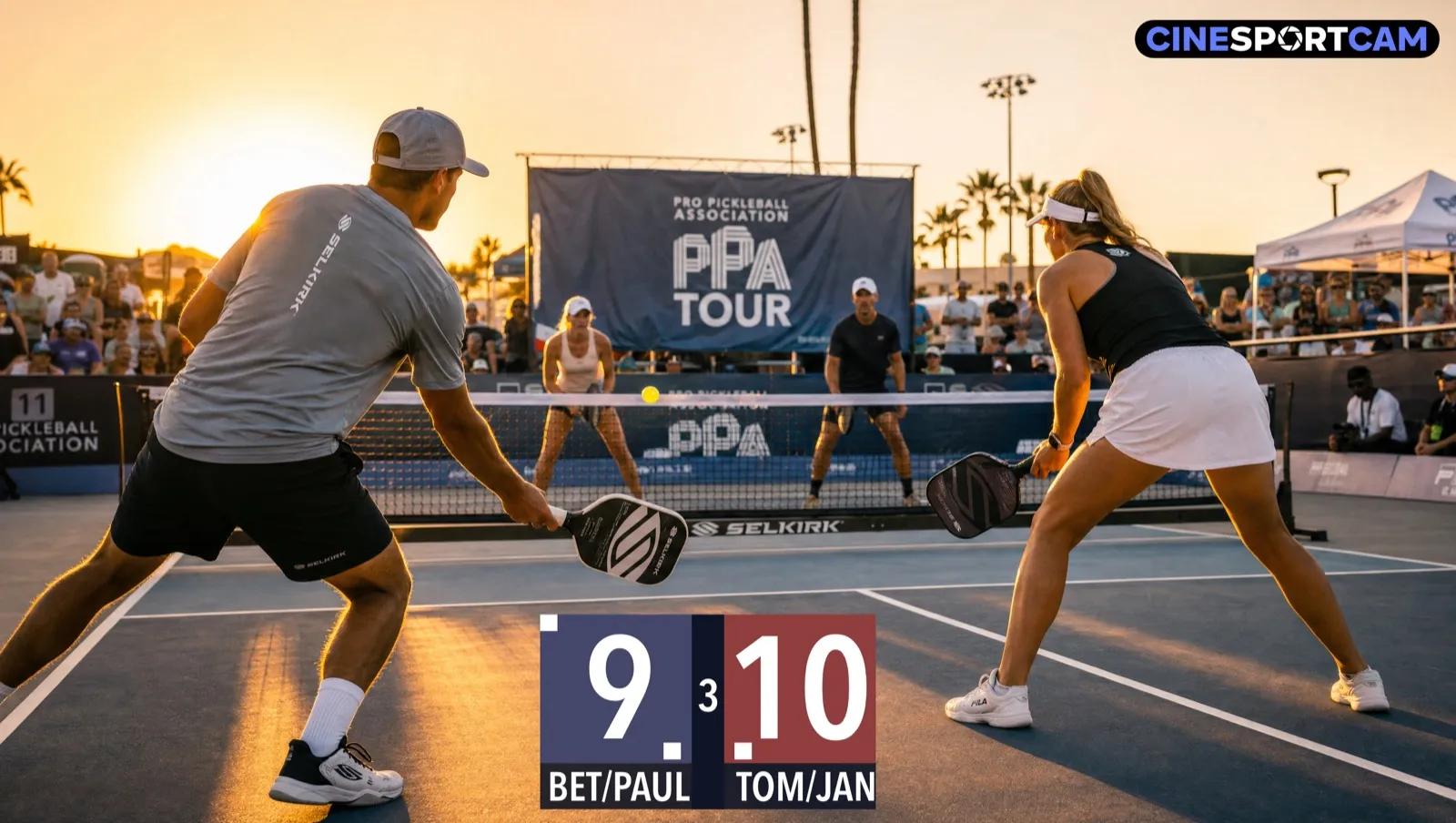
- Pickleball: side-out or rally scoring, singles or doubles with server rotation, games to 11, 15, or 21, and a Side Out button right on the scoring screen.
Overtime done right
1.x
- Overtime looked like another period
- The remote scorer could not step into it
2.0
- Reads OT 1, OT 2 on the broadcast, your phone, and the scorer
- Step into and out of overtime from the device
- The web scorer mirrors the broadcast
13 languages
The app and the remote scorer are available in English, Spanish, French, German, Dutch, Danish, Norwegian, Swedish, Portuguese (Brazil), Japanese, Korean, Simplified Chinese, and Arabic, with right-to-left layout for Arabic. You can also choose a separate broadcast language, so the on-air scoreboard reads correctly for your audience even if your phone is set to something else.
Get started faster
A short guided tour on first launch walks you through camera, scoring, sport selection, remote scoring, and going live. A new Sport button in scoring mode switches sports and scoreboard layouts without leaving the game.
Also
- Smoother scoreboard clock on the broadcast.
- Scoring controls stay clear of the top menu, and the score buttons resize to fit smaller phones.
- Hardening of streaming reconnects, recording integrity, and remote scoring reliability.
Questions or ideas? We read every message. Tell us what to build next.