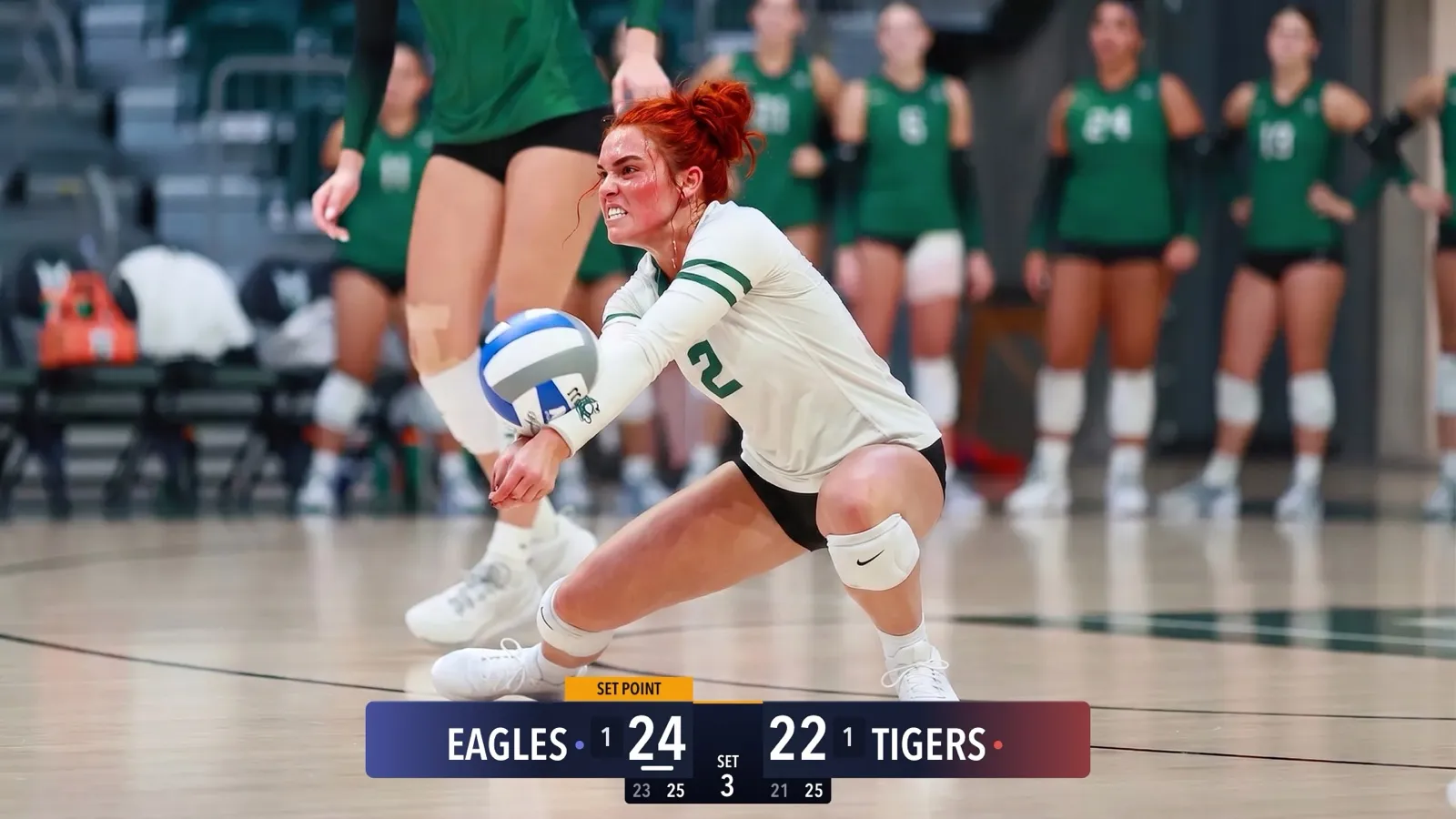
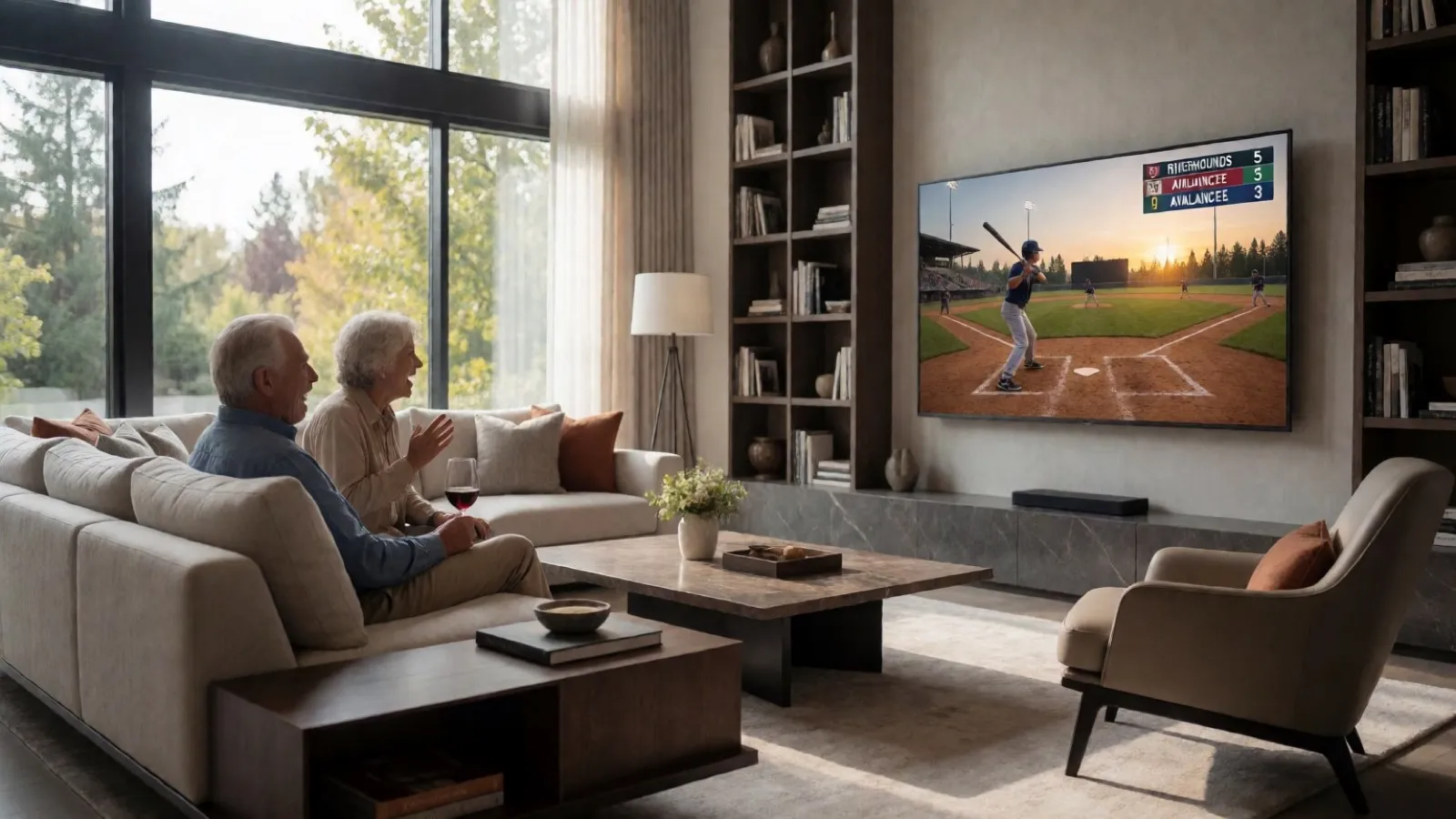
CineSportCam 2.0: What Is New for Game Day
iPad support, four new sports, 13 languages, overtime that reads right, and a guided first launch. Everything that changed in our biggest update yet.

CineSportCam 2.0 is on the App Store. It is the biggest update we have shipped, and almost all of it came from watching parents and volunteers run real games.
Now on iPad
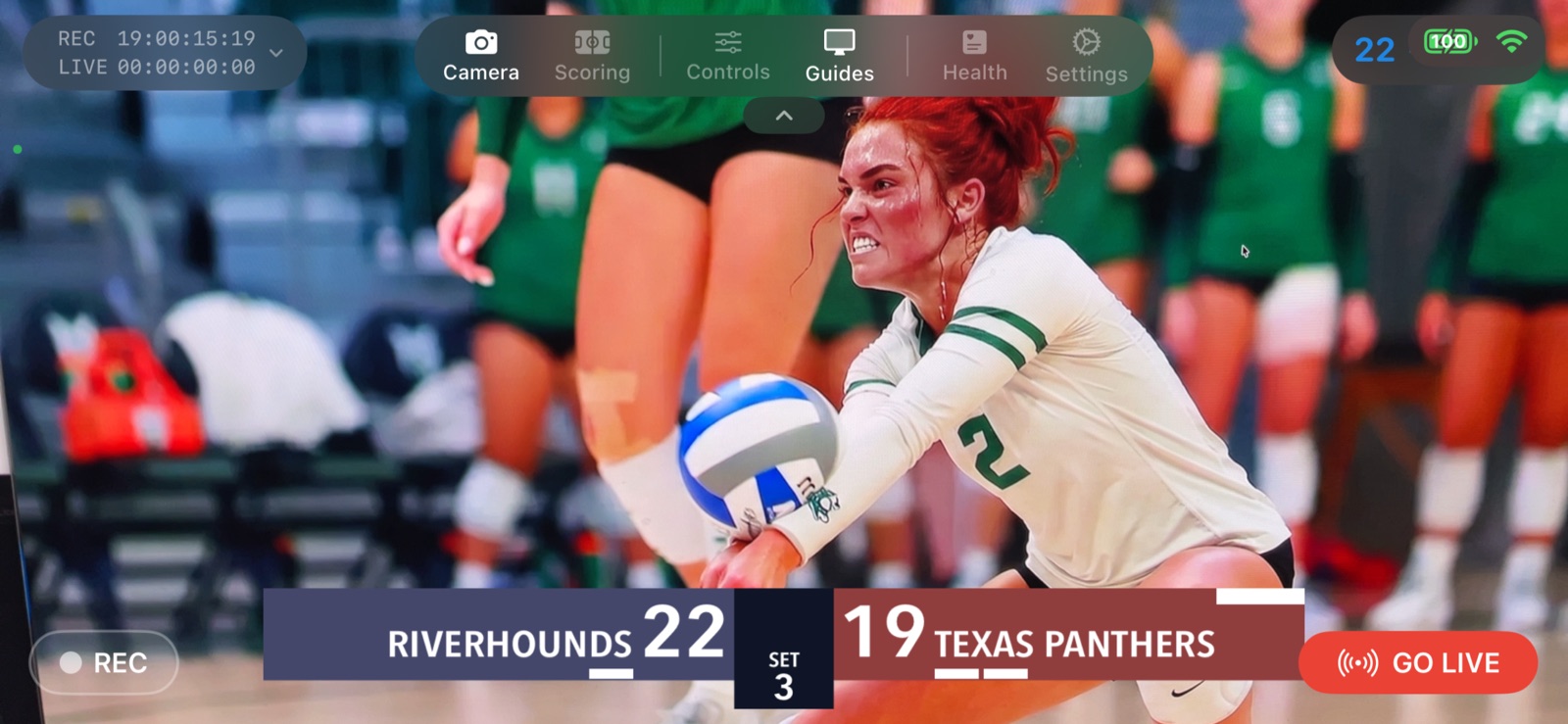
Run CineSportCam on an iPad as a full landscape broadcast and scoring console. It is ideal on a tripod, or in the hands of a dedicated scorer sitting next to the camera. One app, one download, both devices.
Four new sports, eleven in total
- Sets automatiques. L’app compte les sets ou les jeux pour toi. Sur les tableaux Avancé et Vertical, le suivant démarre tout seul.
- Retraits et manches automatiques. Trois retraits font passer à la demi-manche suivante. Balles et prises sont remises à zéro pour toi.
- Chronomètre. Un chrono de match que tu lances, mets en pause et règles depuis l’écran de score.
- Rally ou side-out. Choisis le mode de comptage de ta ligue, avec un bouton Side Out directement sur l’écran de score.
- Down et distance. Down, distance et possession sur le tableau, depuis l’écran de score ou le marqueur à distance.
- Affichage compact. Un tableau plus petit, à activer en plein match. Inclus dans CineSportCam Pro.
- Avancé. Plus de match à l’antenne : scores des sets précédents, fautes, temps morts ou chrono, selon le sport. Inclus dans CineSportCam Pro.
- American Football: quarters, possession, down and distance. The Advanced scoreboard adds a game clock and timeouts.
- Ice Hockey and Lacrosse: periods with a running game clock and overtime.
- Pickleball: side-out or rally scoring, singles or doubles with server rotation, games to 11, 15, or 21, and a Side Out button right on the scoring screen.
Overtime done right
1.x
- Overtime looked like another period
- The remote scorer could not step into it
2.0
- Reads OT 1, OT 2 on the broadcast, your phone, and the scorer
- Step into and out of overtime from the device
- The web scorer mirrors the broadcast
13 languages
The app and the remote scorer are available in English, Spanish, French, German, Dutch, Danish, Norwegian, Swedish, Portuguese (Brazil), Japanese, Korean, Simplified Chinese, and Arabic, with right-to-left layout for Arabic. You can also choose a separate broadcast language, so the on-air scoreboard reads correctly for your audience even if your phone is set to something else.
Get started faster
A short guided tour on first launch walks you through camera, scoring, sport selection, remote scoring, and going live. A new Sport button in scoring mode switches sports and scoreboard layouts without leaving the game.
Also
- Smoother scoreboard clock on the broadcast.
- Scoring controls stay clear of the top menu, and the score buttons resize to fit smaller phones.
- Hardening of streaming reconnects, recording integrity, and remote scoring reliability.
Questions or ideas? We read every message. Tell us what to build next.