Blog
Porady, poradniki i praktyczna wiedza.
Praktyczne rady dotyczące transmisji, liczenia punktów i nagrań z dnia meczowego.
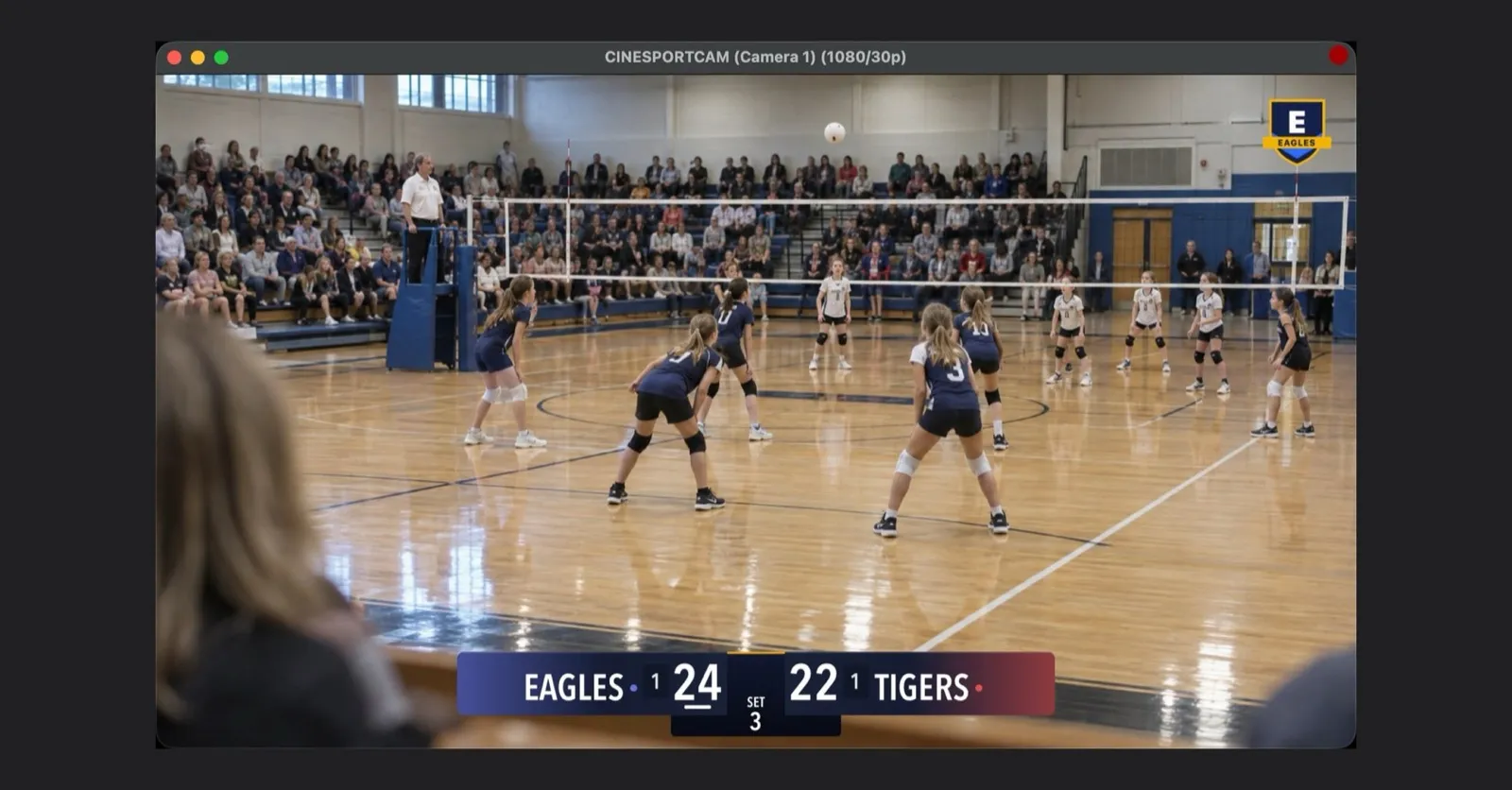
CineSportCam 2.6.1: NDI dla wszystkich, twoje logo w transmisji i wynik końcowy gotowy do udostępnienia
Wyślij obraz do OBS lub vMix przez Wi-Fi, dodaj herb klubu do transmisji, udostępnij wynik końcowy jako kartę i poznaj prosty w obsłudze próbny dostęp do Pro.
Wyślij obraz z kamery iPhone'a do OBS lub vMix przez NDI
CineSportCam wysyła standardowe NDI przez Wi-Fi: jak je włączyć, znaleźć telefon w OBS, vMix lub NDI Studio Monitor, dodać drugi telefon i naprawić brak źródła.
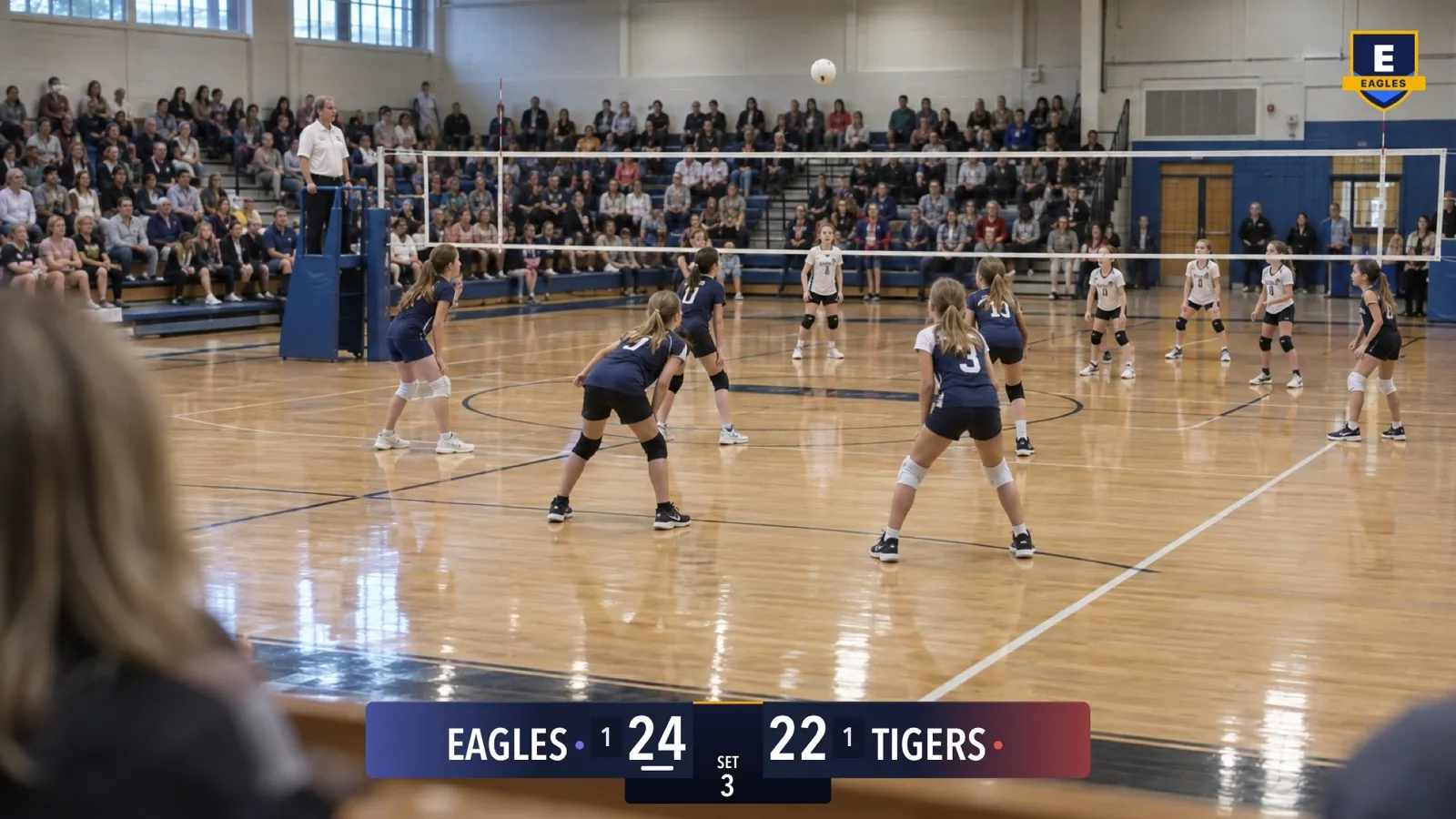
Logo twojej drużyny w transmisji na żywo z CineSportCam
Pokaż herb klubu w rogu każdej transmisji, nagrania i sygnału NDI. Jak przygotować plik, włączyć logo, ustawić je i co zrobić, gdy obraz się nie wczytuje.
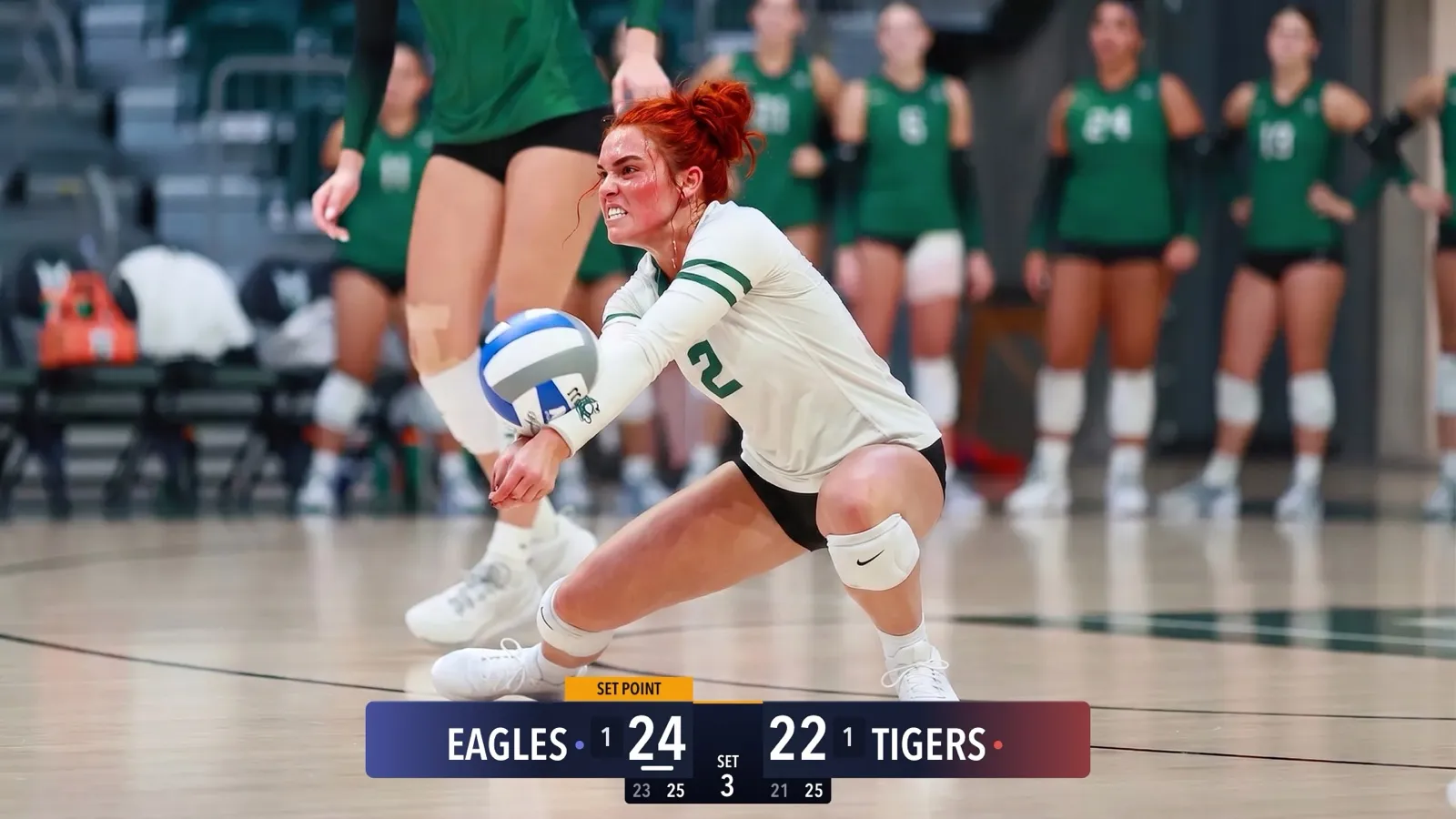
CineSportCam 2.5: nowe tablice wyników
Cztery motywy tablicy wyników, kolory twoich drużyn, tablice Advanced do sportów setowych, Vertical do narożnika, siatkówka plażowa i nowe okno wyboru tablicy.

CineSportCam 2.0: What Is New for Game Day
iPad support, four new sports, 13 languages, overtime that reads right, and a guided first launch. Everything that changed in our biggest update yet.

Running the iPad as Your Scoring Console
CineSportCam 2.0 runs on iPad as a full landscape broadcast and scoring console. Two ways to set it up at a game, and when each one makes sense.
Pickleball Scoring, Explained for Parents
Side-out or rally scoring, singles or doubles, games to 11, 15, or 21. How pickleball scoring works and how CineSportCam 2.0 keeps it straight for you.
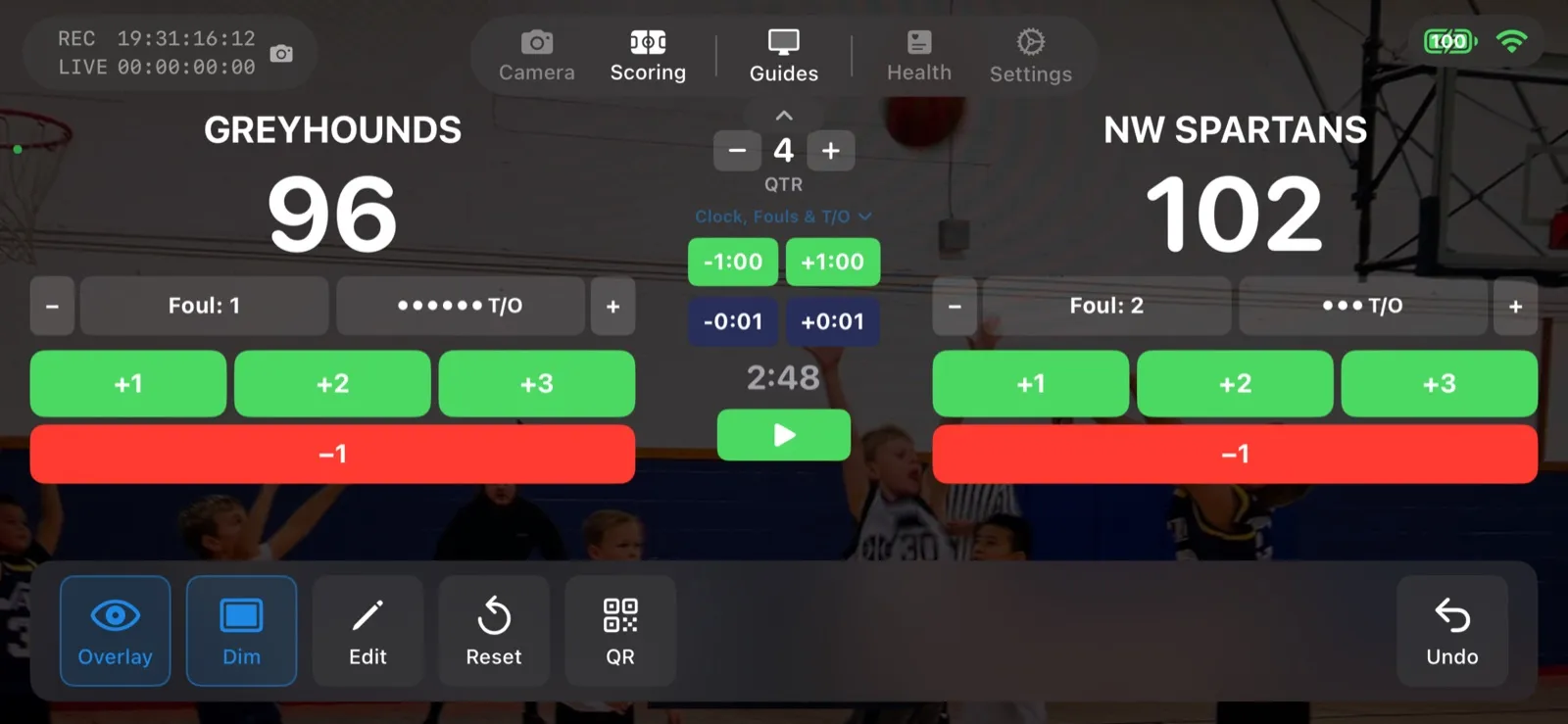
Scoring a Football Game with Down and Distance
How to run the American Football scoreboard in CineSportCam 2.0: quarters, possession, down and distance, the game clock, timeouts, and overtime.
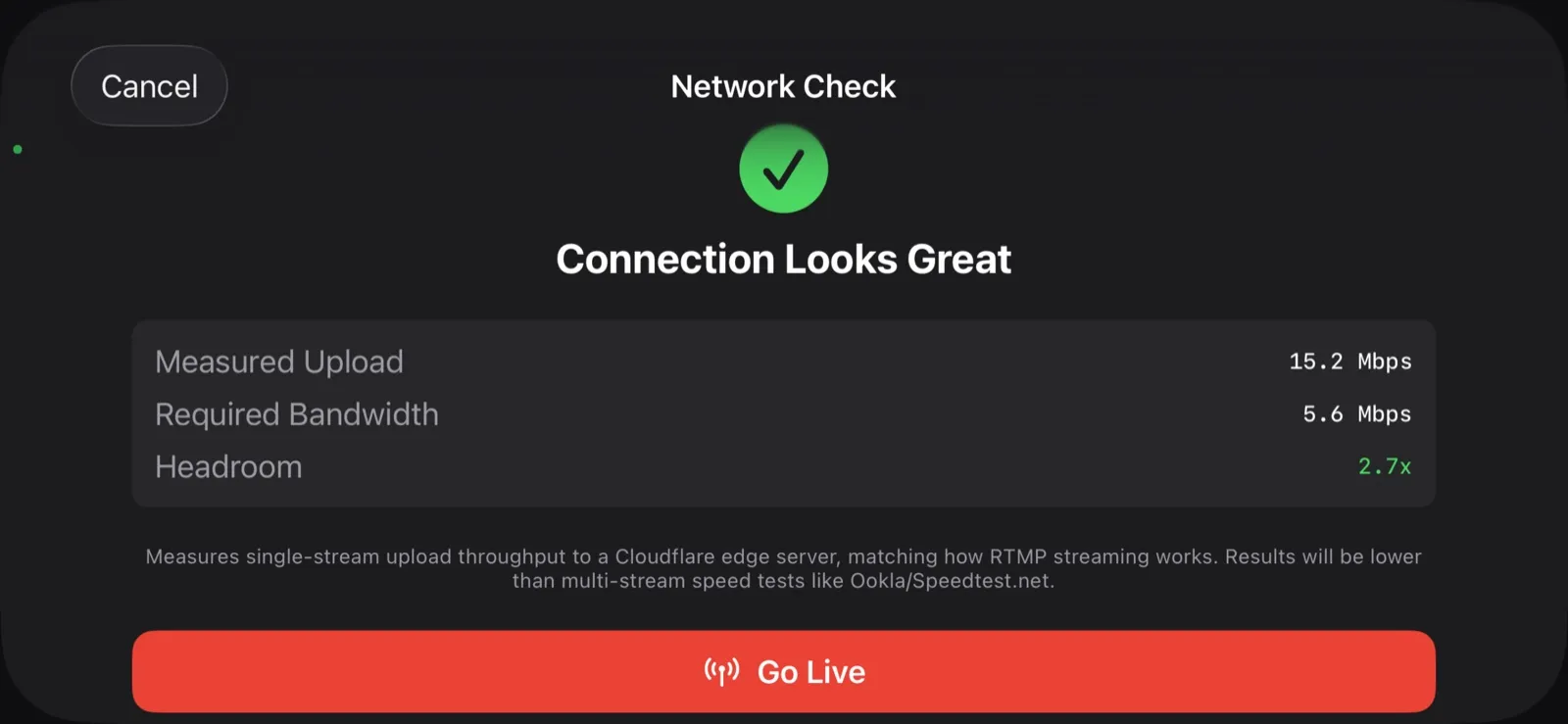
What Happens When the Wi-Fi Drops
Gym Wi-Fi fails. Cellular at the away tournament is worse. Here is exactly what CineSportCam does when the network goes away mid-game, and why your footage is safe.
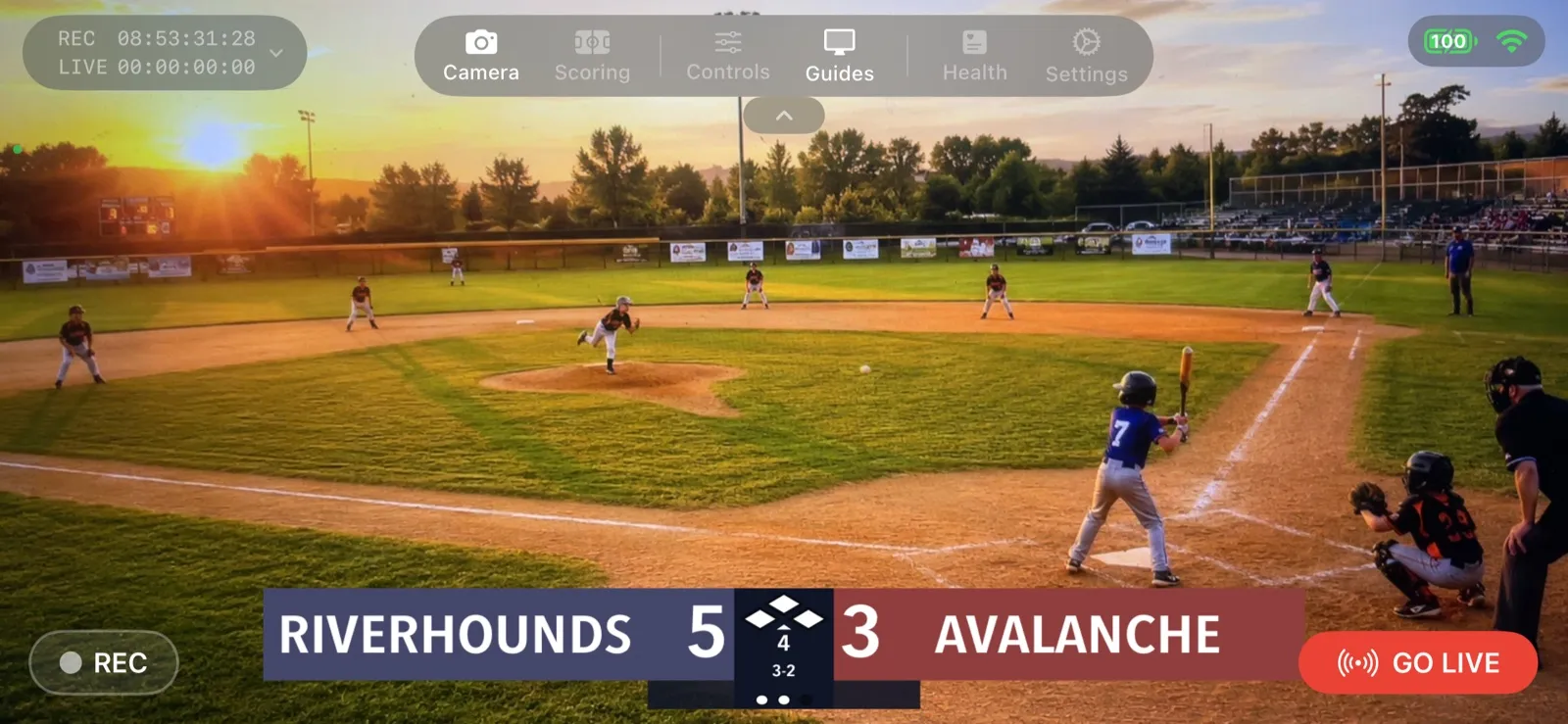
Your First Live Stream: A Step-by-Step Walkthrough
A screen-by-screen guide to going live with CineSportCam 2.0, from opening the app to sharing the link and stopping the stream.

How to Livestream Your Kid's Game in 5 Minutes
The quick version: go live on YouTube, Facebook, or Twitch from the sideline with one iPhone. No extra gear, no logins for viewers.
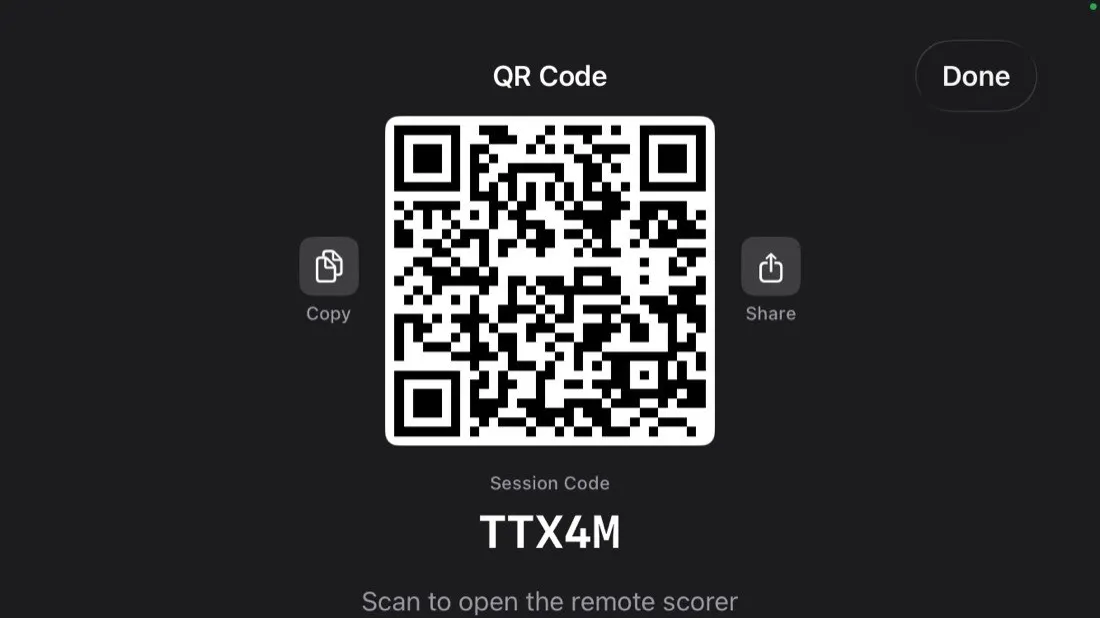
Remote Scoring: Let Someone in the Stands Keep Score
Anyone with a phone can update the scoreboard on your livestream by scanning a QR code. No app, no account. Here is how it works and how to set it up.