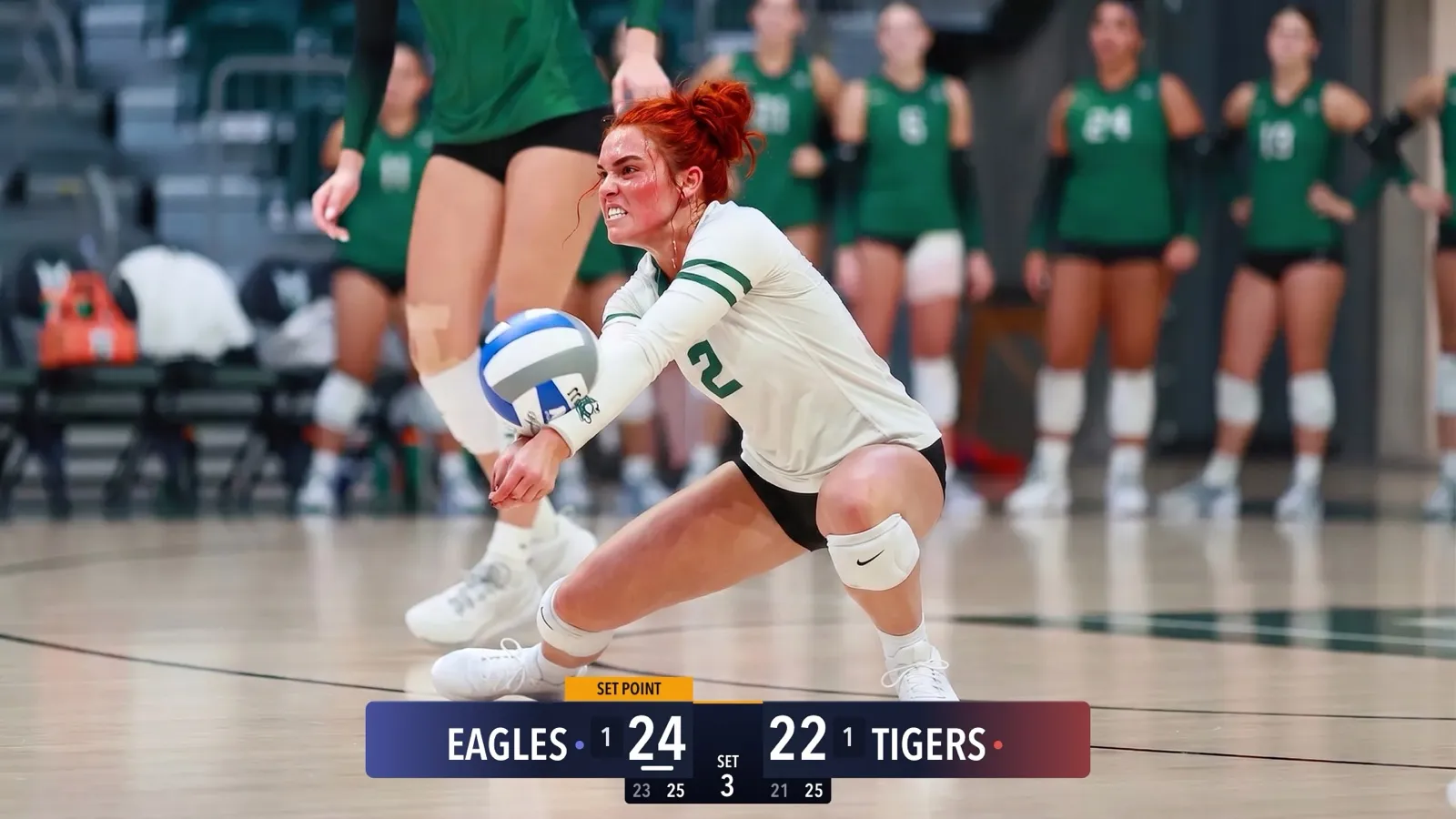
What Happens When the Wi-Fi Drops
Gym Wi-Fi fails. Cellular at the away tournament is worse. Here is exactly what CineSportCam does when the network goes away mid-game, and why your footage is safe.
2 min de lecture Cinecraft
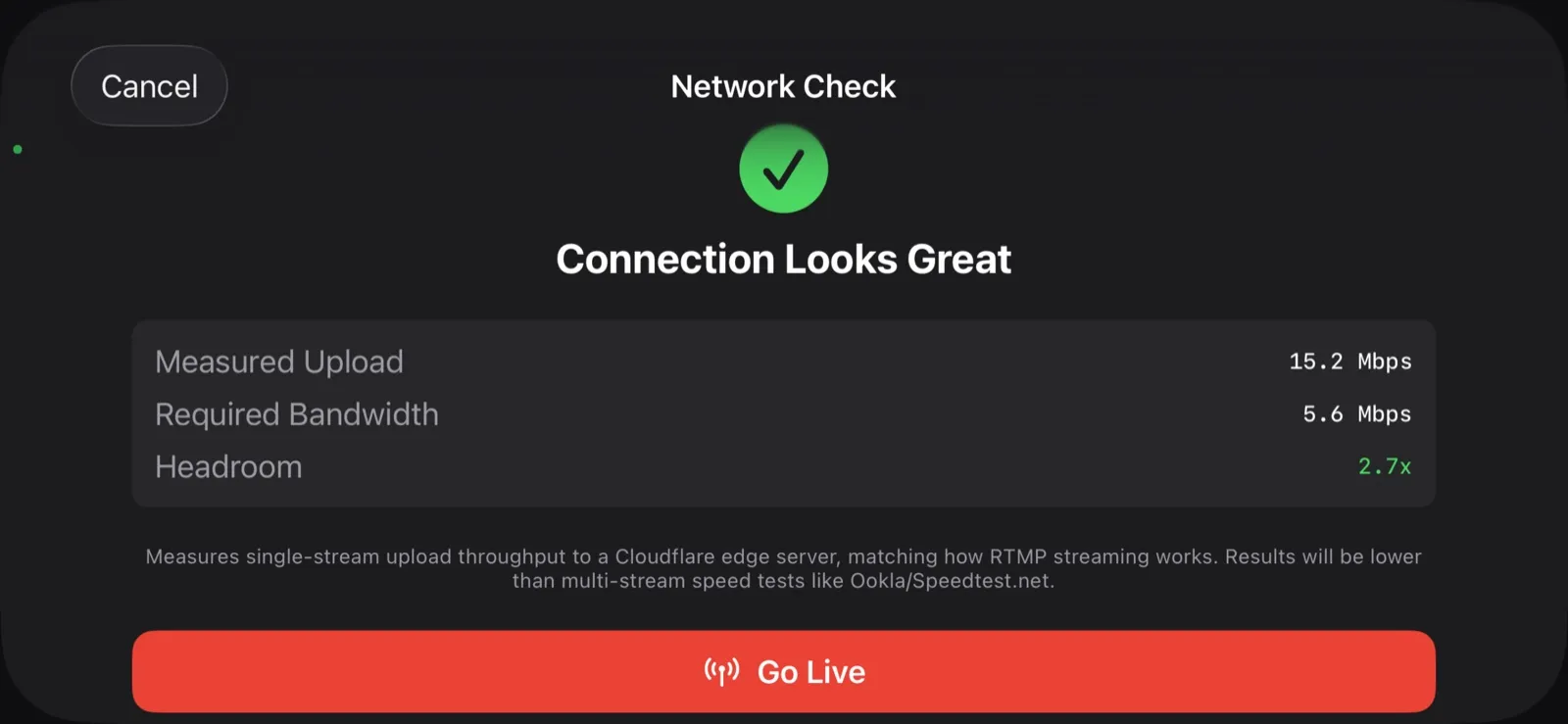
Every parent who has streamed a game has watched the bitrate graph fall off a cliff at the worst moment. CineSportCam is built around the assumption that this will happen.
Two pipelines, not one
Camera and scoreboard
one composited frame
Stream encoder
adapts to the network, reconnects on drops
Local recorder
writes to the phone, never waits on the network
The recording is a separate pipeline from the stream. It writes to your phone whether or not there is a connection, in up to 4K at 60fps on Pro. If the stream drops, the recorder does not notice.
What the stream does
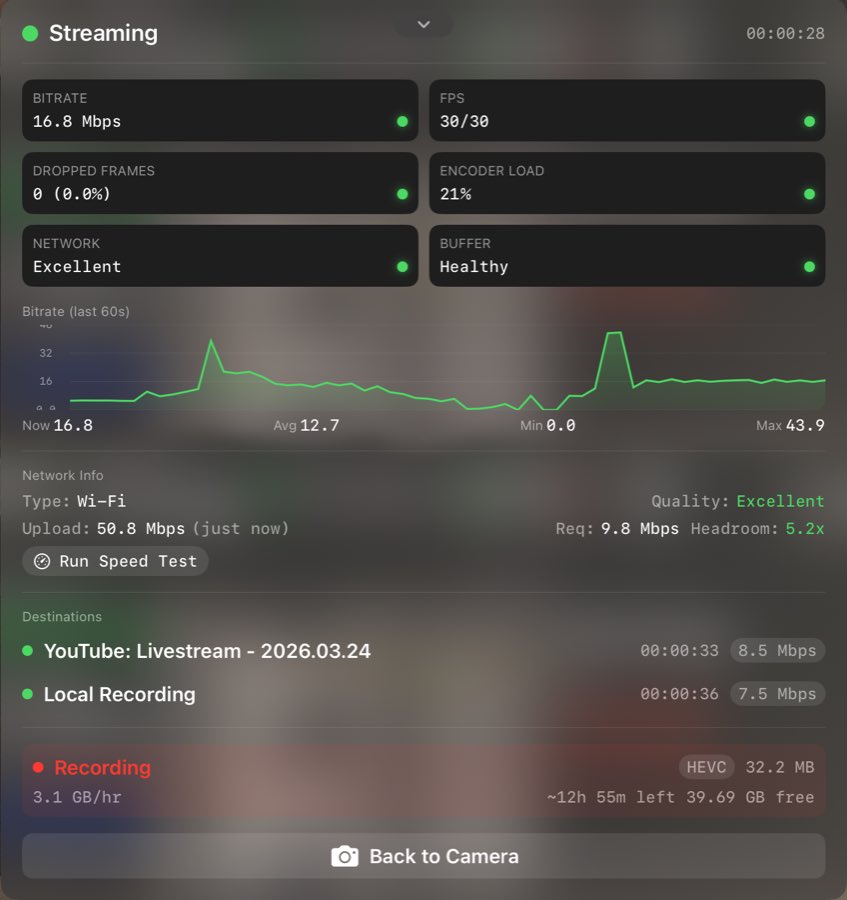
- Adapts. When upload speed drops, the encoder lowers bitrate before it drops frames.
- Reconnects. If the connection dies, CineSportCam keeps trying to reconnect to YouTube, Facebook, or Twitch and resumes the same broadcast when it can.
- Tells someone. Stream health is on your phone and on the remote scorer’s screen, so the person in the stands can see it before you do.
Segmented recording
Avant
One big file
- A crash at minute 58 can corrupt the whole game
- Nothing is playable until the recording stops cleanly
Après
Segments
- Choose 2, 5, or 10 minute segments in Settings
- A crash costs you one segment at most
- Every finished segment is already playable
Your footage stays yours. It is in the Files app under Cine Sport Cam, and CineTransfer moves it to your Mac in one drag.