Blog
Consigli, guide e competenze.
Consigli pratici per trasmettere, segnare i punti e gestire i video del giorno della partita.
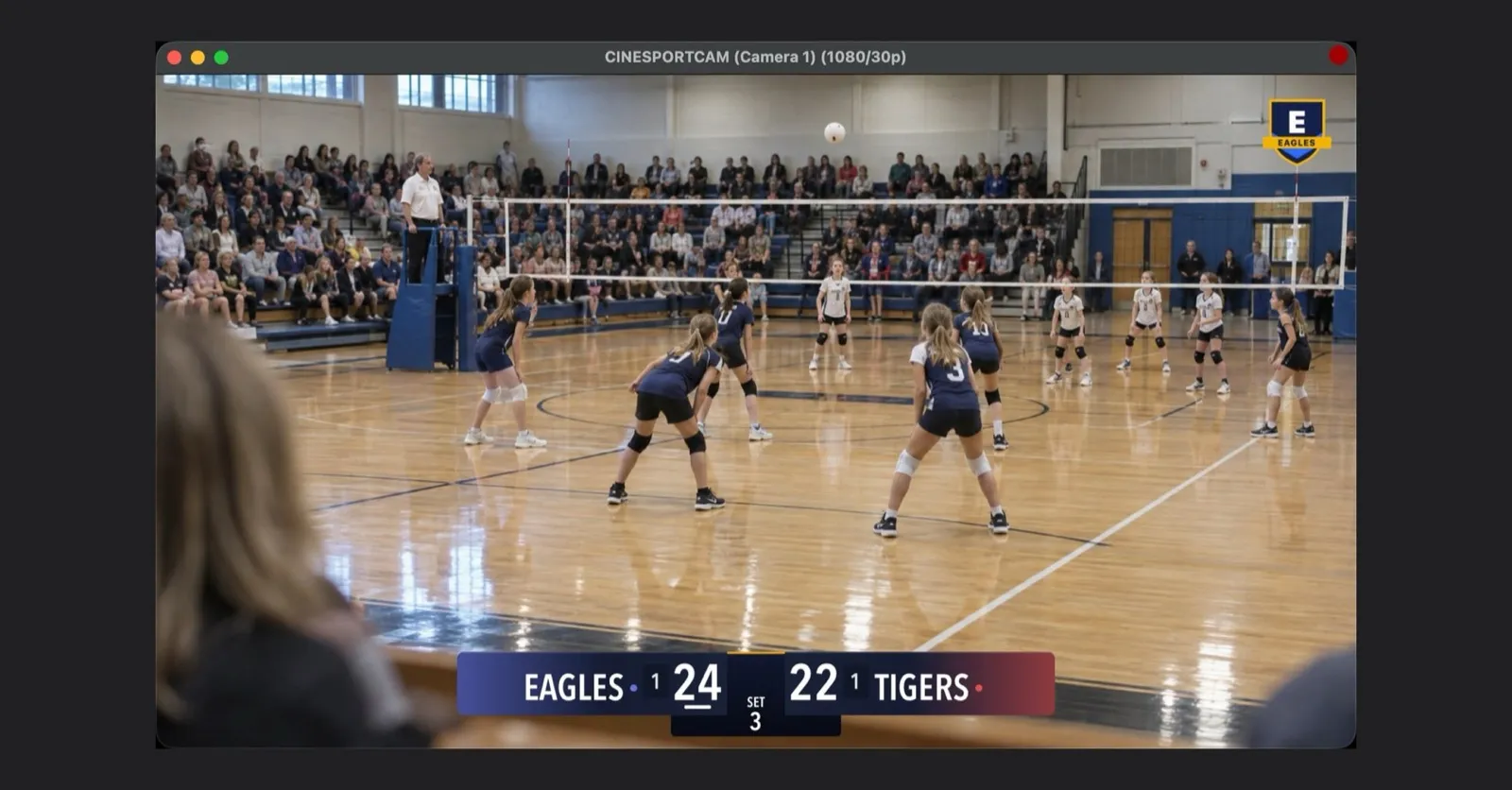
CineSportCam 2.6.1: NDI per tutti, il tuo logo nella diretta e il risultato finale pronto da condividere
Manda la tua telecamera a OBS o vMix via Wi-Fi, metti lo stemma del tuo club nella diretta, condividi il risultato come card e scopri un'anteprima Pro chiara.
Manda la fotocamera del tuo iPhone a OBS o vMix con NDI
CineSportCam invia NDI standard via Wi-Fi: come attivarlo, trovare il telefono in OBS, vMix o NDI Studio Monitor, usare due telefoni e risolvere i problemi.
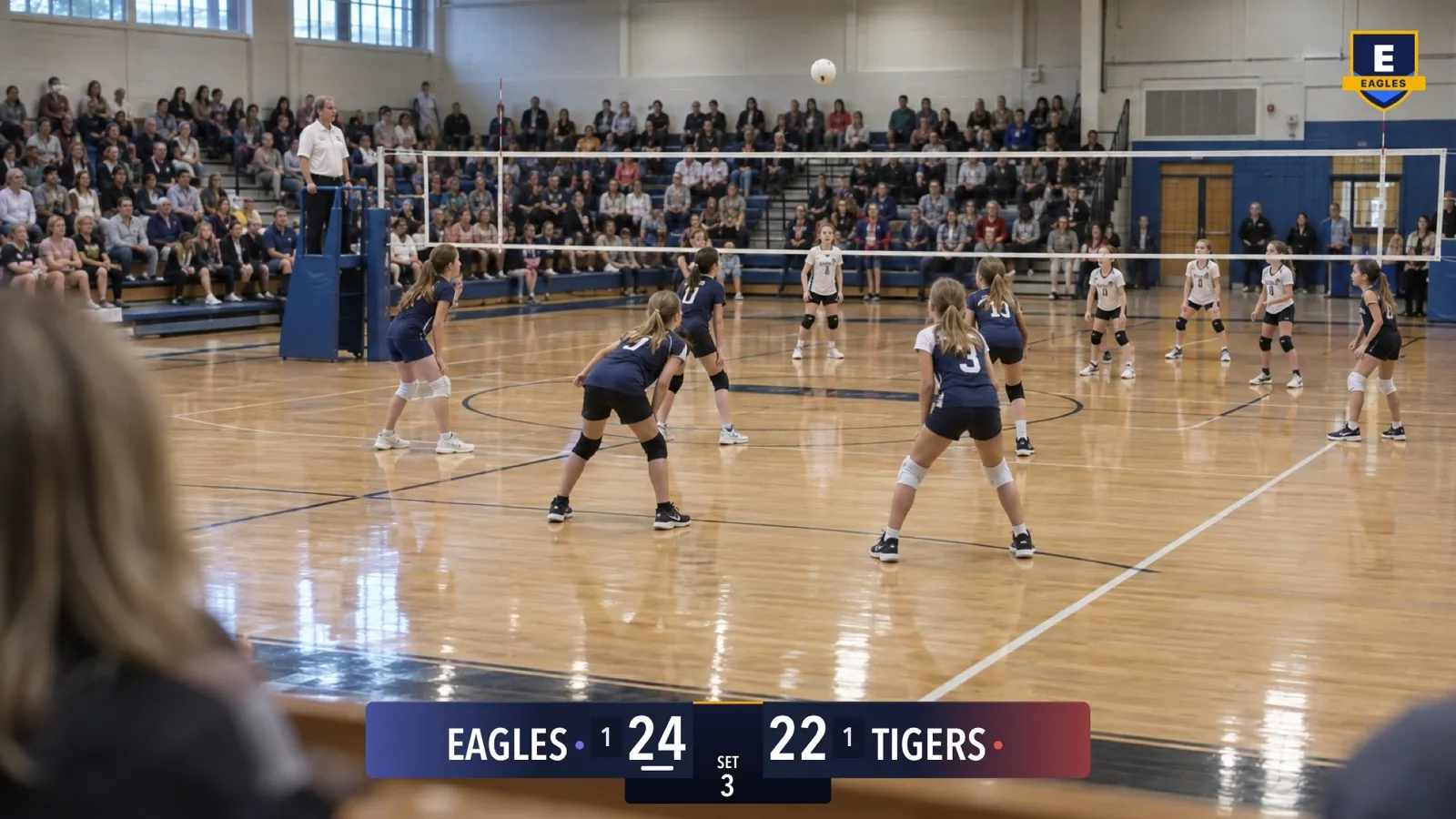
Metti il logo della tua squadra nella diretta con CineSportCam
Mostra lo stemma del tuo club nell'angolo di ogni diretta, registrazione e segnale NDI: come preparare il file, attivarlo, posizionarlo e risolvere i problemi.
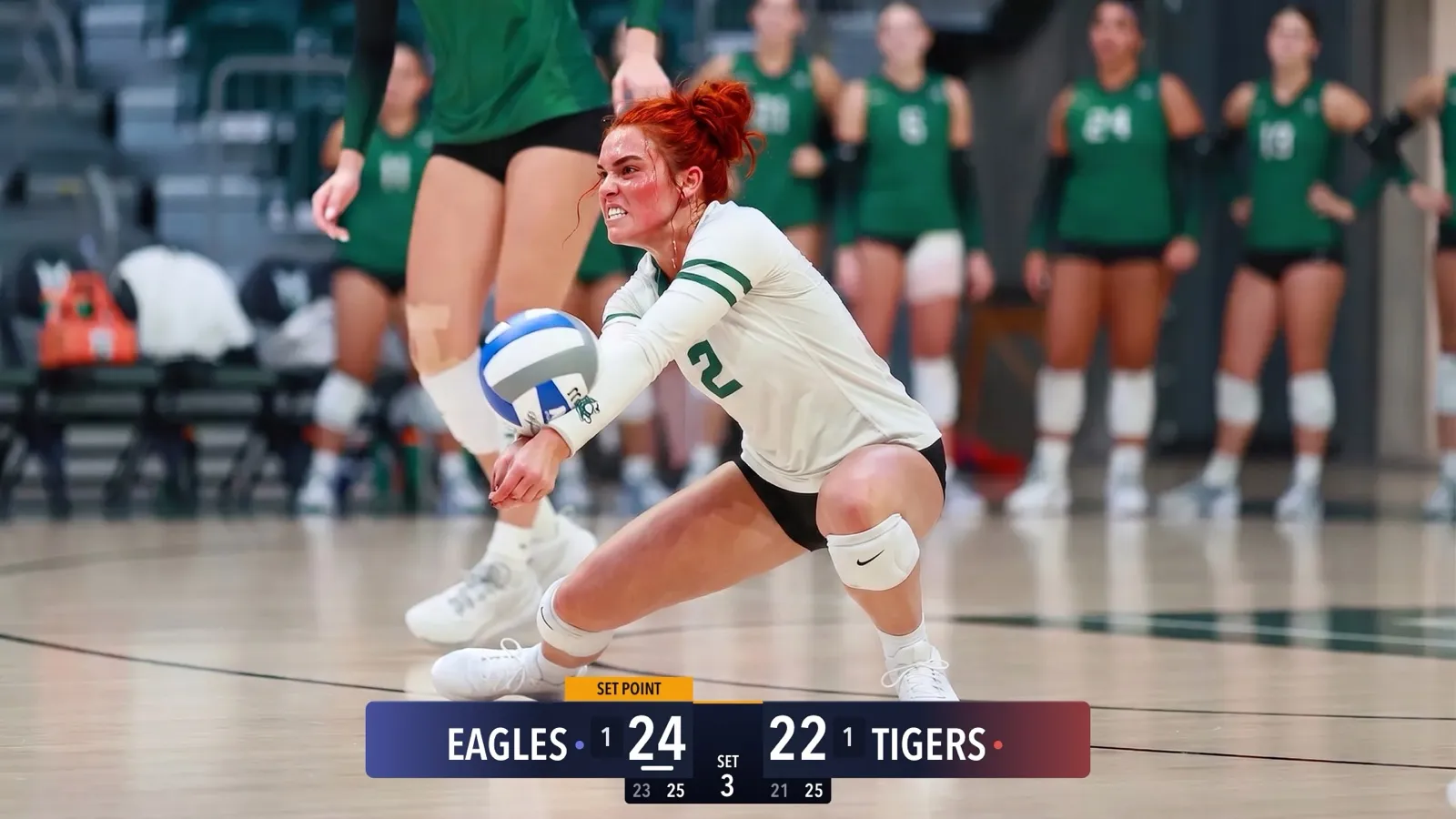
CineSportCam 2.5: i nuovi tabelloni
Quattro look, i colori delle tue squadre, tabelloni Advanced per gli sport a set, Vertical per l'angolo, il beach volley e un selettore con foto di gioco vere.

CineSportCam 2.0: What Is New for Game Day
iPad support, four new sports, 13 languages, overtime that reads right, and a guided first launch. Everything that changed in our biggest update yet.

Running the iPad as Your Scoring Console
CineSportCam 2.0 runs on iPad as a full landscape broadcast and scoring console. Two ways to set it up at a game, and when each one makes sense.
Pickleball Scoring, Explained for Parents
Side-out or rally scoring, singles or doubles, games to 11, 15, or 21. How pickleball scoring works and how CineSportCam 2.0 keeps it straight for you.
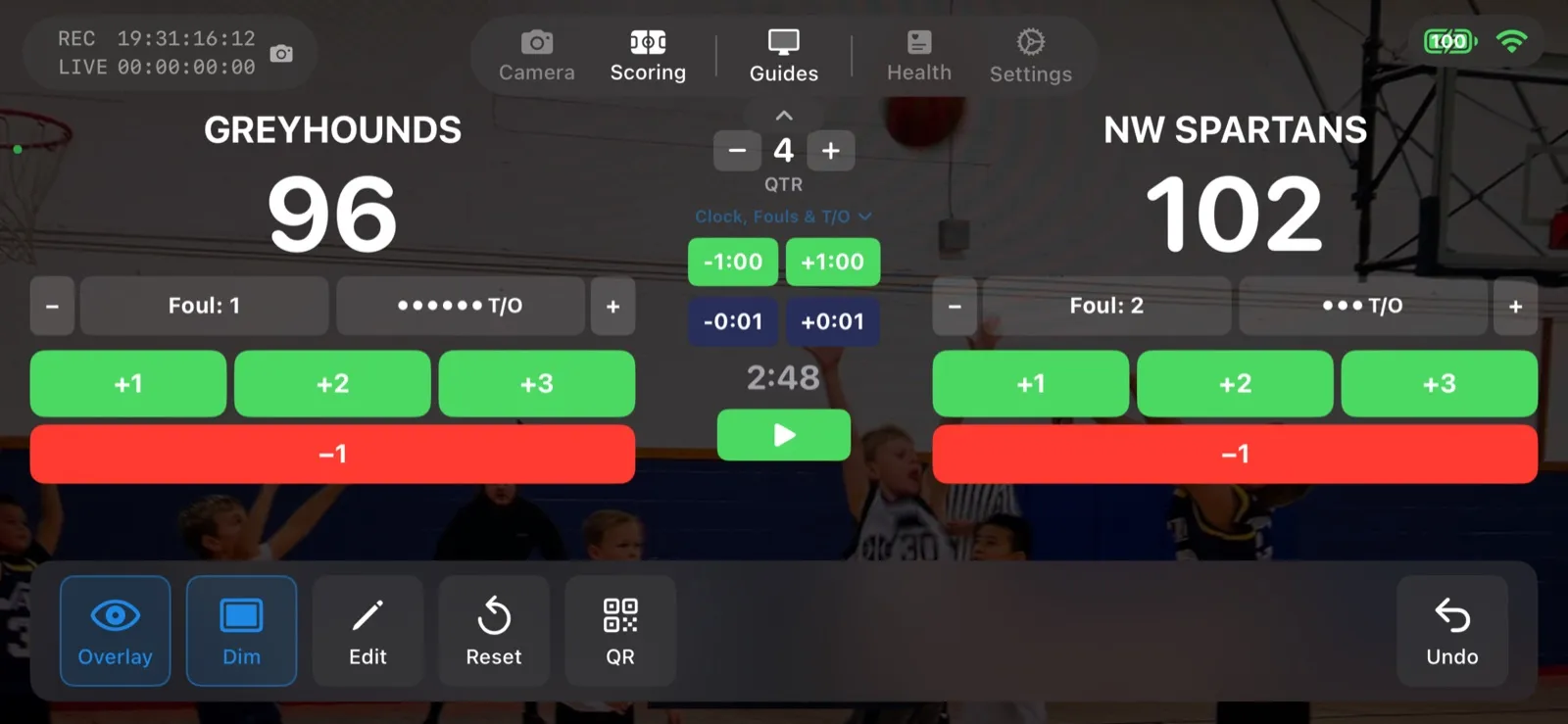
Scoring a Football Game with Down and Distance
How to run the American Football scoreboard in CineSportCam 2.0: quarters, possession, down and distance, the game clock, timeouts, and overtime.
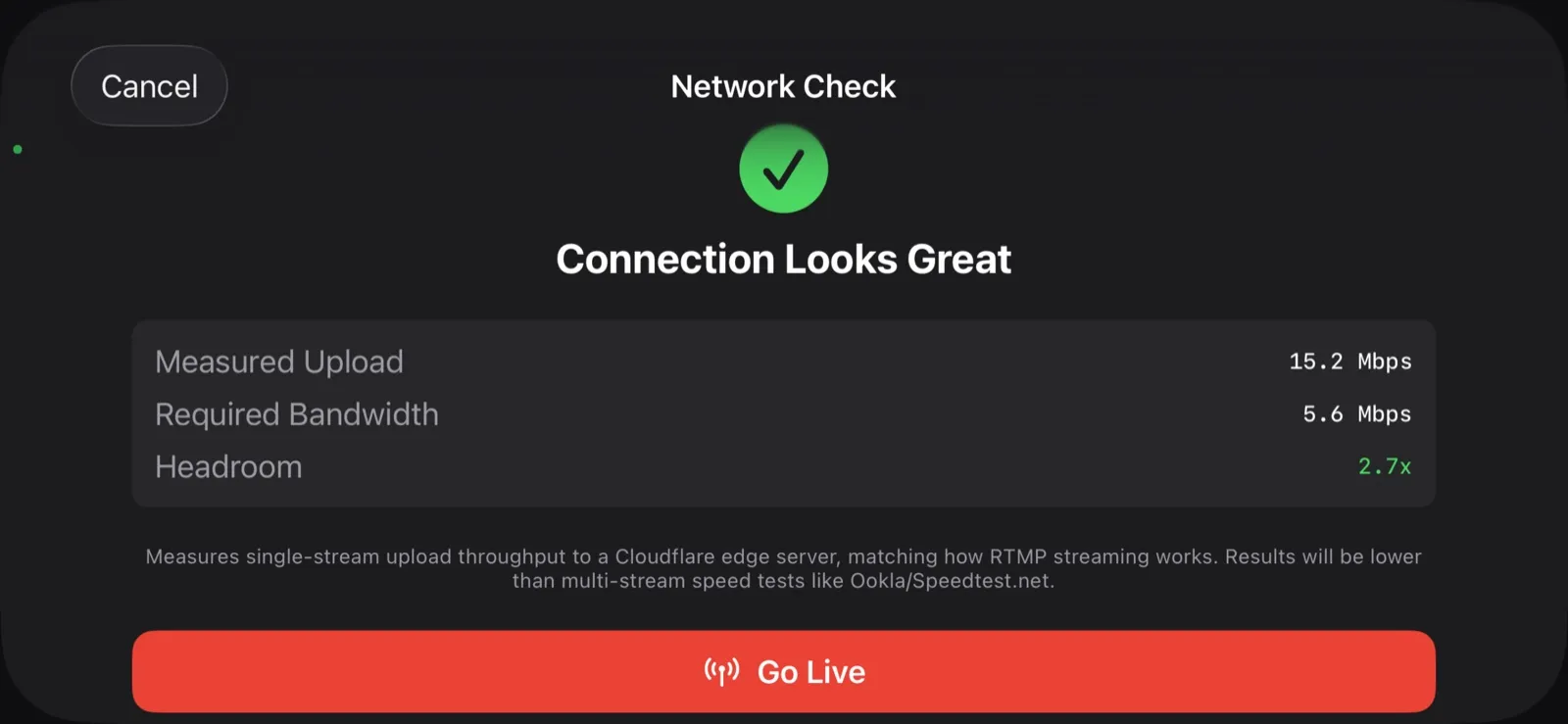
What Happens When the Wi-Fi Drops
Gym Wi-Fi fails. Cellular at the away tournament is worse. Here is exactly what CineSportCam does when the network goes away mid-game, and why your footage is safe.
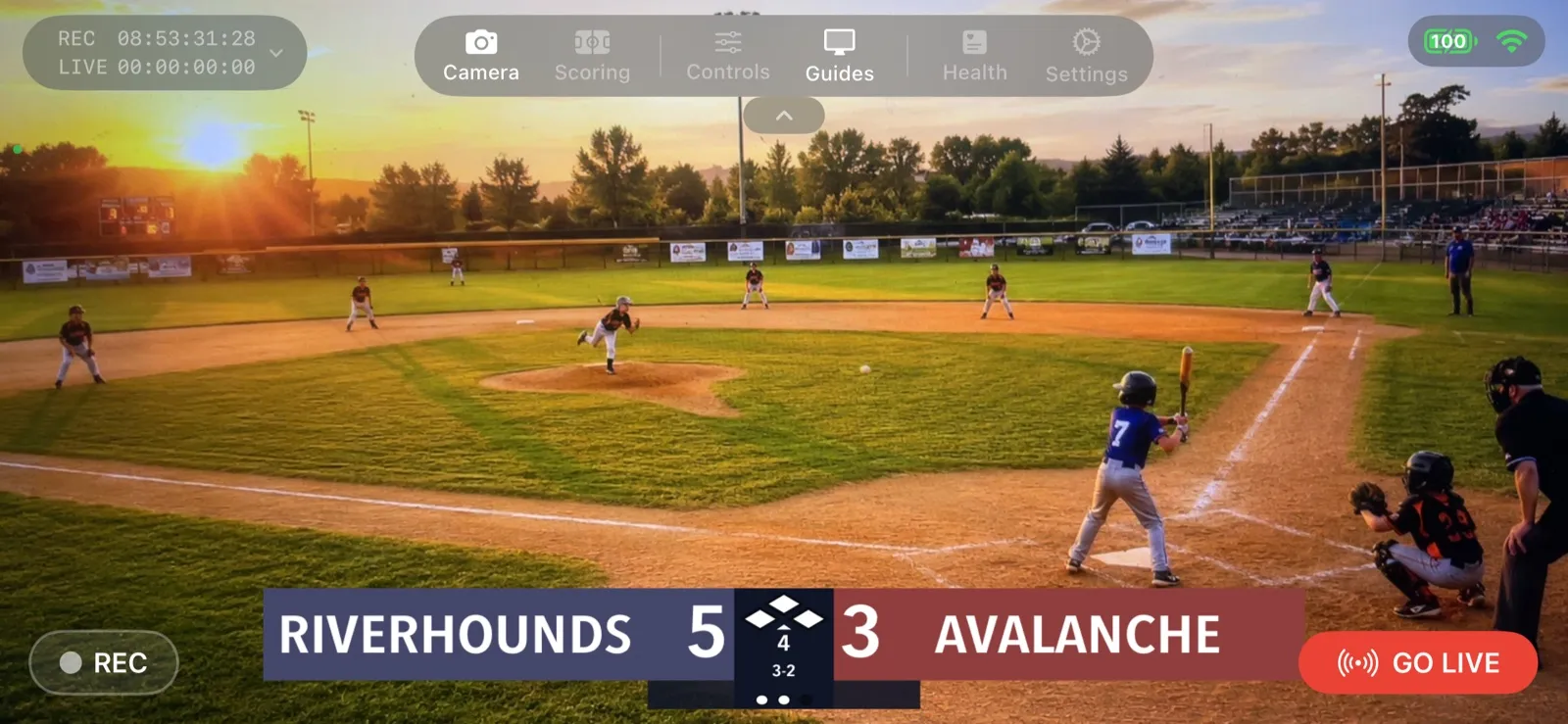
Your First Live Stream: A Step-by-Step Walkthrough
A screen-by-screen guide to going live with CineSportCam 2.0, from opening the app to sharing the link and stopping the stream.

How to Livestream Your Kid's Game in 5 Minutes
The quick version: go live on YouTube, Facebook, or Twitch from the sideline with one iPhone. No extra gear, no logins for viewers.
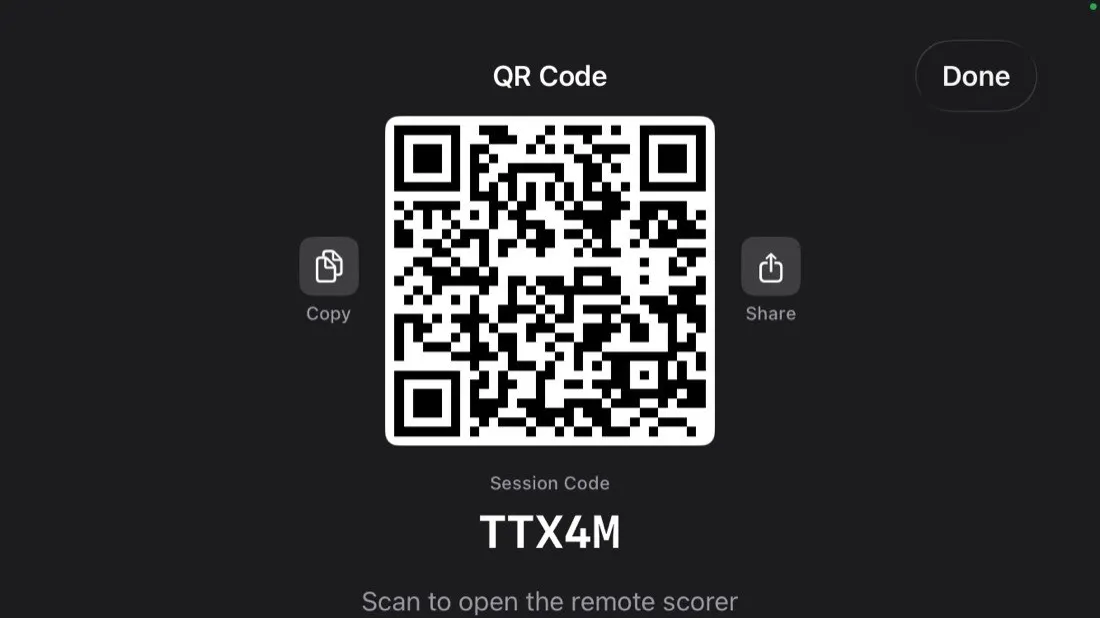
Remote Scoring: Let Someone in the Stands Keep Score
Anyone with a phone can update the scoreboard on your livestream by scanning a QR code. No app, no account. Here is how it works and how to set it up.