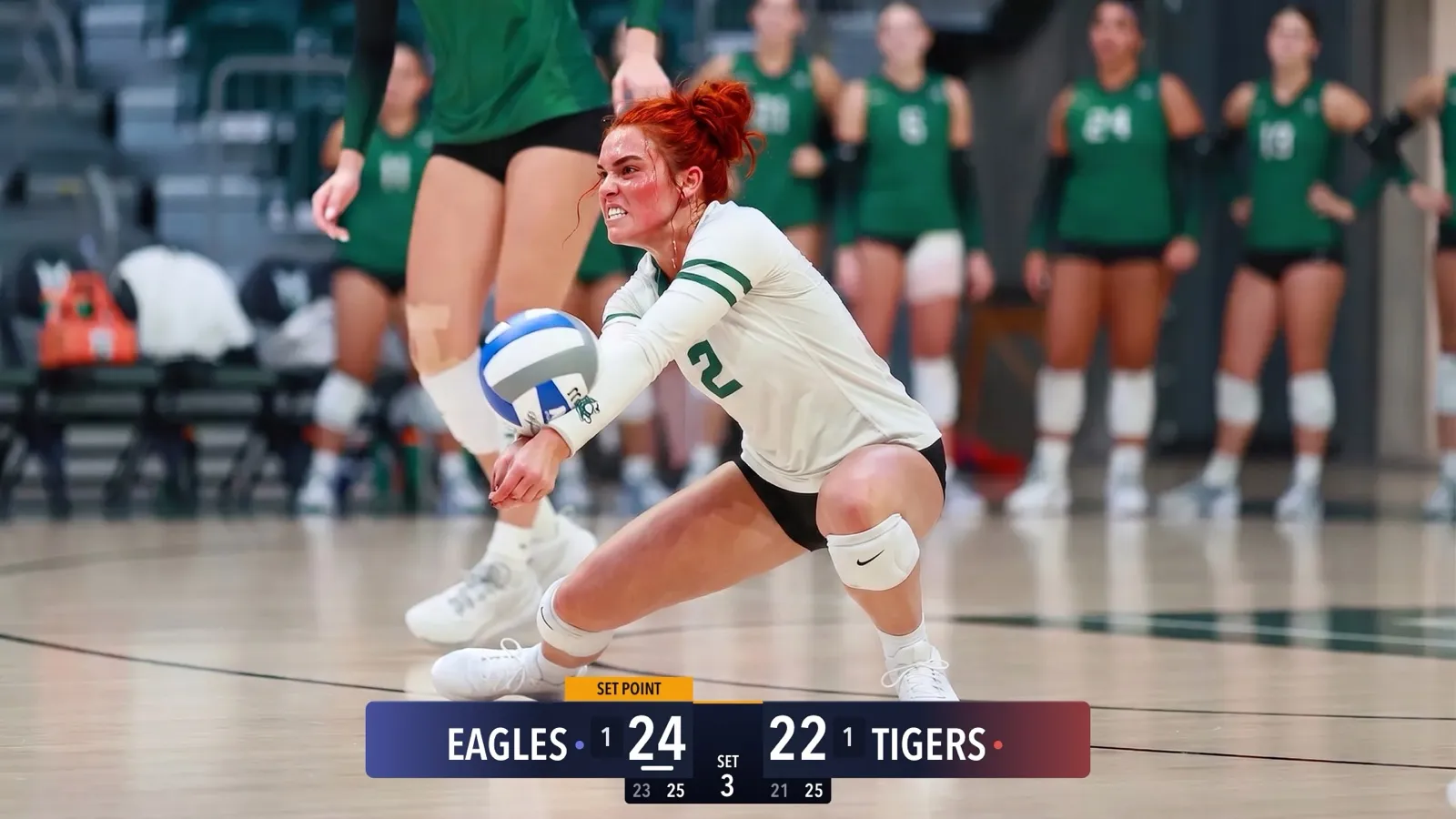
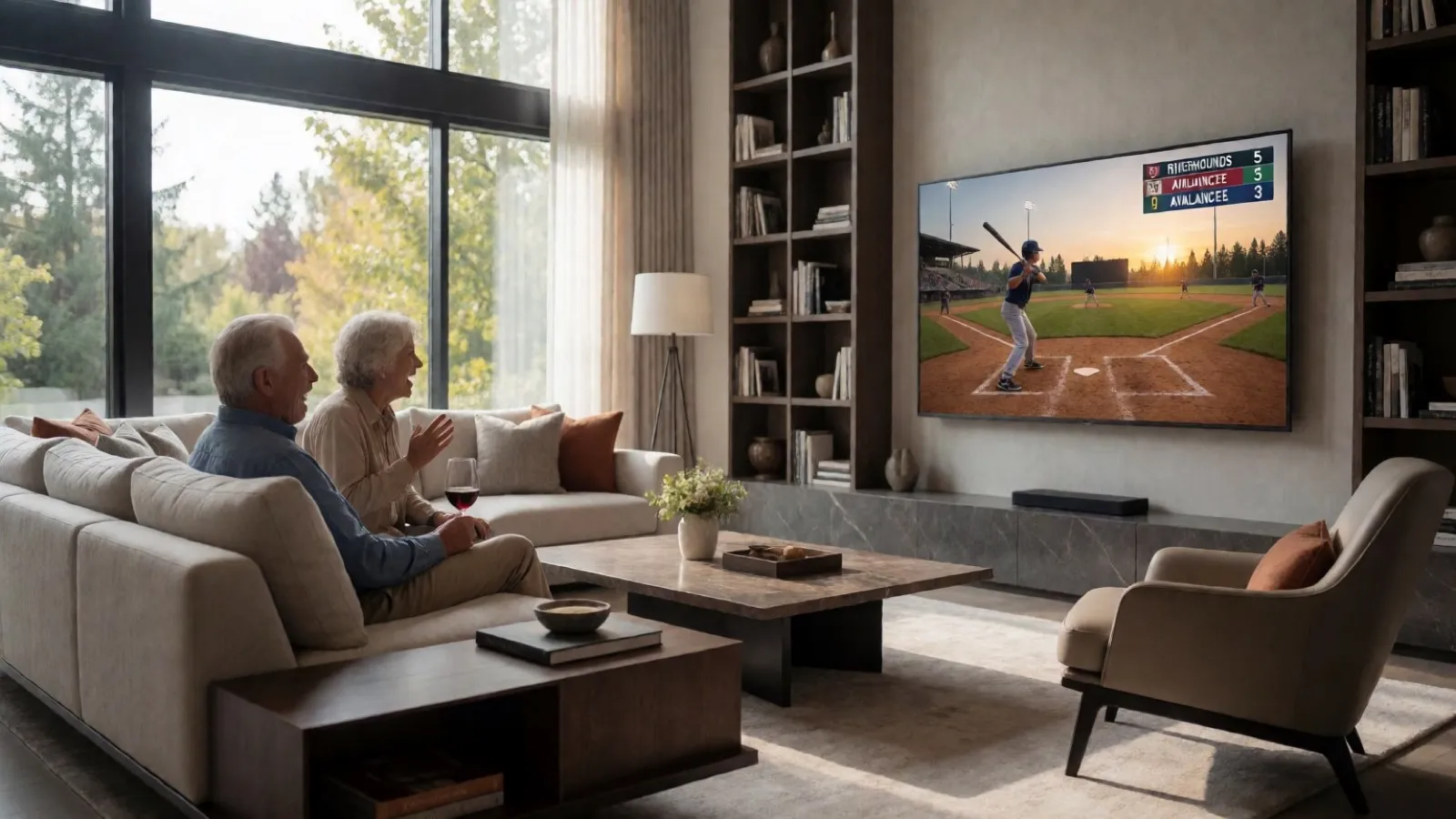
Scoring a Football Game with Down and Distance
How to run the American Football scoreboard in CineSportCam 2.0: quarters, possession, down and distance, the game clock, timeouts, and overtime.
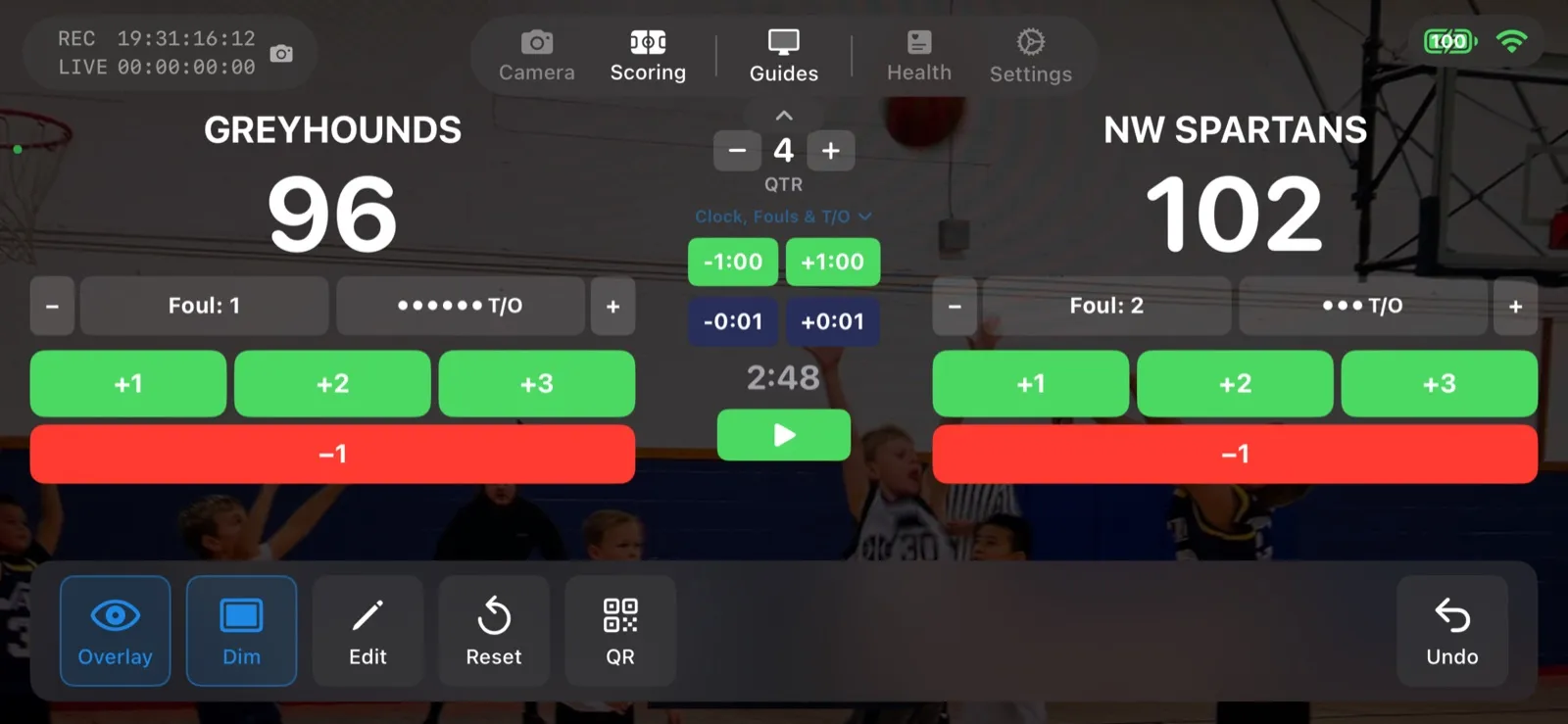
American Football is new in CineSportCam 2.0, and it is the most involved scoreboard in the app. Here is how to run it without missing a play.
Pick the layout
Standard
- Score, quarter, possession
- Overtime, shown as OT
- Everything a parent in the stands needs
Advanced
- Everything in Standard
- Running game clock
- Down and distance, like 3rd & 7
- Timeouts left per team
Running the game
-
Select American Football
In Scoring mode, tap the Sport button and choose American Football. Choose Standard or Advanced. You can switch mid-game without leaving the screen.
The sport picker with American Football selected
-
Set possession
Tap Pos in the action bar when the ball changes hands. It also resets the down to 1st & 10. The remote scorer has a possession button too.
Scoring screen with the possession control next to the quarter
-
Update down and distance
On the Advanced board, use the DOWN bar after each play: set the down, adjust the yards, or tap 1st&10 for a new set of downs. This is the part the scorer will thank you for handing them.
Down and distance controls
-
Score, with the right points
Touchdown (TD), field goal (FG), and one-point and two-point conversions (1PT, 2PT) each have their own button, so the total is always right. Score a safety with 2PT.
Touchdown, field goal, and conversion buttons
-
Manage the clock and timeouts
On Advanced, start and stop the game clock from the scoring screen and tap a timeout to take one off the board. When regulation ends tied, step into overtime and the board reads OT.
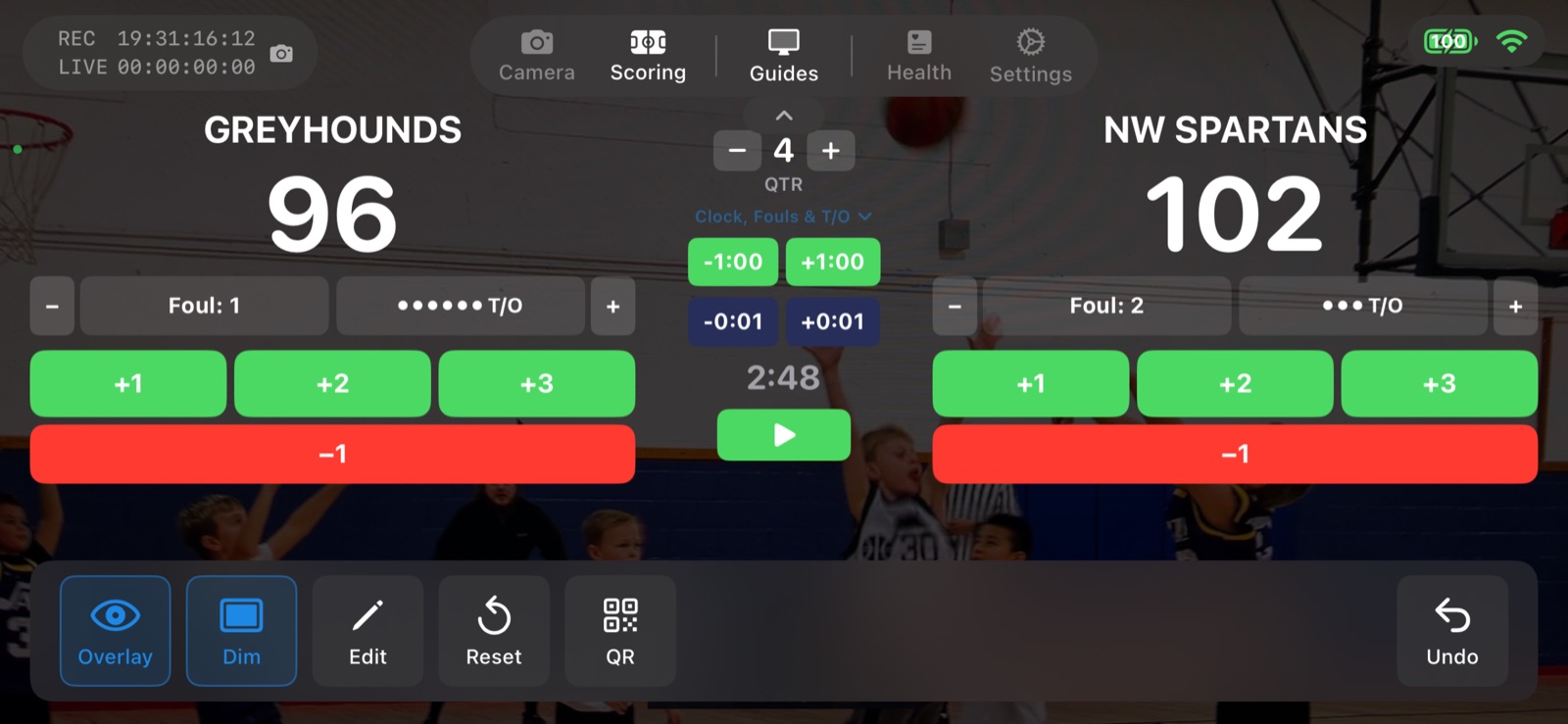
The Advanced controls, shown here on basketball. Football adds possession and down and distance.
Sports with a game clock
Football joins basketball, soccer, ice hockey, and lacrosse as the clock sports. For every board and button, see the American football scoreboard guide.
- 自动换局. 应用会为你记录局数。在高级和纵向记分牌上,下一局会自动开始。
- 自动出局与换局. 三出局自动切换半局,球数和好球数自动重置。
- 比赛计时. 可在计分界面开始、暂停和设置的比赛计时器。
- 拉力制或发球得分制. 选择你所在联赛的计分方式,计分界面上有换发球按钮。
- 档数与码数. 记分牌显示档数、码数和球权,可在计分界面或远程计分器上操作。
- 紧凑布局. 更小的记分牌,比赛中途可随时切换。属于 CineSportCam Pro。
- 高级. 在直播画面上显示更多比赛信息:往局比分、犯规、暂停或比赛时钟,视运动而定。属于 CineSportCam Pro。