Scoring a Football Game with Down and Distance
How to run the American Football scoreboard in CineSportCam 2.0: quarters, possession, down and distance, the game clock, timeouts, and overtime.
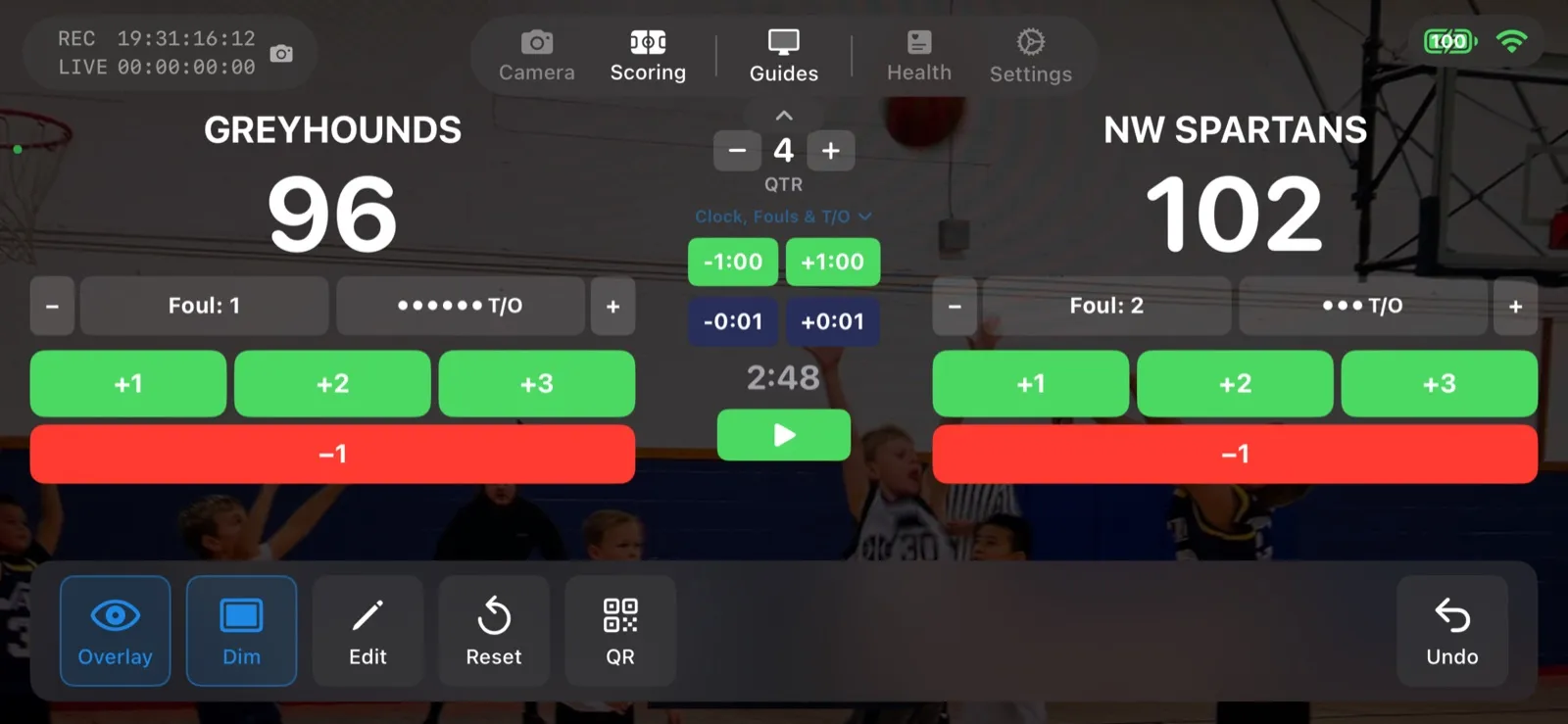
American Football is new in CineSportCam 2.0, and it is the most involved scoreboard in the app. Here is how to run it without missing a play.
Pick the layout
Standard
- Score, quarter, possession
- Overtime, shown as OT
- Everything a parent in the stands needs
Advanced
- Everything in Standard
- Running game clock
- Down and distance, like 3rd & 7
- Timeouts left per team
Running the game
-
Select American Football
In Scoring mode, tap the Sport button and choose American Football. Choose Standard or Advanced. You can switch mid-game without leaving the screen.
The sport picker with American Football selected
-
Set possession
Tap Pos in the action bar when the ball changes hands. It also resets the down to 1st & 10. The remote scorer has a possession button too.
Scoring screen with the possession control next to the quarter
-
Update down and distance
On the Advanced board, use the DOWN bar after each play: set the down, adjust the yards, or tap 1st&10 for a new set of downs. This is the part the scorer will thank you for handing them.
Down and distance controls
-
Score, with the right points
Touchdown (TD), field goal (FG), and one-point and two-point conversions (1PT, 2PT) each have their own button, so the total is always right. Score a safety with 2PT.
Touchdown, field goal, and conversion buttons
-
Manage the clock and timeouts
On Advanced, start and stop the game clock from the scoring screen and tap a timeout to take one off the board. When regulation ends tied, step into overtime and the board reads OT.
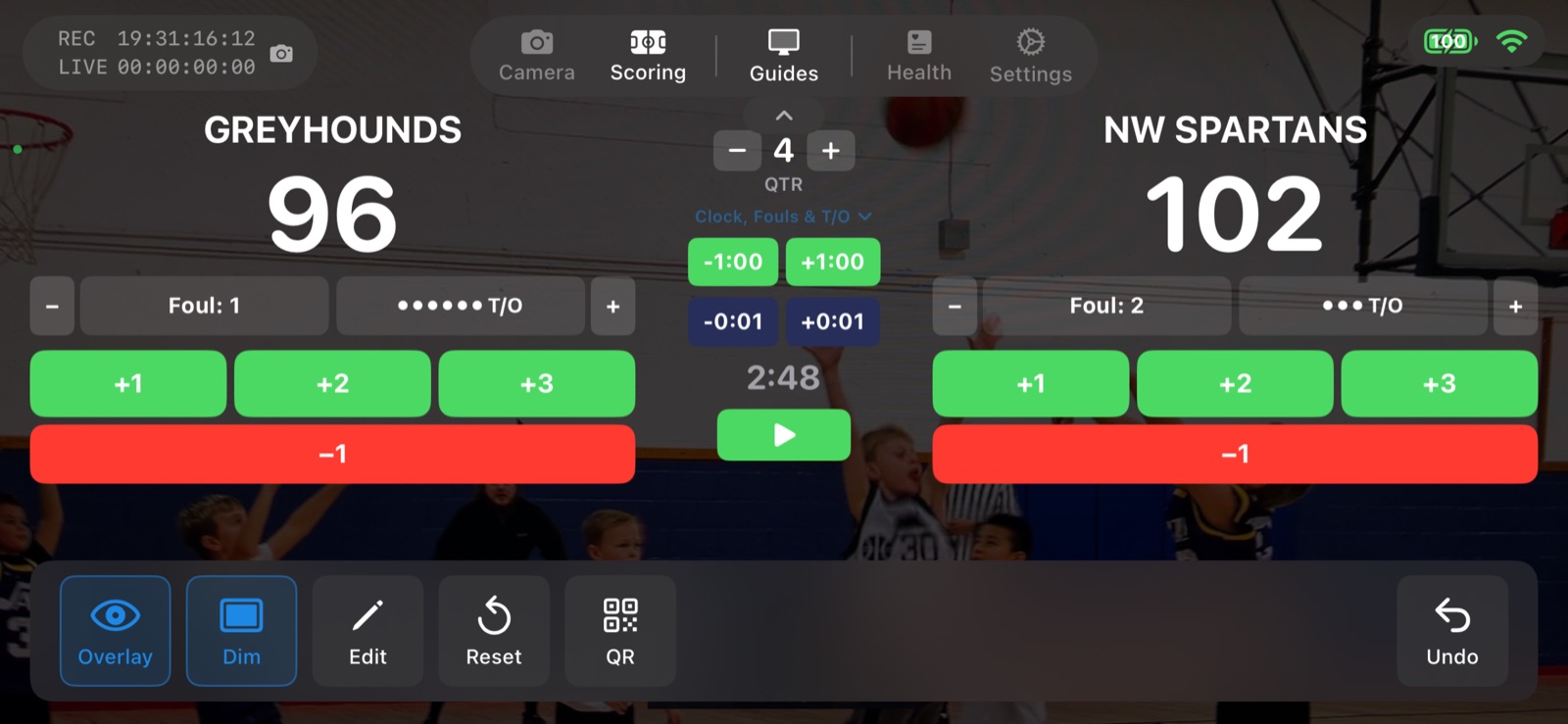
The Advanced controls, shown here on basketball. Football adds possession and down and distance.
Sports with a game clock
Football joins basketball, soccer, ice hockey, and lacrosse as the clock sports. For every board and button, see the American football scoreboard guide.
- 세트 자동 진행. 세트나 게임은 앱이 대신 기록합니다. 고급 보드와 세로형 보드에서는 다음 세트가 자동으로 시작됩니다.
- 아웃과 이닝 자동 진행. 3아웃이면 공수가 자동으로 바뀌고 볼과 스트라이크가 초기화돼요.
- 경기 시계. 점수 화면에서 시작, 일시 정지, 시간 설정을 할 수 있는 경기 시계.
- 랠리 또는 사이드아웃. 리그에서 쓰는 득점 방식을 고르세요. 점수 화면에 사이드아웃 버튼이 있어요.
- 다운과 거리. 다운, 거리, 공격권을 점수판에 표시하고 점수 화면이나 원격 스코어러에서 조작해요.
- 컴팩트 레이아웃. 경기 중에 전환할 수 있는 작은 스코어보드. CineSportCam Pro 기능입니다.
- 고급. 종목에 따라 지난 세트 점수, 파울, 타임아웃, 시계 등 더 많은 정보를 방송에 표시합니다. CineSportCam Pro 기능입니다.