Scoring a Football Game with Down and Distance
How to run the American Football scoreboard in CineSportCam 2.0: quarters, possession, down and distance, the game clock, timeouts, and overtime.
American Football is new in CineSportCam 2.0, and it is the most involved scoreboard in the app. Here is how to run it without missing a play.
Pick the layout
Standard
- Score, quarter, possession
- Overtime, shown as OT
- Everything a parent in the stands needs
Advanced
- Everything in Standard
- Running game clock
- Down and distance, like 3rd & 7
- Timeouts left per team
Running the game
-
Select American Football
In Scoring mode, tap the Sport button and choose American Football. Choose Standard or Advanced. You can switch mid-game without leaving the screen.
The sport picker with American Football selected
-
Set possession
Tap Pos in the action bar when the ball changes hands. It also resets the down to 1st & 10. The remote scorer has a possession button too.
Scoring screen with the possession control next to the quarter
-
Update down and distance
On the Advanced board, use the DOWN bar after each play: set the down, adjust the yards, or tap 1st&10 for a new set of downs. This is the part the scorer will thank you for handing them.
Down and distance controls
-
Score, with the right points
Touchdown (TD), field goal (FG), and one-point and two-point conversions (1PT, 2PT) each have their own button, so the total is always right. Score a safety with 2PT.
Touchdown, field goal, and conversion buttons
-
Manage the clock and timeouts
On Advanced, start and stop the game clock from the scoring screen and tap a timeout to take one off the board. When regulation ends tied, step into overtime and the board reads OT.
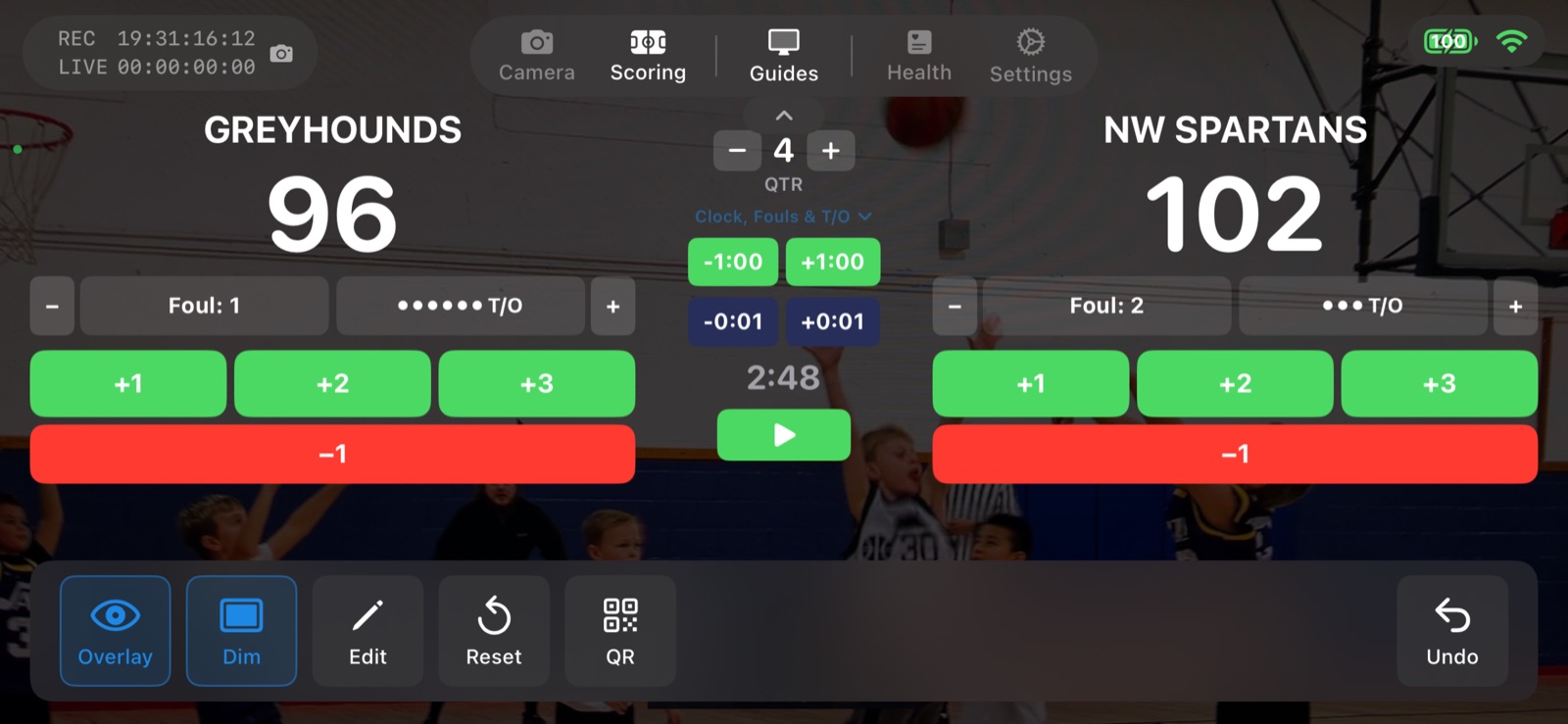
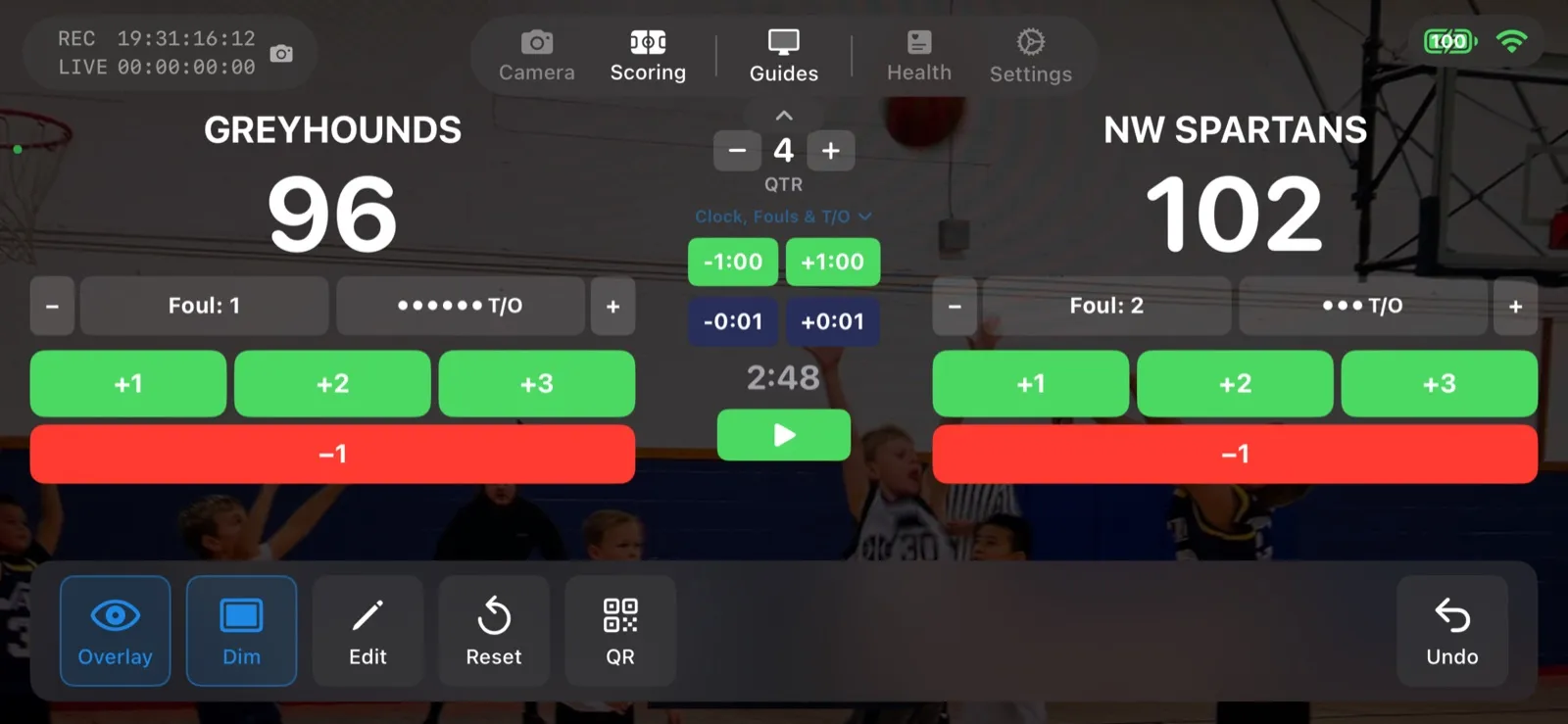
The Advanced controls, shown here on basketball. Football adds possession and down and distance.
Sports with a game clock
Football joins basketball, soccer, ice hockey, and lacrosse as the clock sports. For every board and button, see the American football scoreboard guide.
- Sets automáticos. O app acompanha os sets ou games para você. Nos placares Avançado e Vertical, o próximo começa sozinho.
- Outs e innings automáticos. Três outs viram a meia entrada. Bolas e strikes zeram para você.
- Cronômetro de jogo. Um cronômetro de jogo que você inicia, pausa e ajusta na tela de pontuação.
- Rally ou side-out. Escolha o sistema de pontuação da sua liga, com um botão de Side Out direto na tela de pontuação.
- Down e distância. Down, distância e posse de bola no placar, pela tela de pontuação ou pelo placar remoto.
- Layout compacto. Um placar menor para trocar no meio do jogo. Parte do CineSportCam Pro.
- Avançado. Mais do jogo na transmissão: placares de sets anteriores, faltas, tempos ou o cronômetro, conforme o esporte. Parte do CineSportCam Pro.