ブログ
ヒント、ガイド&ノウハウ
ストリーミング、スコアリング、試合当日のメディア管理に役立つ実践的なアドバイスです。
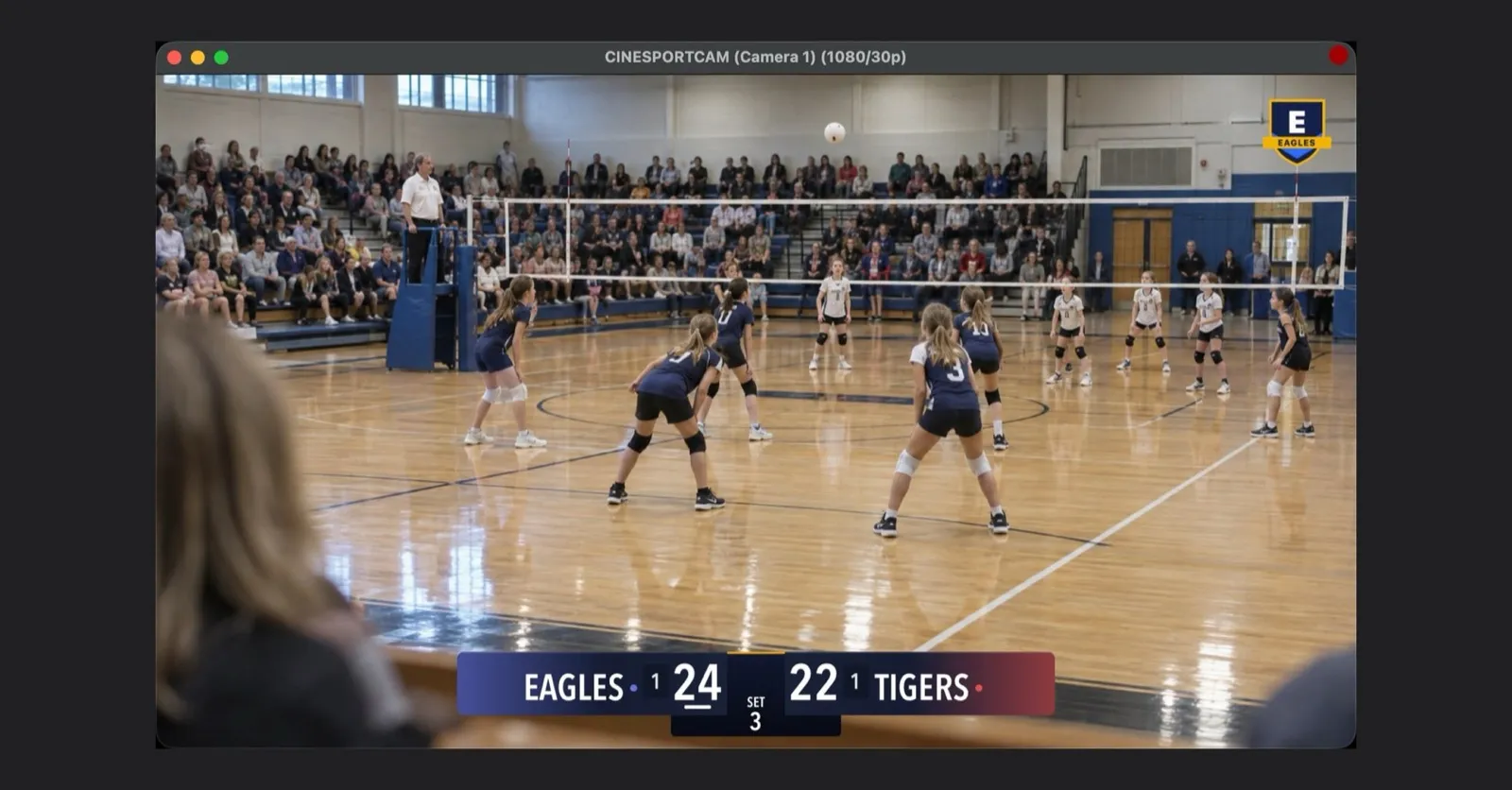
CineSportCam 2.6.1: すべての人に NDI、配信に自分のロゴ、すぐに共有できる最終スコア
Wi-Fi 経由でカメラを OBS や vMix に送り、クラブのエンブレムを配信に入れ、最終スコアをカードで共有。そして、わかりやすくなった Pro 体験。
NDI で iPhone のカメラを OBS や vMix に送る
CineSportCam は Wi-Fi 経由で標準の NDI を送信します。オンにする方法、OBS、vMix、NDI Studio Monitor でスマホを見つける方法、2 台のスマホを 2 台のカメラとして使う方法、そしてソースが表示されないときの対処法を説明します。
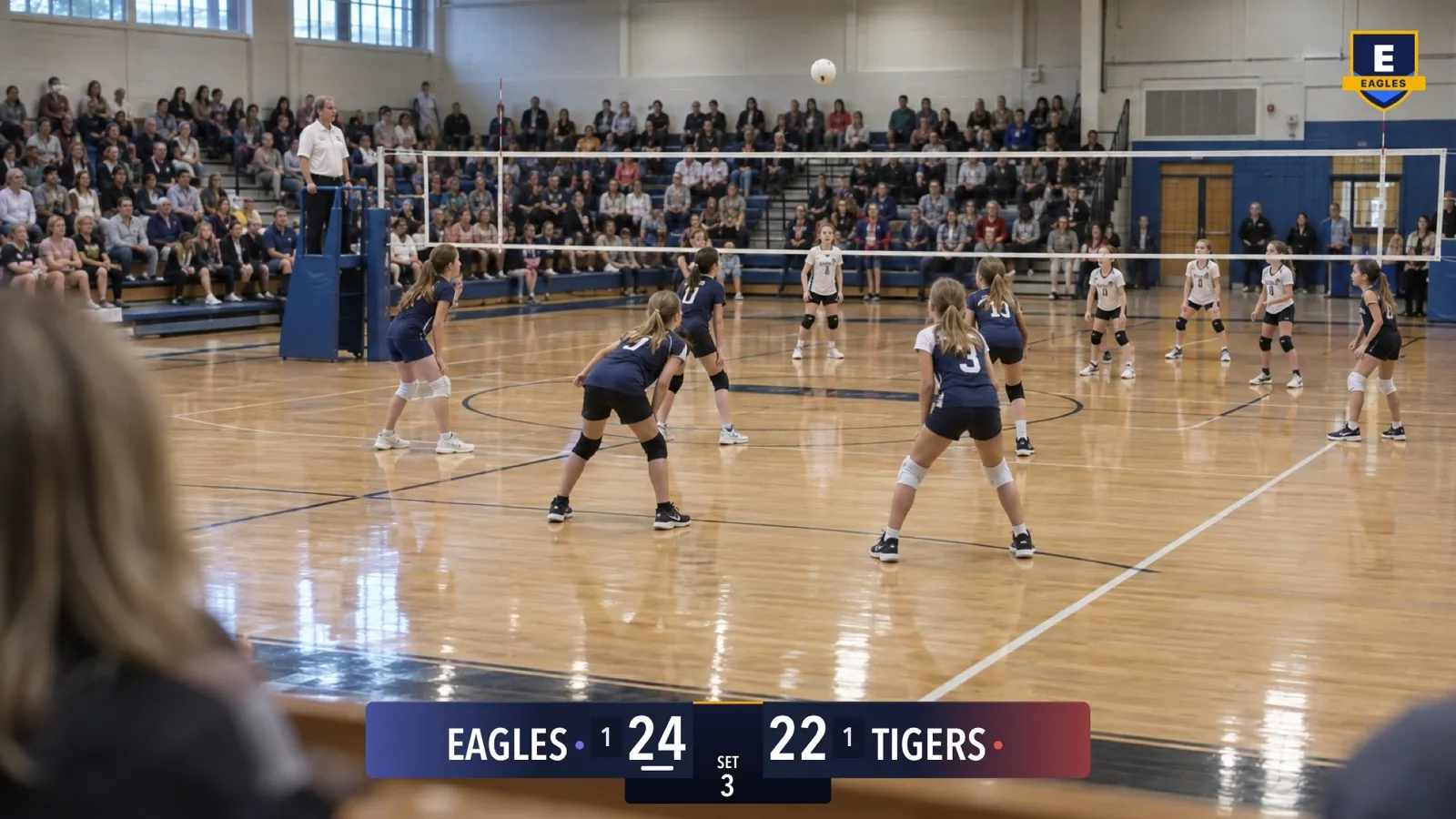
CineSportCam でライブ配信にチームのロゴを入れる
クラブのエンブレムを、すべての配信、録画、NDI 出力の隅に表示しましょう。ファイルの準備、オンにする方法、配置、そして画像が読み込めないときの対処法を説明します。
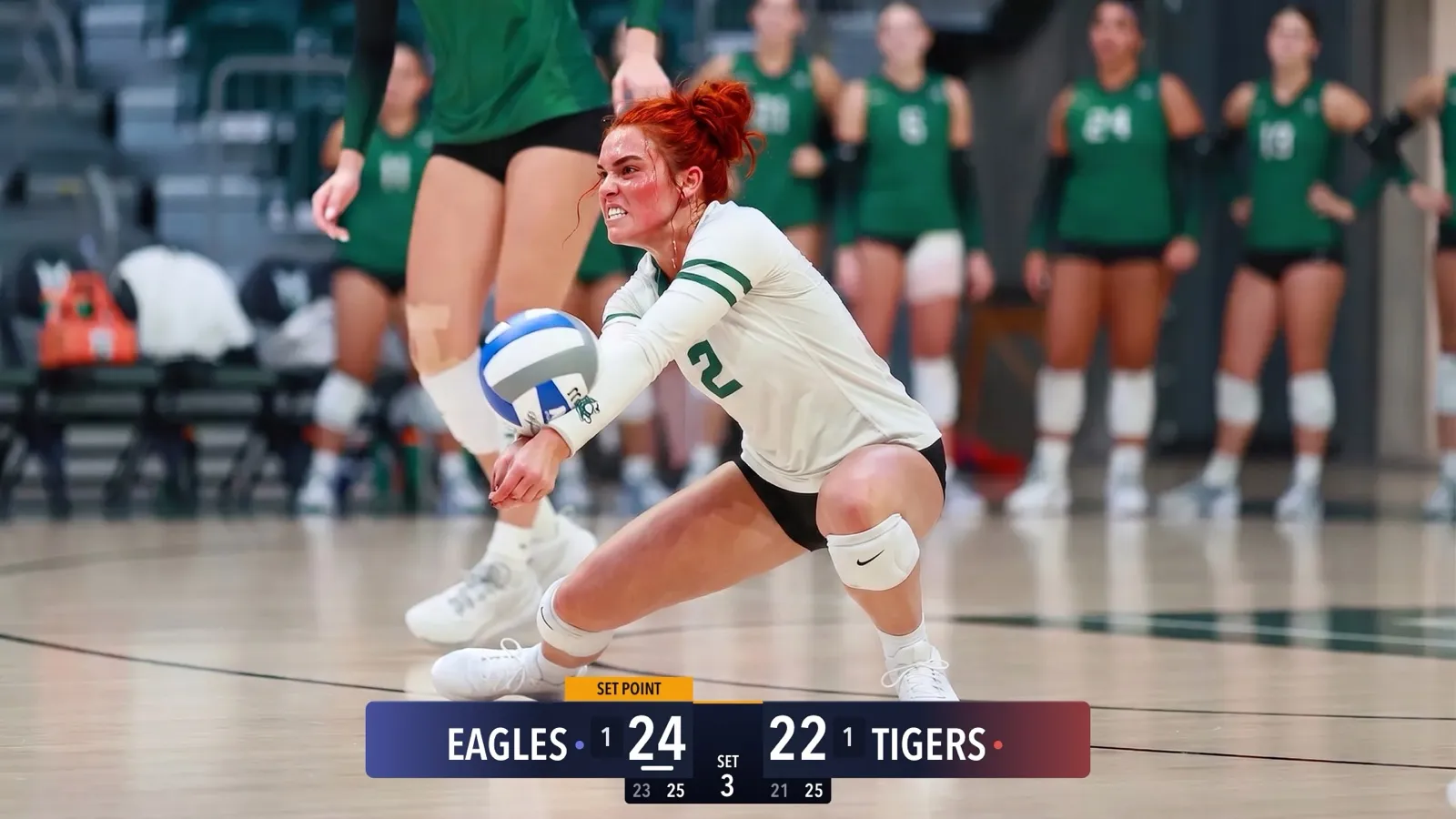
CineSportCam 2.5: 新しいスコアボードが登場
4 つのスコアボードデザイン、チームカラー、セット制競技向けの詳細ボード、画面の隅に置ける縦型ボード、ビーチバレー、そして実際の試合写真の上ですべてのボードを確かめられる選択画面。

CineSportCam 2.0: What Is New for Game Day
iPad support, four new sports, 13 languages, overtime that reads right, and a guided first launch. Everything that changed in our biggest update yet.

Running the iPad as Your Scoring Console
CineSportCam 2.0 runs on iPad as a full landscape broadcast and scoring console. Two ways to set it up at a game, and when each one makes sense.
Pickleball Scoring, Explained for Parents
Side-out or rally scoring, singles or doubles, games to 11, 15, or 21. How pickleball scoring works and how CineSportCam 2.0 keeps it straight for you.
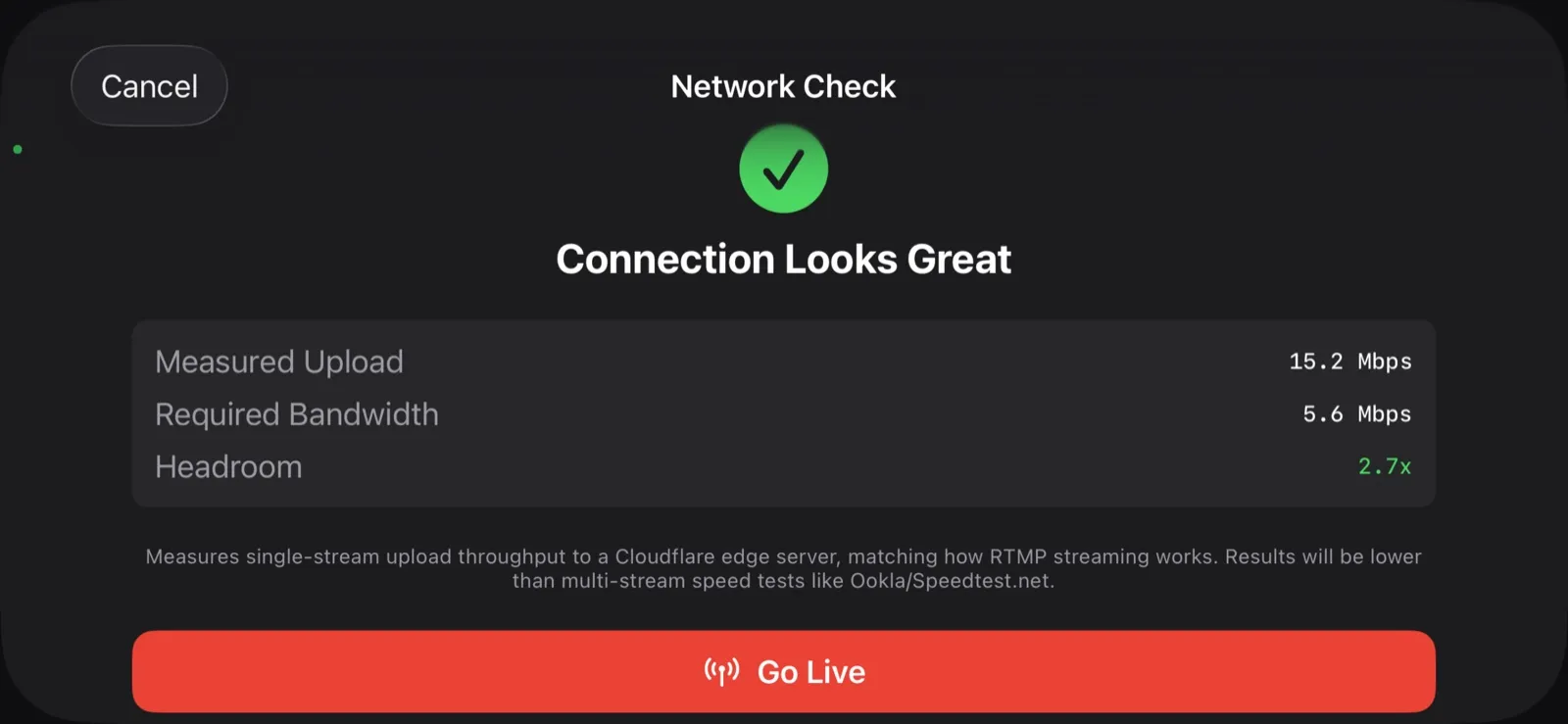
What Happens When the Wi-Fi Drops
Gym Wi-Fi fails. Cellular at the away tournament is worse. Here is exactly what CineSportCam does when the network goes away mid-game, and why your footage is safe.
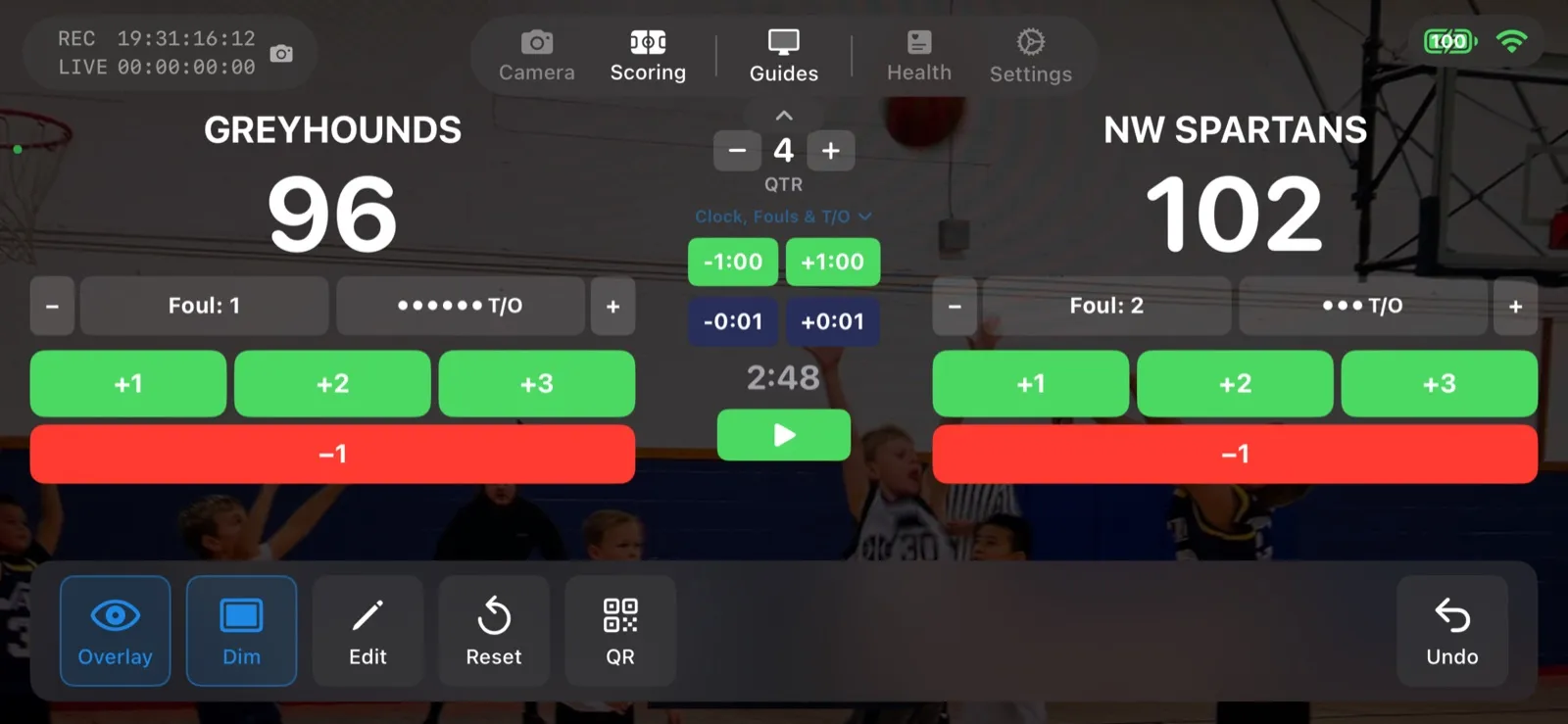
Scoring a Football Game with Down and Distance
How to run the American Football scoreboard in CineSportCam 2.0: quarters, possession, down and distance, the game clock, timeouts, and overtime.
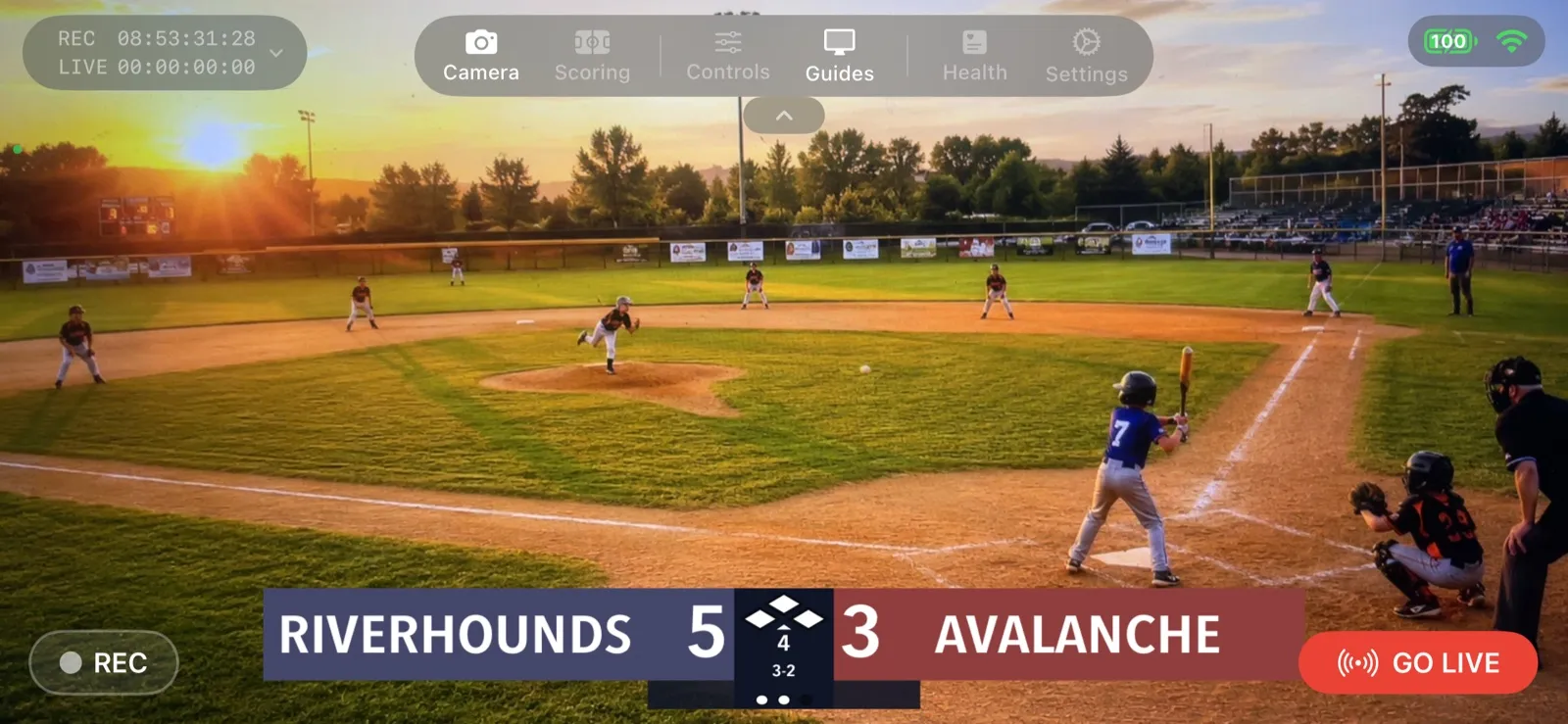
Your First Live Stream: A Step-by-Step Walkthrough
A screen-by-screen guide to going live with CineSportCam 2.0, from opening the app to sharing the link and stopping the stream.

How to Livestream Your Kid's Game in 5 Minutes
The quick version: go live on YouTube, Facebook, or Twitch from the sideline with one iPhone. No extra gear, no logins for viewers.
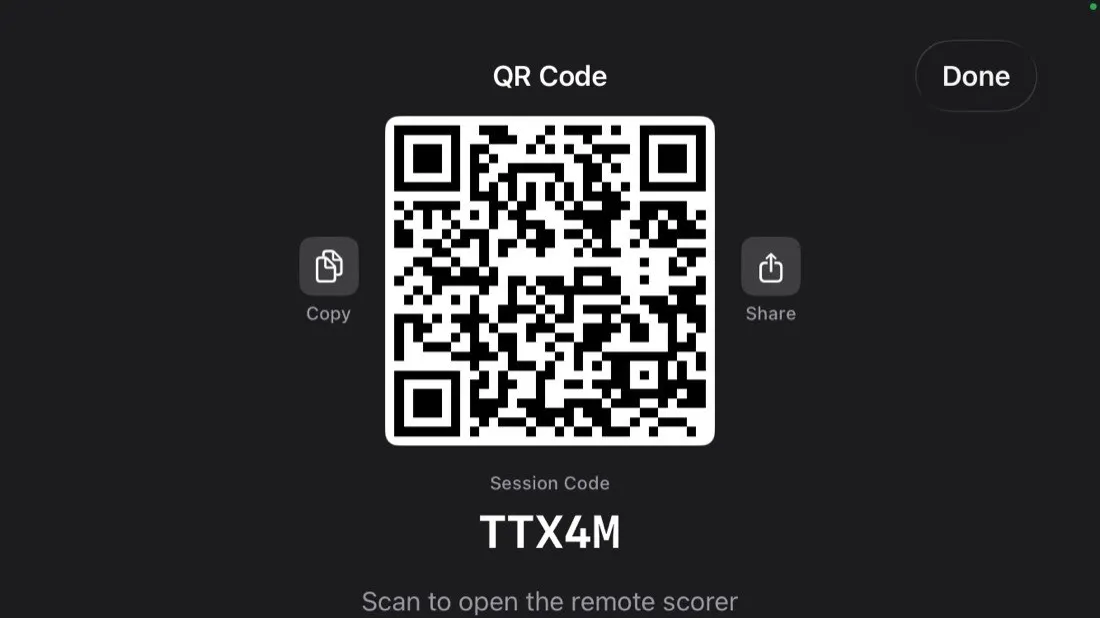
Remote Scoring: Let Someone in the Stands Keep Score
Anyone with a phone can update the scoreboard on your livestream by scanning a QR code. No app, no account. Here is how it works and how to set it up.