Generic scoreboard guide (any two-team game)
The CineSportCam Generic boards for ultimate frisbee, kickball or any two-team game: names, scores and the period, with Compact and Vertical options.
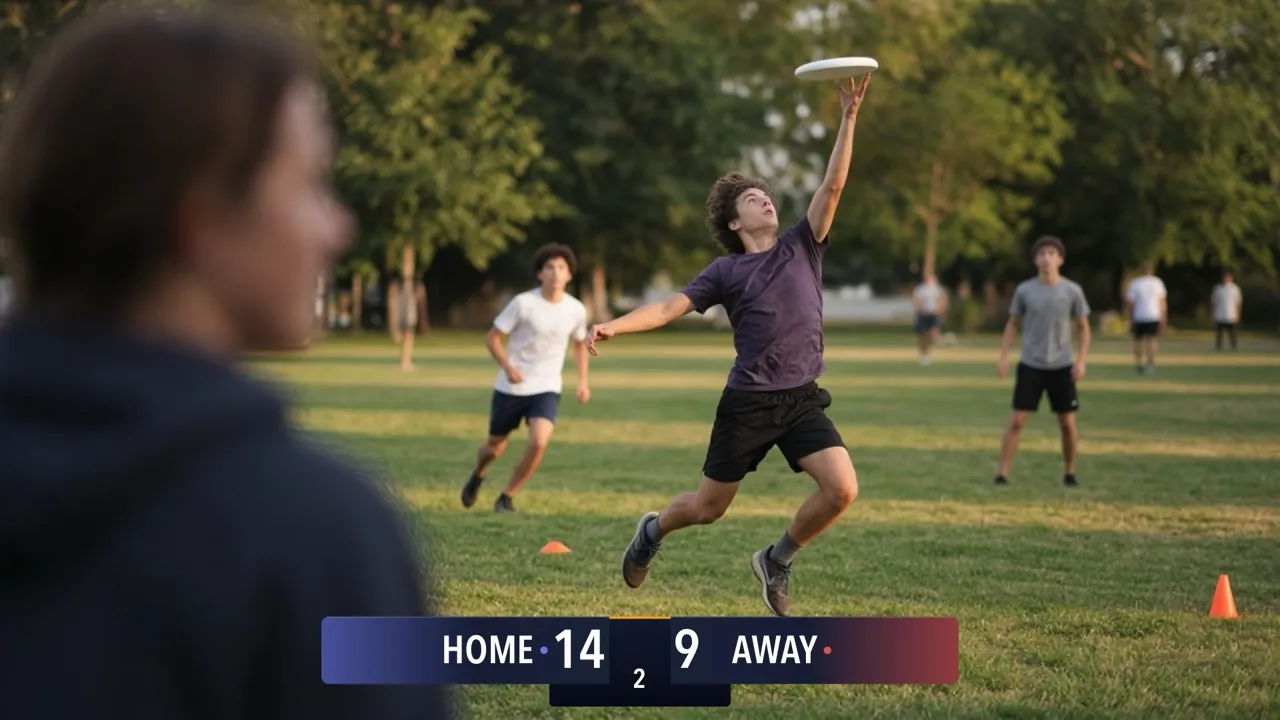
For ultimate frisbee, kickball, or any other game between two teams that CineSportCam doesn’t have its own scoreboard for. Generic keeps it simple: team names, scores and the period. It’s also the sport a new install starts on. New to the scoreboard? Start with How to set up your scoreboard.
Pick your board
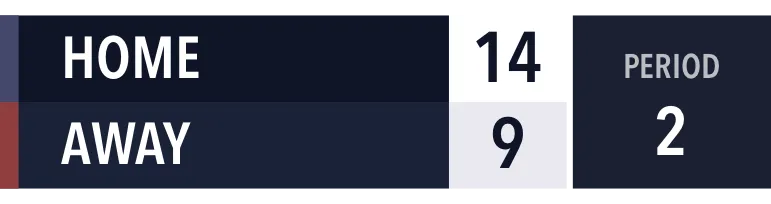
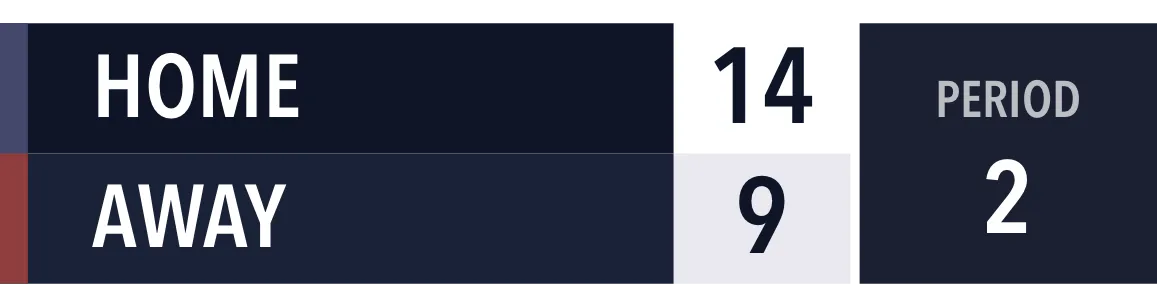
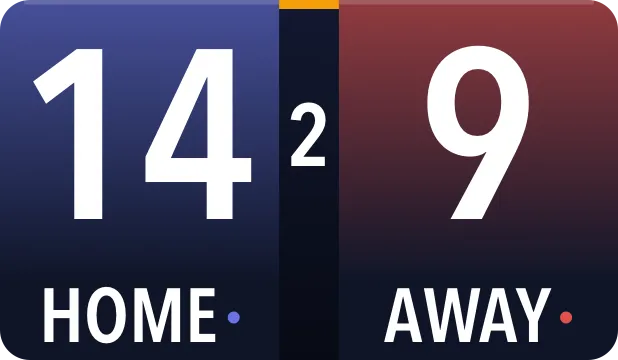
Generic has 10 boards, one per card: four looks along the top or bottom, two Vertical sizes for a corner, and four Compact looks.
Horizontal




Vertical
Compact
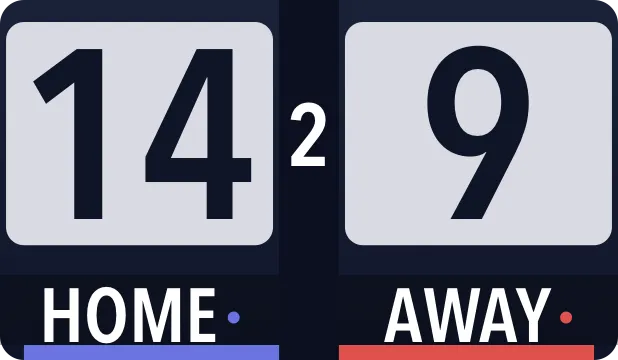
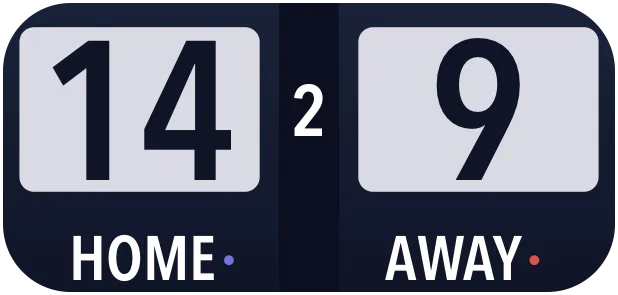
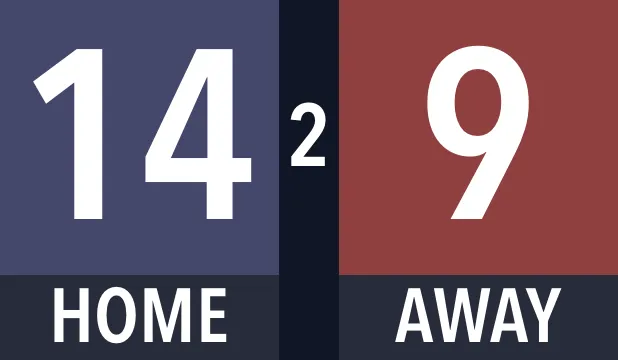
| Board | Free or Pro | What viewers see |
|---|---|---|
| Classic · Standard | Free | Team names, scores and the period. |
| Broadcast, Studio or Slim · Standard | Pro | The same, in that look and in your team colors. |
| Compact, in any look | Pro | Big scores with the team names and the period. |
| Vertical and Vertical Large | Pro | A row per team with the score, and the period labelled PERIOD, in a corner of the frame. |
Scores of 100 or more shrink to fit on every Generic board, so high-scoring games still read cleanly.
The rules
Generic uses fixed rules: 4 periods and no clock. There’s no Rules page.
Score a game
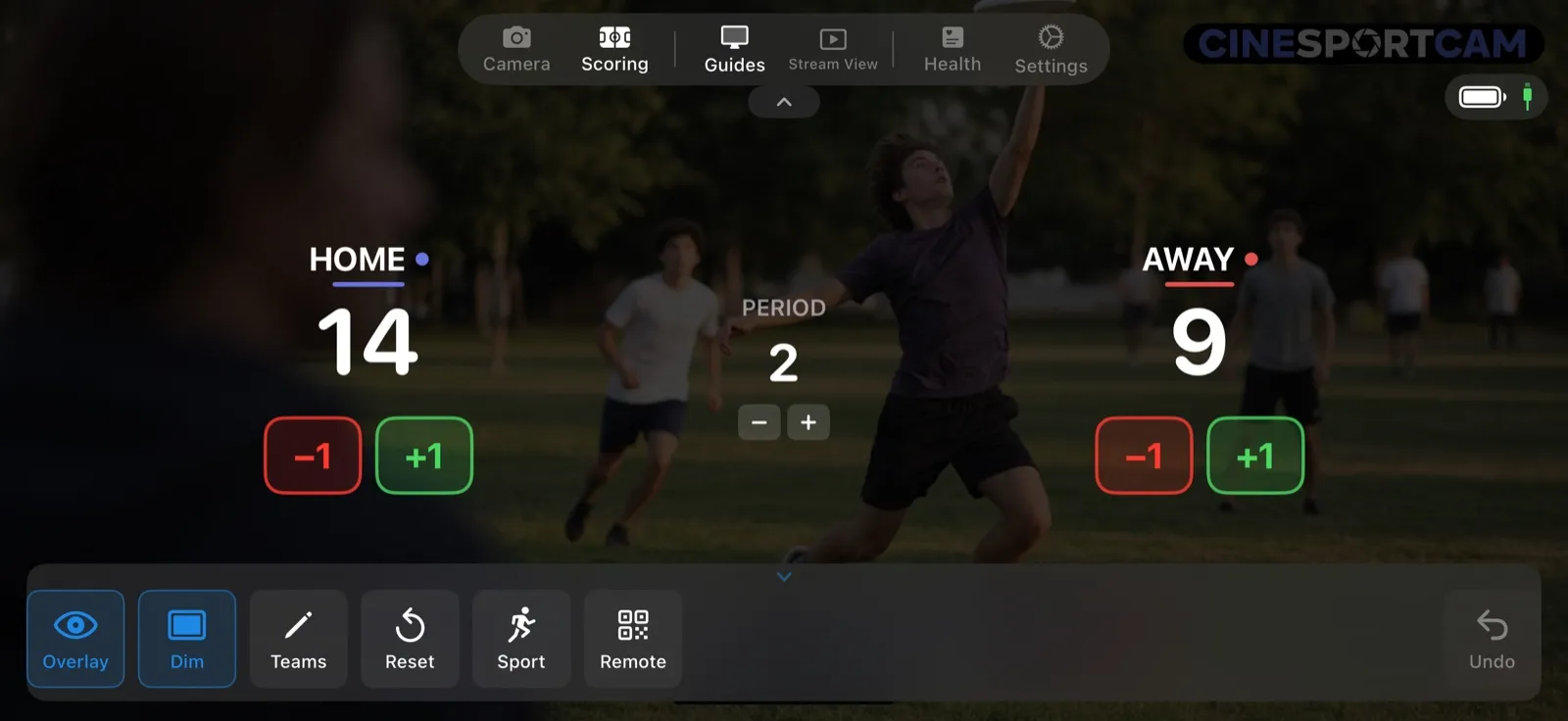
- +1 and −1 for each team.
- The period, with − and +.
That’s all there is to it.
What viewers see
Second period: HOME lead AWAY 14–9.
Remote scoring
Hand the score to someone on the sideline: they can keep it from their phone’s browser while you film. See the remote scoring guide to start a session.
Tips
- Rename the teams. Tap Teams, or tap a team’s name, to swap HOME and AWAY for the real names.
- Your sport has its own board? Pick it in the Scoreboard picker: CineSportCam has 11 other sports with their own rules.