博客
技巧、指南和实用知识
关于直播、记分和比赛日媒体管理的实用建议。
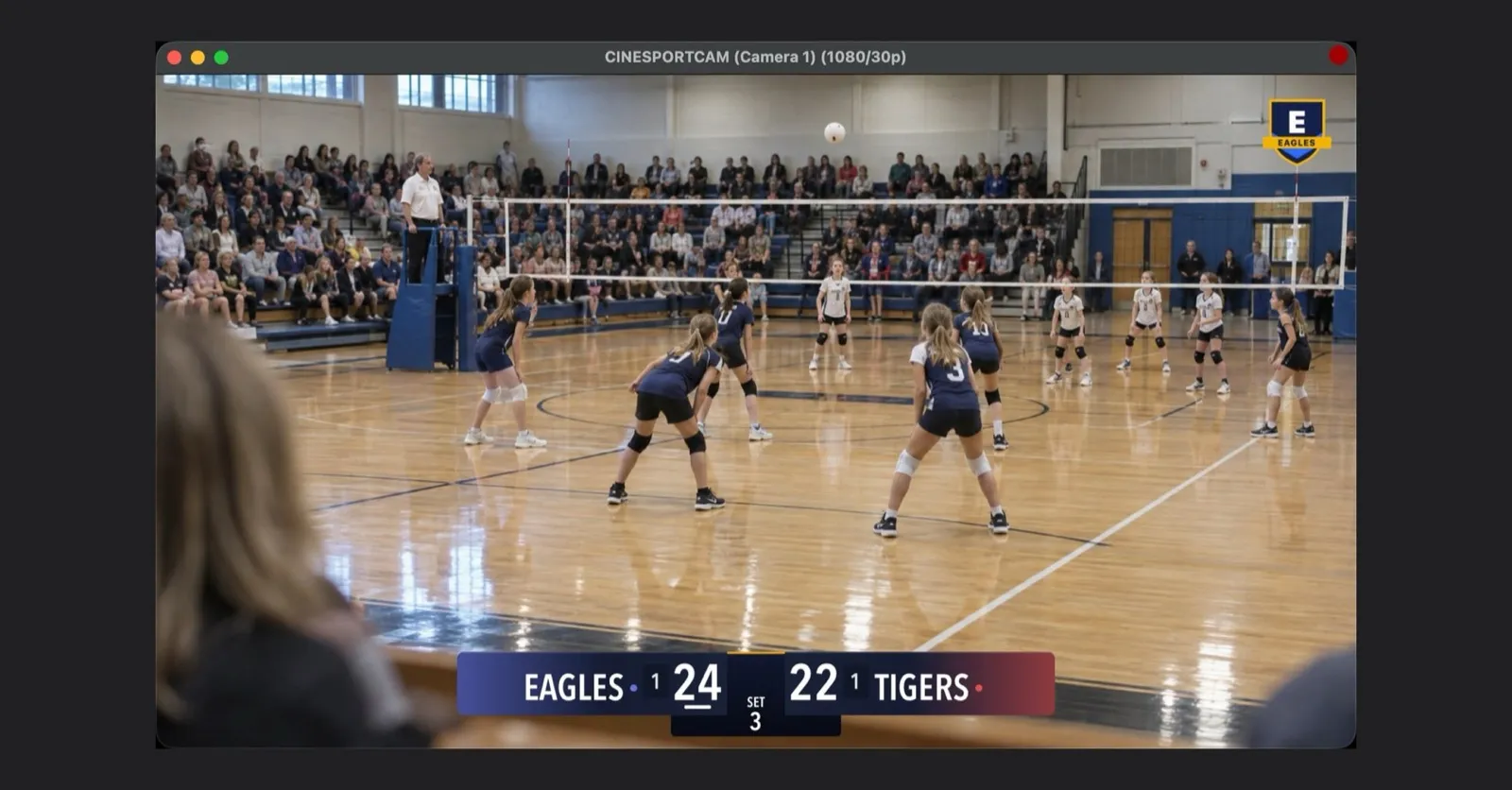
CineSportCam 2.6.1:人人可用的 NDI、直播中的专属标志,以及随时可分享的最终比分
通过 Wi-Fi 把相机画面发送到 OBS 或 vMix,把俱乐部队徽放上直播,用一张卡片分享最终比分,还有简单易懂的 Pro 体验期。
用 NDI 把 iPhone 相机画面发送到 OBS 或 vMix
CineSportCam 通过 Wi-Fi 发送标准 NDI。本文介绍如何开启它、在 OBS、vMix 或 NDI Studio Monitor 中找到手机、把两部手机当作两台摄像机使用,以及信号源不出现时如何解决。
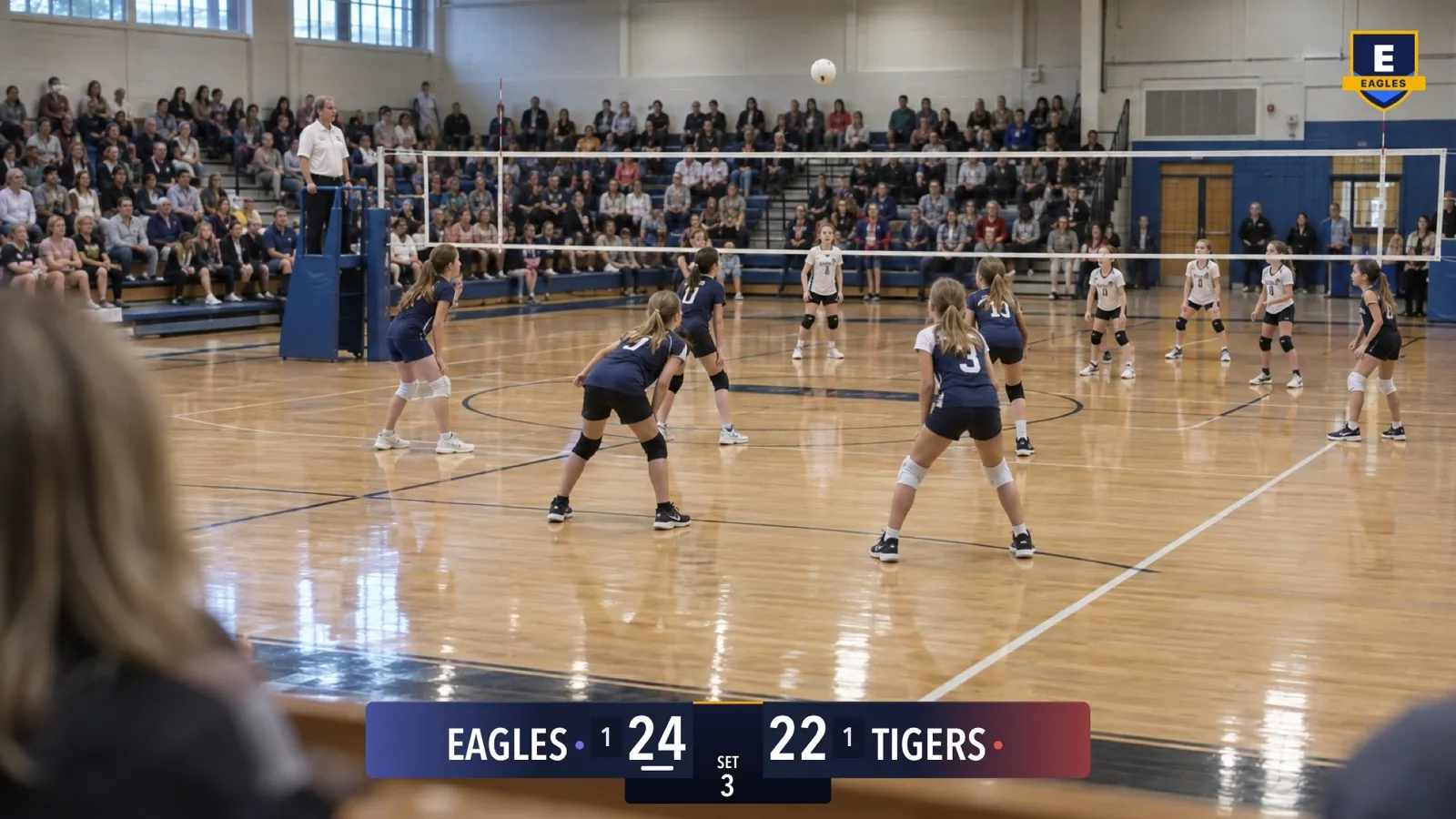
用 CineSportCam 把你的球队标志放进直播画面
让俱乐部队徽出现在每一场直播、每一段录像和每一路 NDI 画面的角落。本文介绍如何准备文件、开启功能、调整位置,以及图片无法载入时该怎么办。
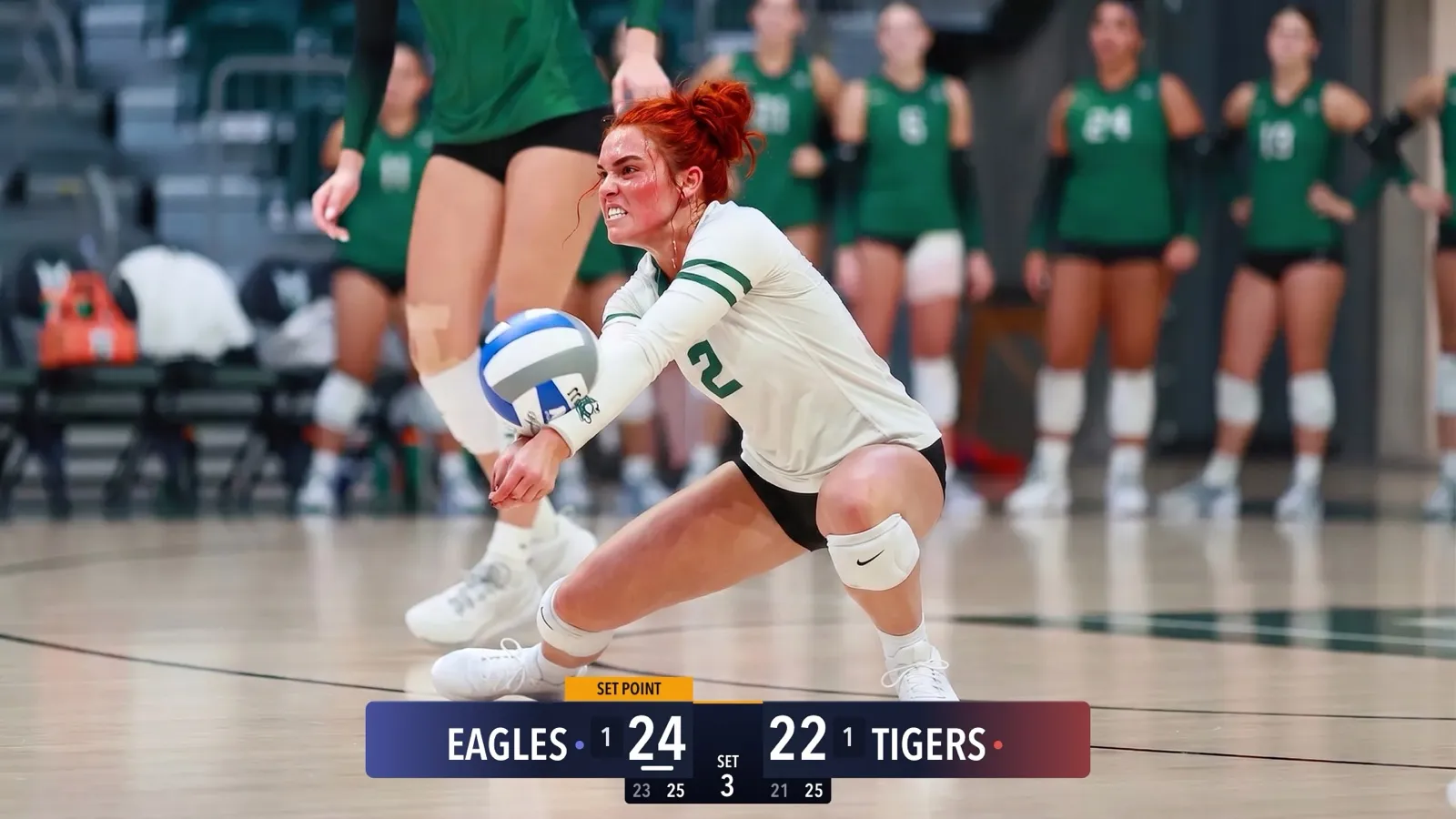
CineSportCam 2.5:全新记分牌登场
四种记分牌外观、你的球队颜色、分局运动的高级记分牌、放在角落的纵向记分牌、沙滩排球,以及一个在真实比赛照片上展示每款记分牌的选择界面。

CineSportCam 2.0: What Is New for Game Day
iPad support, four new sports, 13 languages, overtime that reads right, and a guided first launch. Everything that changed in our biggest update yet.

Running the iPad as Your Scoring Console
CineSportCam 2.0 runs on iPad as a full landscape broadcast and scoring console. Two ways to set it up at a game, and when each one makes sense.
Pickleball Scoring, Explained for Parents
Side-out or rally scoring, singles or doubles, games to 11, 15, or 21. How pickleball scoring works and how CineSportCam 2.0 keeps it straight for you.
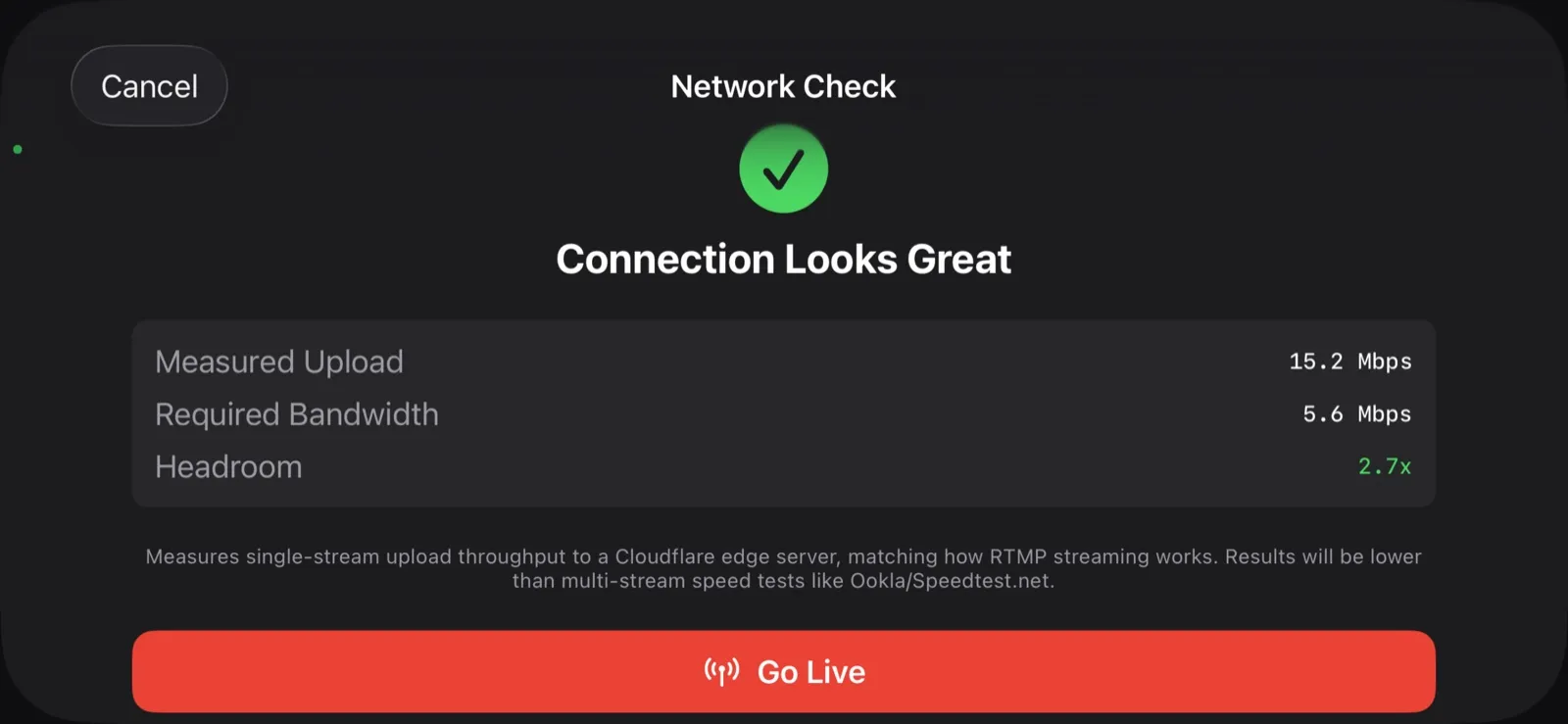
What Happens When the Wi-Fi Drops
Gym Wi-Fi fails. Cellular at the away tournament is worse. Here is exactly what CineSportCam does when the network goes away mid-game, and why your footage is safe.
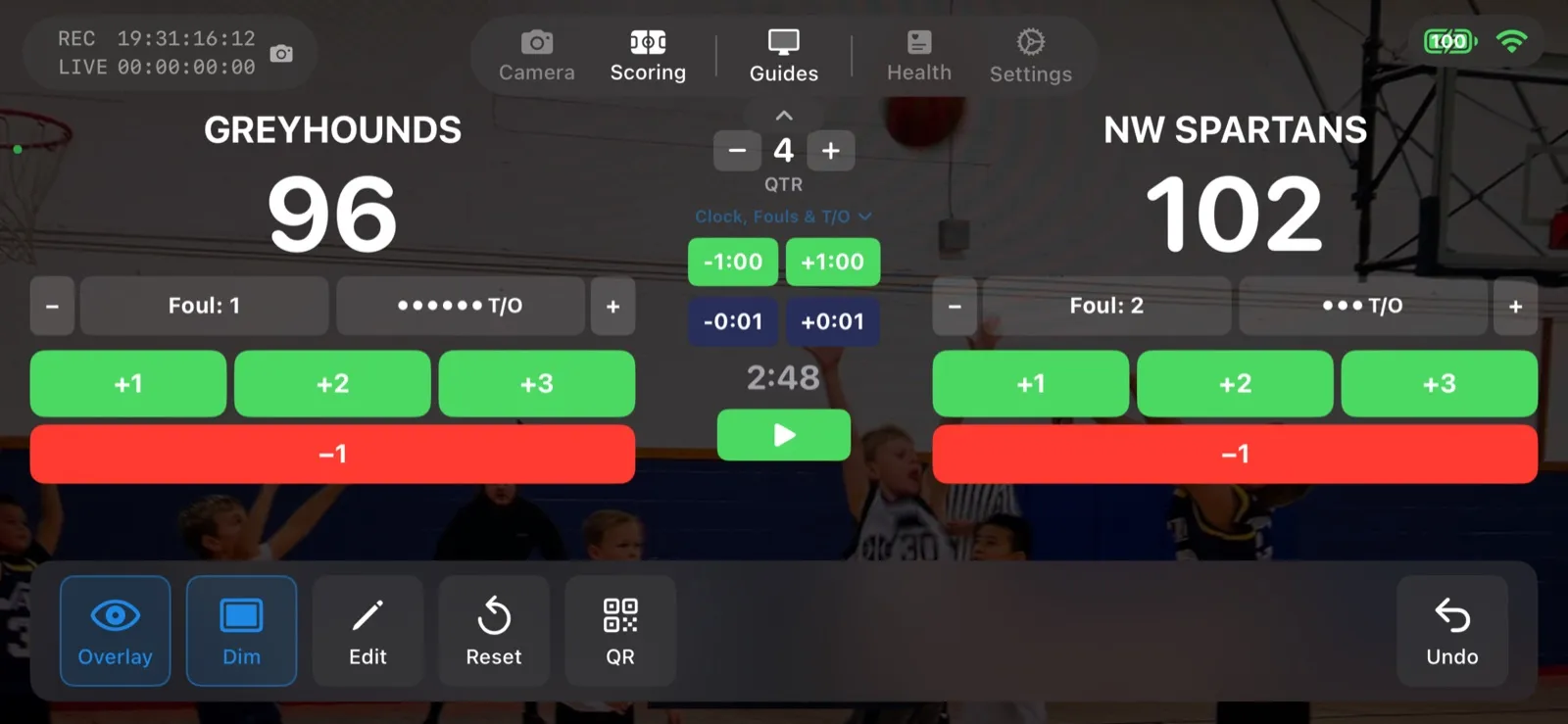
Scoring a Football Game with Down and Distance
How to run the American Football scoreboard in CineSportCam 2.0: quarters, possession, down and distance, the game clock, timeouts, and overtime.
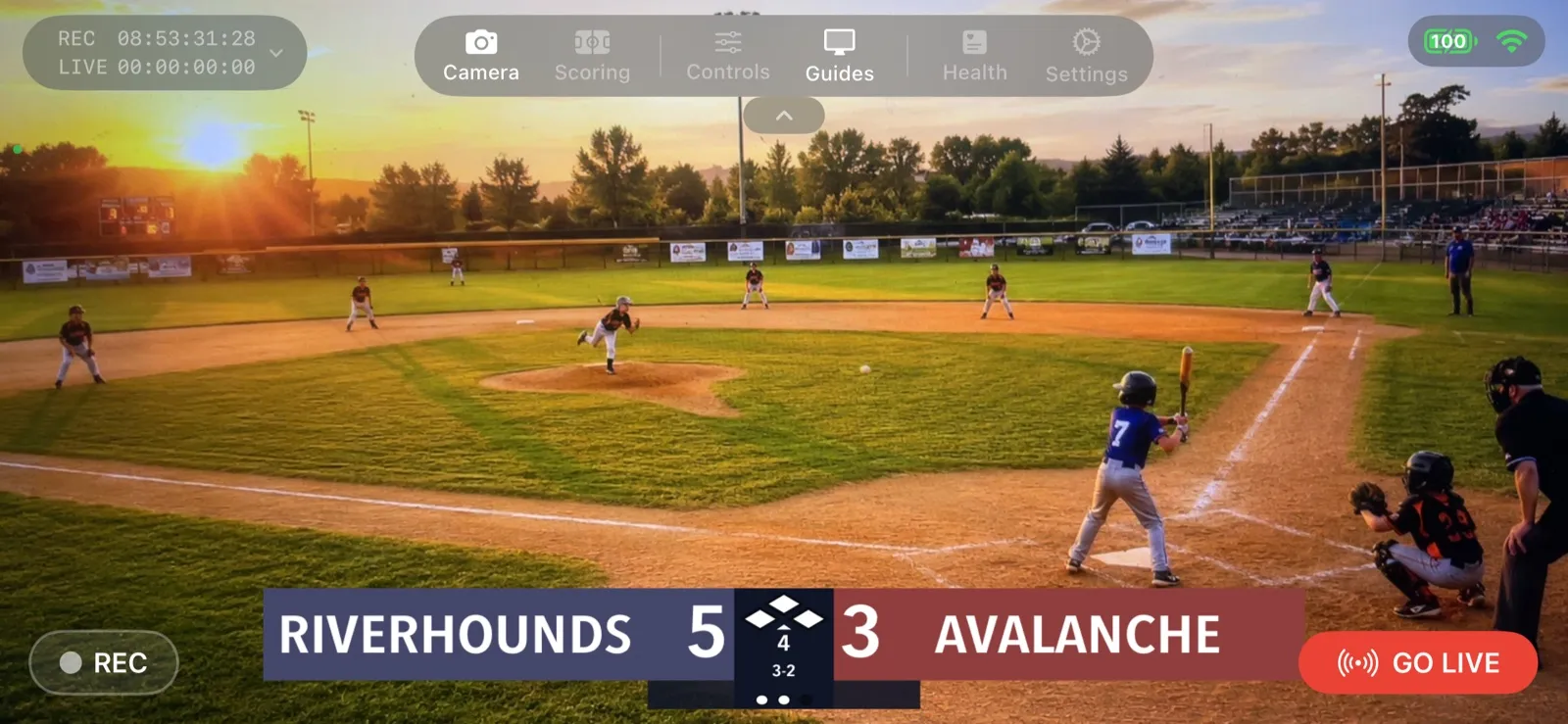
Your First Live Stream: A Step-by-Step Walkthrough
A screen-by-screen guide to going live with CineSportCam 2.0, from opening the app to sharing the link and stopping the stream.

How to Livestream Your Kid's Game in 5 Minutes
The quick version: go live on YouTube, Facebook, or Twitch from the sideline with one iPhone. No extra gear, no logins for viewers.
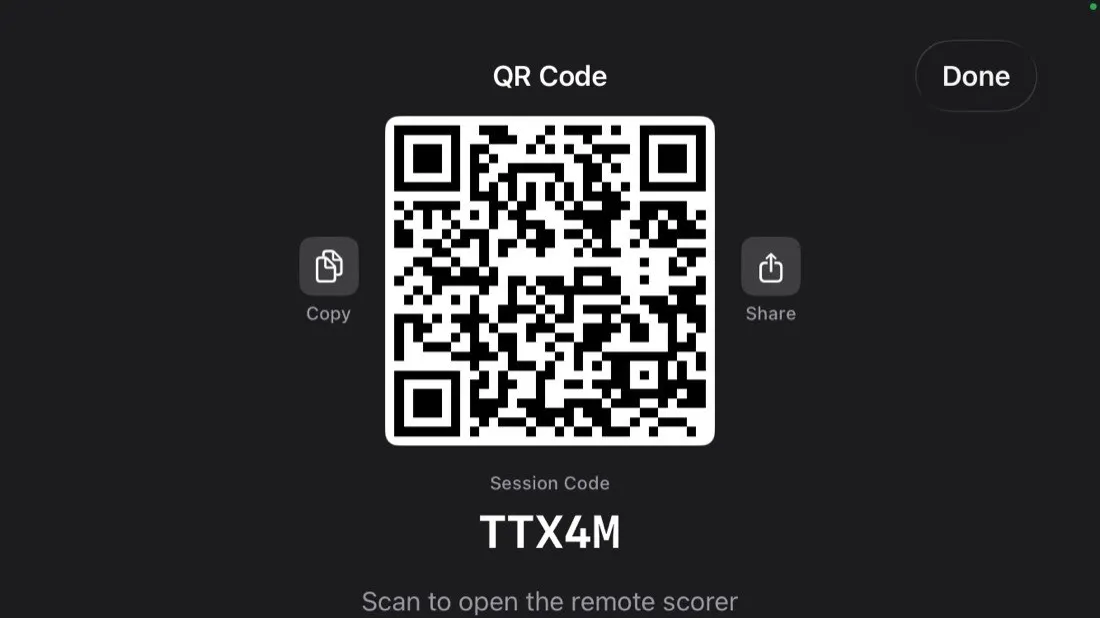
Remote Scoring: Let Someone in the Stands Keep Score
Anyone with a phone can update the scoreboard on your livestream by scanning a QR code. No app, no account. Here is how it works and how to set it up.