Soccer scoreboard guide
Every CineSportCam soccer board, halves or quarters, the match clock, the Indoor / Futsal board, and what viewers see.
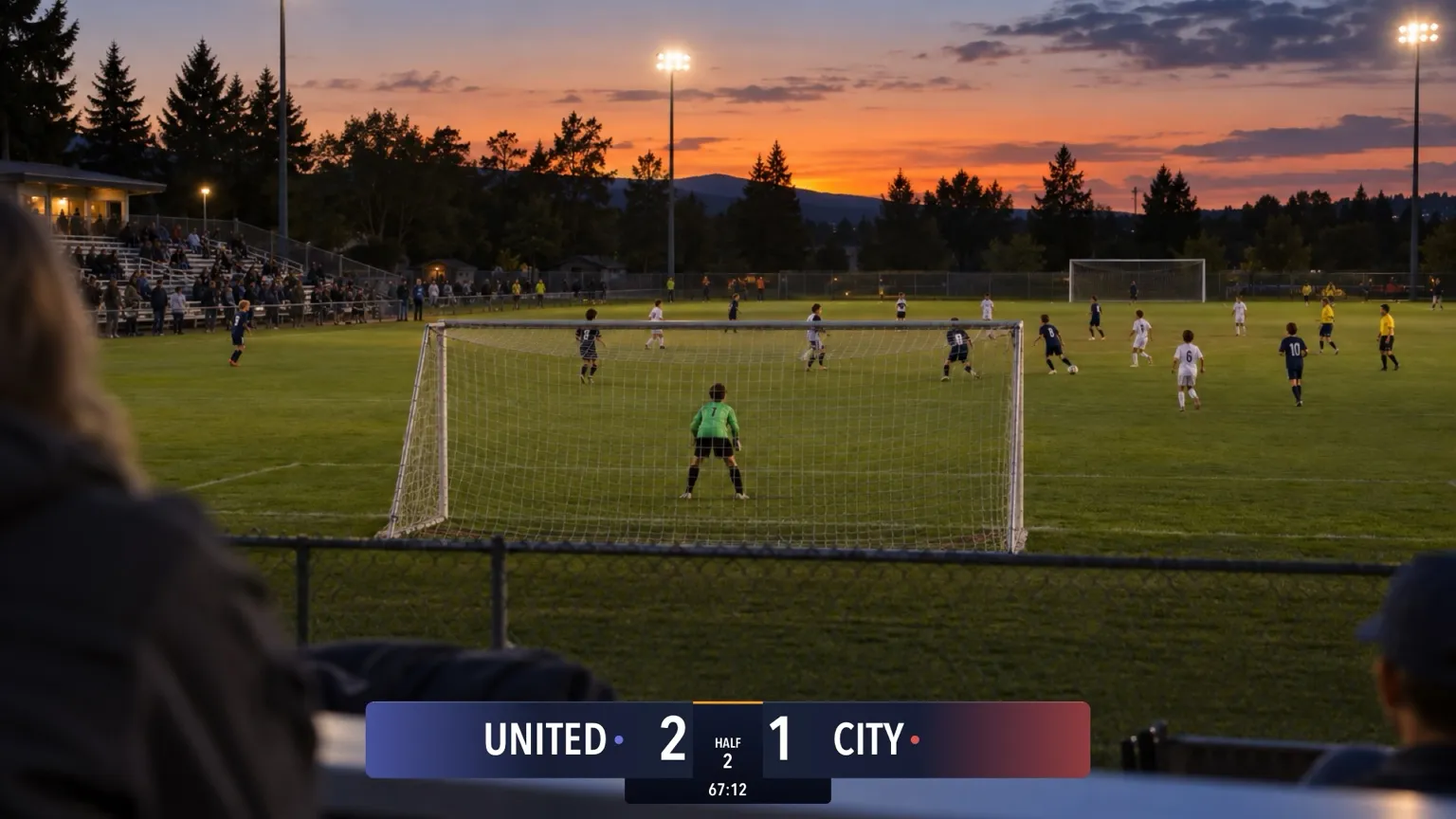
For anyone streaming soccer, outdoors or indoors. The free board already has the match clock and the half, and the rules settings are free too. New to the scoreboard? Start with How to set up your scoreboard.
Pick your board
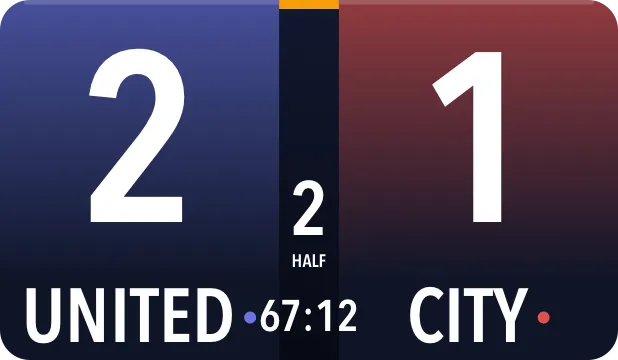
Soccer has 14 boards on 10 cards in the picker: four looks along the top or bottom (each with Standard and Advanced), two Vertical sizes for a corner, and four Compact looks. The Advanced board is the indoor one, named Indoor / Futsal / Advanced in the picker.
Horizontal
Standard

Advanced

Standard

Advanced

Standard

Advanced

Standard

Advanced

Vertical
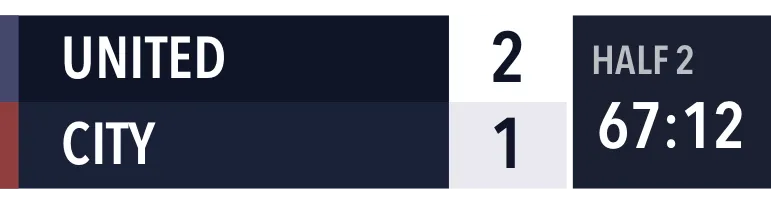
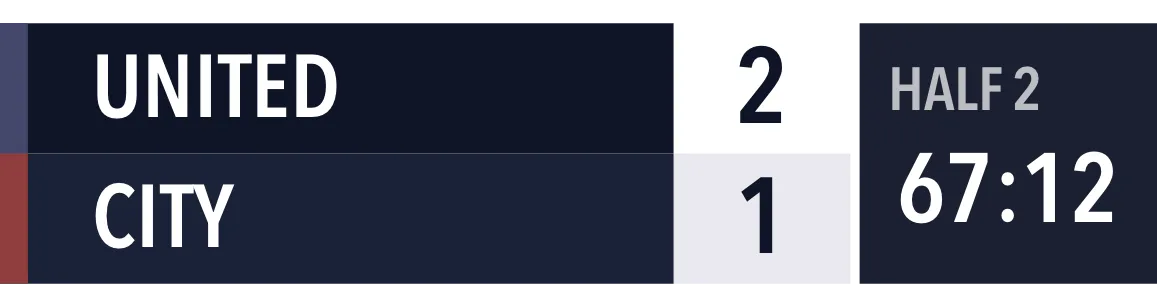
Compact
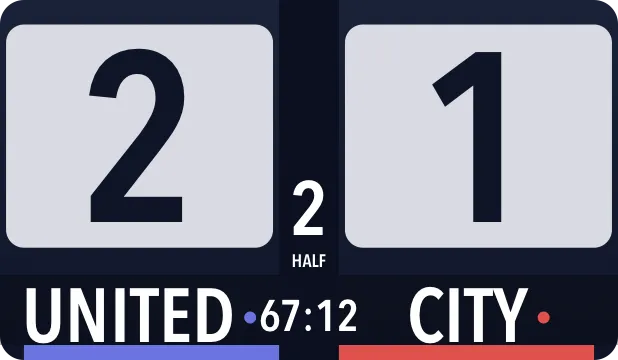
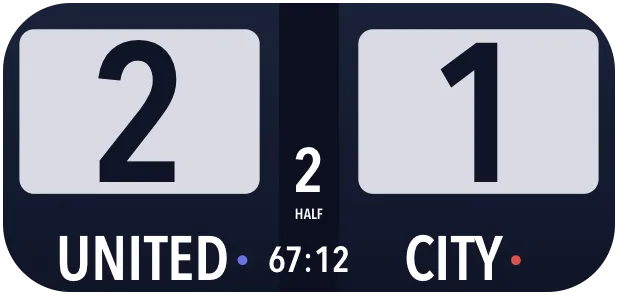
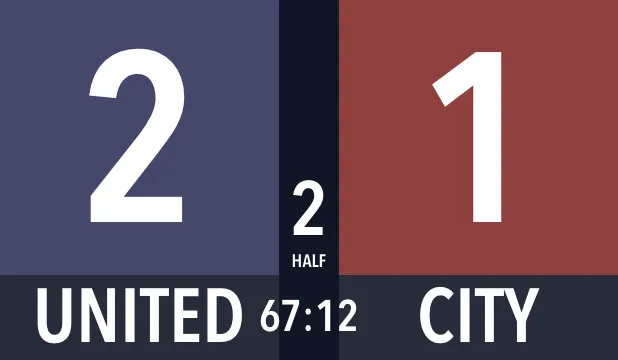
| Board | Free or Pro | What viewers see |
|---|---|---|
| Classic · Standard | Free | Team names, scores, HALF or QTR with the period, and the clock. |
| Broadcast, Studio or Slim · Standard | Pro | The same, in that look and in your team colors. |
| Indoor / Futsal / Advanced, in any look | Pro | The same, plus 6 foul markers per team, with futsal rules. |
| Compact, in any look | Pro | Big scores, the half (or quarter), the team names and the clock. |
| Vertical and Vertical Large | Pro | A row per team with the score, plus the half (or quarter) and the clock, in a corner of the frame. |
Set the rules
Open Settings → Display → Soccer Rules while soccer is selected. Everything here is free.
- Period Structure: Halves (2 × 45 min), the default, or Quarters (4 × 15 min).
- Show match clock puts the clock on the board.
- Indoor or outdoor: choosing the Advanced board in the picker switches on futsal rules, and the Settings row then reads Indoor / Futsal instead of Outdoor.
The app follows the structure you pick:
- The match has 2 halves (or 4 quarters), and the period stops there: there’s no extra time.
- The clock counts up.
Score a game
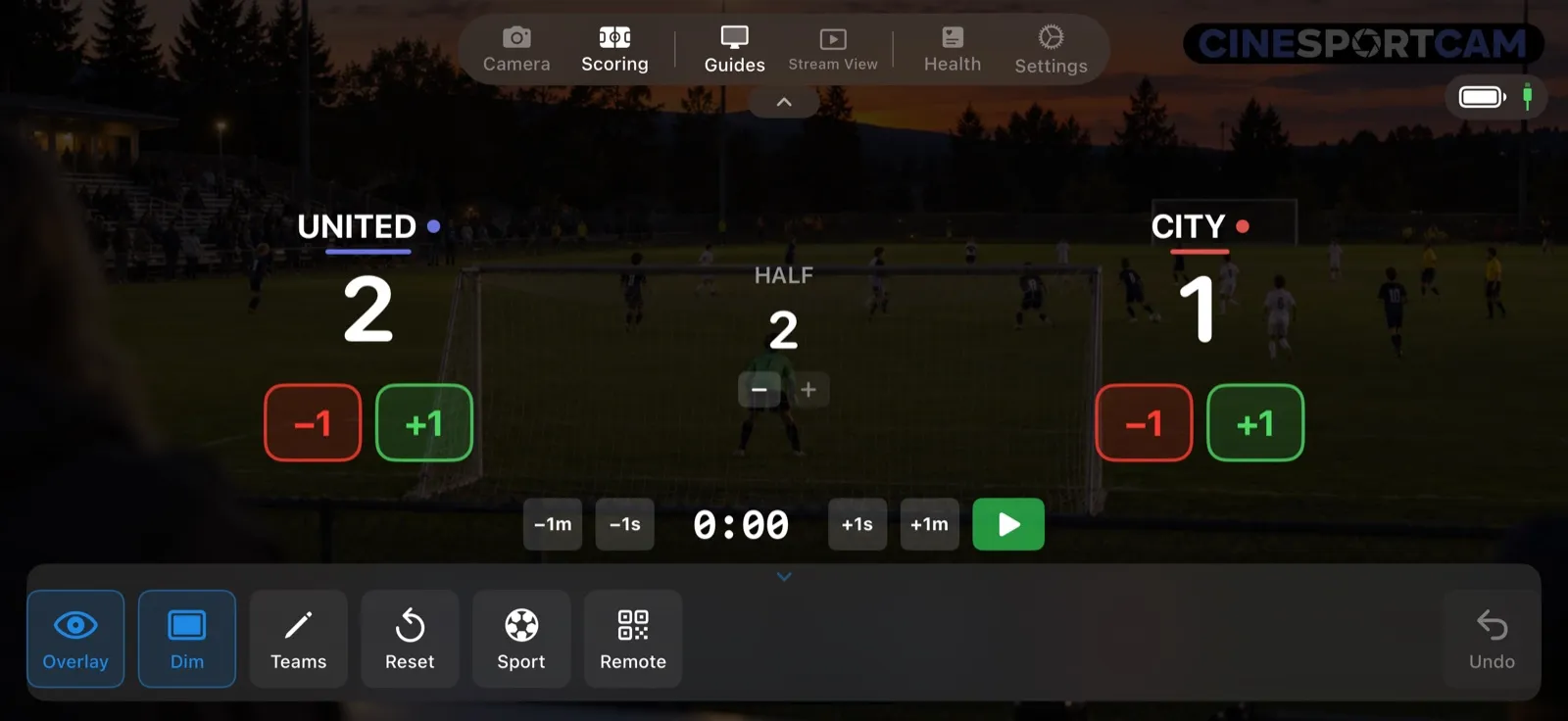
- +1 and −1 for each team.
- The period, with − and +.
- The clock row: −1m, −1s, +1s and +1m to set the clock, and the play and pause button to run it.
What viewers see
UNITED lead CITY 2–1 in the second half.
Remote scoring
The web scorer has the score buttons, the period and a clock bar, and a foul bar on the Indoor / Futsal board. See the remote scoring guide to start a session.
Tips
- Playing quarters? Switch the Period Structure before the game so the board reads QTR.
- The clock is free. Every soccer board has it, including the free Classic board.