Beach volleyball scoreboard guide
Every CineSportCam beach volleyball board, the fixed best-of-3 format, the switch-sides reminder, and what viewers see at match point.
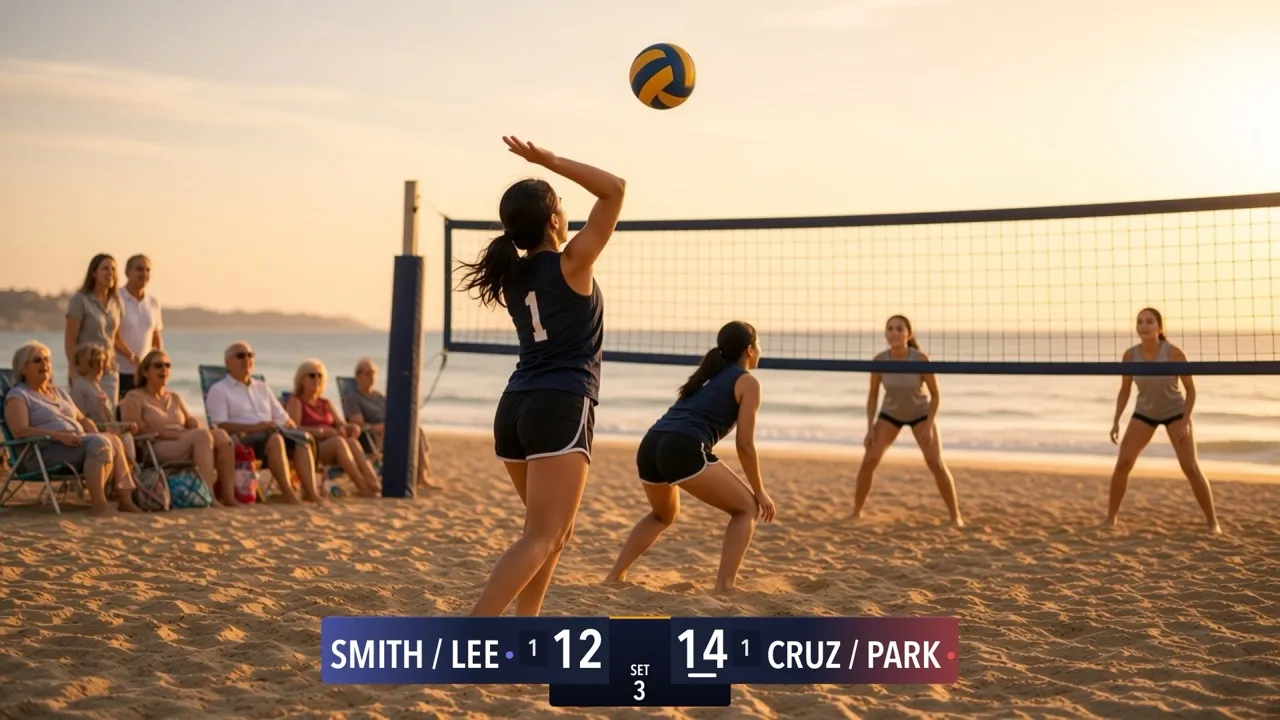
For anyone streaming beach volleyball, from club tournaments to a pair of friends on the sand. The app knows the beach format, keeps the sets and the serve, and reminds you when to switch sides. New to the scoreboard? Start with How to set up your scoreboard.
Pick your board
Beach volleyball has 10 boards on 6 cards in the picker: four looks along the top or bottom (each with Standard and Advanced) and two Vertical sizes for a corner. There’s no Compact board.
Horizontal
Standard

Advanced

Standard

Advanced

Standard

Advanced

Standard

Advanced

Vertical
| Board | Free or Pro | What viewers see |
|---|---|---|
| Classic · Standard | Free | Team names, scores, the set number, a pill for each set won, and a bar under the serving team. You tap Next Set when a set is won. |
| Broadcast, Studio or Slim · Standard | Pro | The same, in that look and in your team colors. You tap Next Set. |
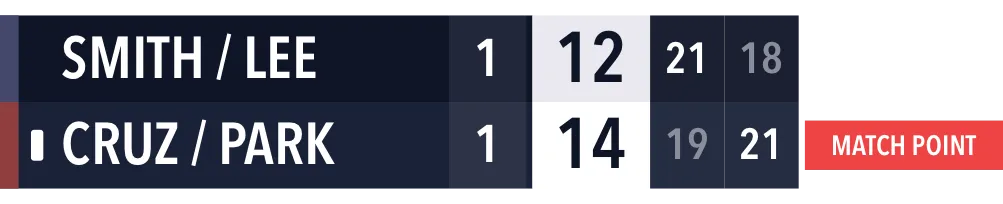
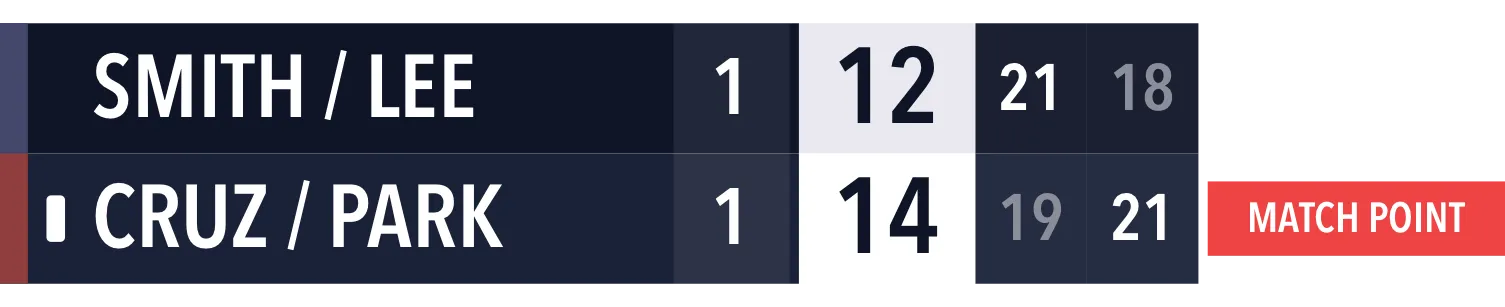
| Advanced, in any look | Pro | Adds up to 2 past set scores under the teams and a SET POINT or MATCH POINT tab over the team that has it. The next set starts by itself. |
| Vertical and Vertical Large | Pro | A row per team with its color, sets won and score, a column for each finished set, and the point tab. The next set starts by itself. |
Set the rules
The beach format is fixed, so there’s nothing to choose:
- Matches are best of 3.
- Sets go to 21 and you have to win by 2. The third set goes to 15.
- The serve and the sets work just like indoor volleyball: tapping +1 gives that team the serve, and the team that lost a set serves first in the next one.
Settings → Display → Beach Volleyball Rules has one setting, Auto Advance Set - Delay: 5 seconds (the default), 10 seconds, 0 (immediate) or Manual (operator advances). It only appears when your board starts the next set by itself.
Score a game
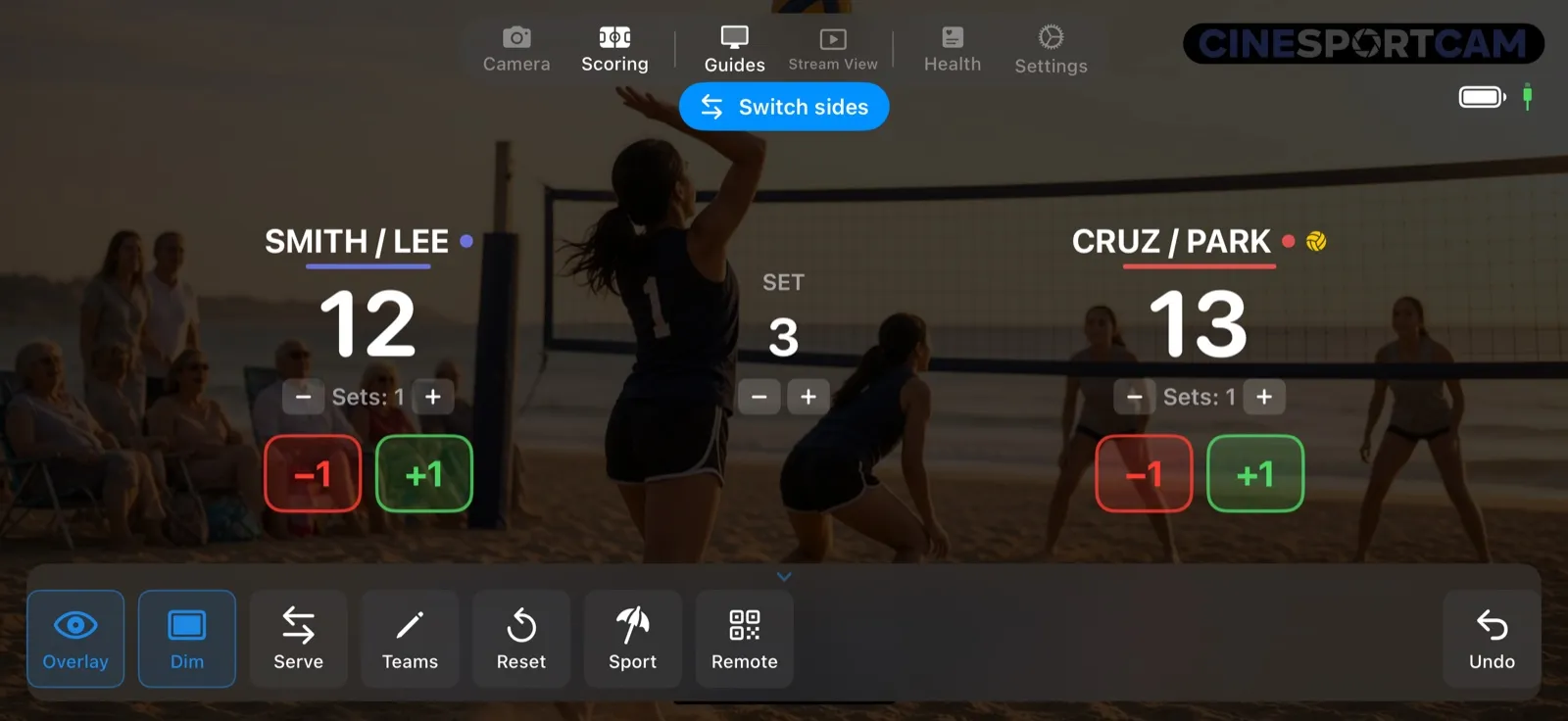
The scoring screen works like indoor volleyball: +1 and −1 for each team, Serve to fix the serve by hand, and the Sets and SET buttons for corrections. When a set is won, the screen says SET COMPLETE: tap Next Set on Standard boards, or let the countdown run on Advanced and Vertical boards.
Switch sides. Every 7 points scored by both teams together (every 5 in the third set), a blue Switch sides banner appears in Scoring mode. It stays until the next point. The reminder is only for you and the scorer: viewers never see it.
What viewers see
The deciding set, and it’s tight: CRUZ / PARK lead SMITH / LEE 14–12 in the third set, which goes to 15. The sets are tied 1–1 (SMITH / LEE won the first 21–19, CRUZ / PARK the second 21–18), and CRUZ / PARK are serving.
- Match point. One more point wins the match, so the Advanced and Vertical boards raise a MATCH POINT tab over CRUZ / PARK.
- The match is won. The winning point ends the match straight away, with no countdown, and the final score stays on the board.
Remote scoring
The web scorer does everything the phone does for beach volleyball, and it shows a SWITCH SIDES line when it’s time to change ends. See the remote scoring guide to start a session.
Tips
- The Switch sides banner is hidden while a won set waits for Next Set.
- Pairs fit. Team names can be up to 20 characters, so “SMITH / LEE” fits fine.